
Table of Contents
- Mini Decision Tree (pick your starting stack)
- Chat Assistants (General Reasoning & Daily Work)
- ChatGPT (OpenAI)
- Claude (Anthropic)
- Google Gemini (AI Pro & Ultra)
- Perplexity (AEO‑style Research Chat)
- Image Generation (Design, Concept Art, Product Shots)
- Midjourney
- DALL·E 3 (OpenAI)
- Video Generation (Storyboards to Polished Clips)
- Veo 3 (Google DeepMind)
- Sora (OpenAI)
- Runway (Gen‑4, Aleph, Act‑Two)
- “Vibe Coding” (App Builders & UI Generators)
- Lovable
- v0 (by Vercel)
- Music Generation (Songs, Stems, Vocal Styles)
- Suno
- Udio
- Research & AI Search (Evidence‑Backed Answers)
- Consensus
- SciSpace
- How to choose (My Decision Heuristics)
- ROI Quick Calculator (back‑of‑the‑envelope)
- Verification & update notes
- Footnotes & sources
Margabagus.com – A startup founder in a midnight edit bay, weaving scenes with an AI that understands camera moves and human dialogue—that’s no longer sci‑fi. In 2025, video models can generate lip‑synced speech, chat assistants can cite sources on the fly, and “vibe coding” tools can scaffold full‑stack apps from a sentence. I wrote this guide for you—the tech‑ and business‑savvy crowd—who want practical picks, transparent pricing, and real trade‑offs. Every pick below is grounded in public documentation and 2025 releases, with sources listed in the footnotes.
Quick tip: If you run a team, sanity‑check data privacy and usage caps before committing. Many “unlimited” tiers now meter usage by credits or message windows.
Mini Decision Tree (pick your starting stack)
- Are you deep in Google Workspace? → Yes: start with Gemini AI Pro. No: start with ChatGPT Plus.
- Do you need answers with citations and live web? → Add Perplexity Pro.
- Primary visual need? → Brand‑safe typography & prompts: DALL·E 3. Aesthetic range/community: Midjourney.
- Video goal? → Quick prototypes in‑chat: Sora. Cinematic + native audio: Veo 3. Editor workflow + predictable pricing: Runway.
- Building product fast? → Full‑stack MVP: Lovable. UI components only: v0.
- Evidence depth? → Peer‑reviewed: Consensus + SciSpace. Ongoing live scans: Perplexity Pro.
Starter bundles (ballpark monthly): – Solo Creator (~$50–$80): ChatGPT Plus + Midjourney Basic + Perplexity Pro (optional) – Lean Startup (~$80–$130): ChatGPT Plus, Runway Standard, v0 Premium – Enterprise Comms (~$270+): Gemini AI Ultra (for Veo 3) + Perplexity Enterprise Pro + Runway Pro
Chat Assistants (General Reasoning & Daily Work)

Image create with Microsoft Copilot.
Category intro: Before you pick a chatbot, align it with your workflow. In this category I evaluate reasoning quality (consistency and traceability), factual accuracy and citation behavior, multimodality (text, image, voice), tool/plugin use, speed and cost per response, privacy/data retention, integrations (Workspace, Office, API), context length, and team features. Use chat assistants for drafting, summarizing, spreadsheet formulas, light debugging, and rapid research—then hand off to specialist tools when you need finer control.
Selection criteria checklist: – Reasoning quality and factuality (self‑checks, citations) – Multimodality (text, image, voice) and tool use – Context window, memory, and retrieval – Speed, reliability, and cost per message – Integrations (Workspace/Office/API) – Data retention and enterprise controls – Team features and sharing/audit – Rate limits and credit caps
Comparison snapshot:
| Tool | Strengths | Pricing (Aug 2025) | Link |
| ChatGPT | Versatile, Sora access, strong ecosystem | $20/mo Plus; $200/mo Pro | openai.com/chatgpt |
| Claude | Long context, careful reasoning, artifacts | $20/mo Pro; from $100/mo Max | anthropic.com/claude |
| Gemini | Workspace integration, Deep Research, Veo 3 | $19.99/mo AI Pro; $249.99/mo Ultra | gemini.google/subscriptions |
| Perplexity | Cited live answers, Deep Research | $20/mo Pro; $200/mo Max; $40/seat/mo Enterprise Pro | perplexity.ai |
Hands‑on prompt recipes: – Tone‑adaptive brief: “You are a product strategist. Summarize the attached spec for a non‑technical CEO in 150 words, then list 5 risks with citations and confidence scores.” – Structured output: “Draft a one‑page PRD. Sections: Goal, Users, Scenarios, Requirements (MUST/SHOULD/COULD), Open Questions. Use bullet points. Ask one clarifying question at the end.”
ChatGPT (OpenAI)
What it is: A versatile chat assistant with strong reasoning, tool use (code, charts, images, video via Sora), and a huge ecosystem.
Why it stands out: Consistent output quality, broad third‑party support, and Plus/Pro tiers that unlock the newest models and Sora access for short clips.
Best for: Power users who want an all‑rounder assistant for analysis, writing, coding help, and multimodal tasks.
Pricing & access: Plus $20/mo; Pro $200/mo. Access: openai.com/chatgpt
Claude (Anthropic)
What it is: A safety‑forward assistant known for readable long‑form answers, extended thinking modes, and very large context.
Why it stands out: Excellent instruction‑following, strong coding help, and expanding context limits for heavy documents/codebases. “Artifacts” make sharing runnable outputs easier.
Best for: Founders and analysts who want long, careful reasoning and clean writing; teams that value safety guardrails.
Pricing & access: Pro $20/mo (or ~$17/mo annually); Max tiers from $100/mo. Access: anthropic.com/claude
Google Gemini (AI Pro & Ultra)
What it is: Google’s multimodal assistant integrated across Search, Chrome, and Workspace; unlocks Veo 3 video via plans.
Why it stands out: Tight integration with Gmail/Docs/Drive, Deep Research, and access to Veo 3 (video) in supported tiers.
Best for: Heavy Workspace users; teams that need Search + Docs integration and video generation in one subscription.
Pricing & access: AI Pro $19.99/mo (region‑dependent); AI Ultra $249.99/mo. Access: gemini.google/subscriptions
Perplexity (AEO‑style Research Chat)
What it is: An answer engine that searches the live web and cites sources in‑line, with “Deep Research” and Labs for structured outputs.
Why it stands out: Fast, source‑backed answers; great for product/market scans and quick briefs.
Best for: Researchers, PMs, and solo founders who need trustworthy, linked answers quickly.
Pricing & access: Pro $20/mo; Max $200/mo; Enterprise Pro $40/seat/mo. Access: perplexity.ai
Check out this fascinating article: GPT-5 vs Claude Opus 4.1: The Ultimate Developer Showdown – Coding, Reasoning & API Performance
Image Generation (Design, Concept Art, Product Shots)
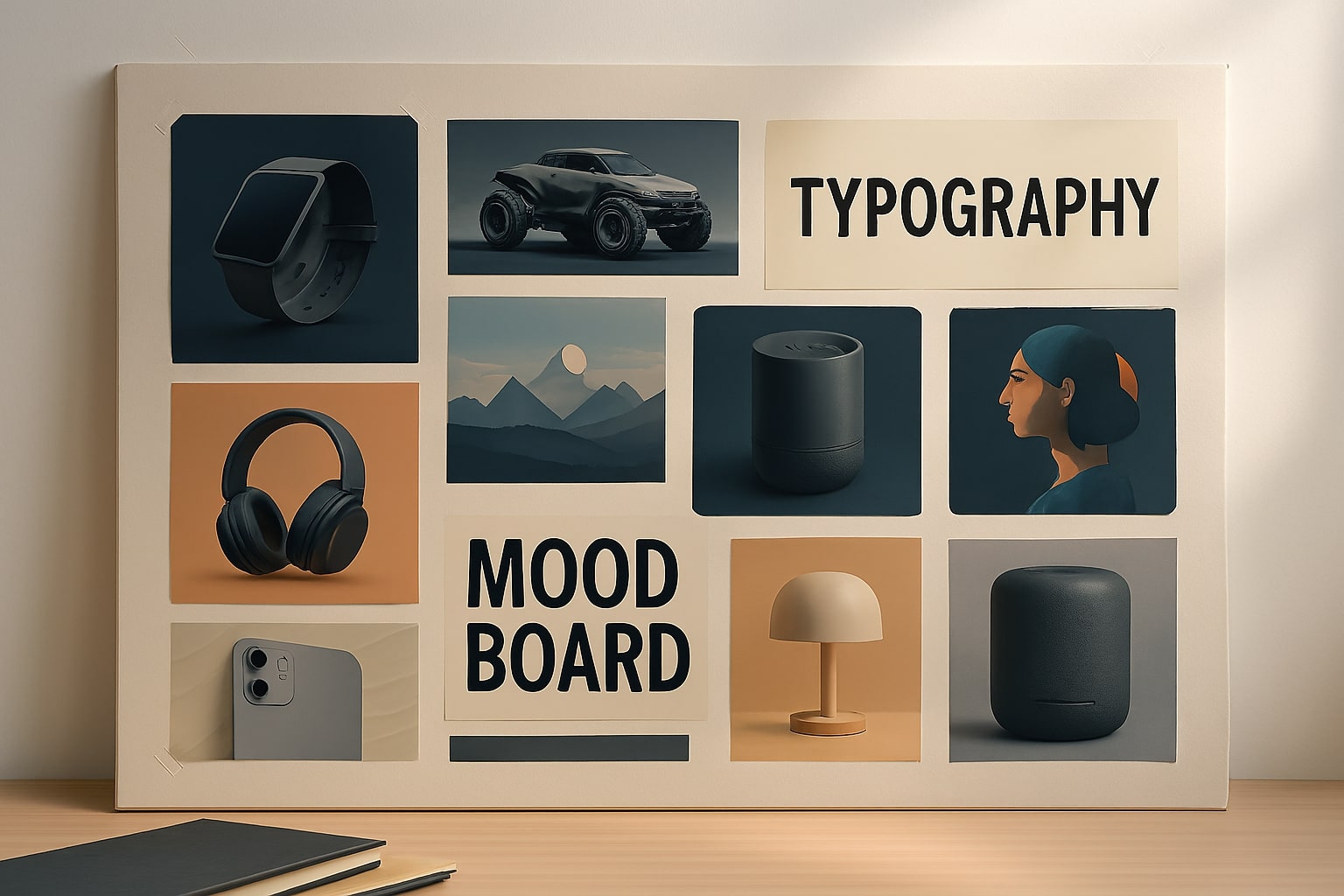
Image create with Microsoft Copilot.
Category intro: In AI imaging the core trade‑off is aesthetic quality vs. control and brand safety. I score prompt adherence, style steerability, typography/text fidelity, layout control, in/out‑painting, upscaling, batch/seed reproducibility, reference use, IP filters, and commercial licensing. For brands, consistency and rights often matter more than raw “wow.”
Selection criteria checklist: – Prompt adherence and style steerability – Text/typography fidelity and layout control – Reference image control and variations – In/out‑painting and upscaling quality – Batch/seed reproducibility – Brand consistency tools – IP filters and commercial licensing – Cost per image and queue modes
Comparison snapshot:
| Tool | Strengths | Pricing (Aug 2025) | Link |
| Midjourney | Aesthetic range, community, Relax Mode | $10/$30/$60/$120 mo tiers | midjourney.com |
| DALL·E 3 | Prompt fidelity, brand‑safe defaults, ChatGPT UX | Included in ChatGPT; API per‑image | openai.com/api/pricing |
Hands‑on prompt recipes: – Brand‑guided concept: “Product hero image for eco‑friendly soap, minimal composition, white background, brand colors #1a365d and #ed8936, clear label text, 4 angles, consistent lighting.” – Layout‑aware banner: “Website hero, 16:9, negative space left for H1, crisp typography, no text baked into image, soft rim light, export 2x for retina.”
Midjourney
What it is: A stylistically diverse image/video generator with strong aesthetics and active community.
Why it stands out: Beautiful stylization, “Relax Mode” for unlimited image generations on most tiers, and pro controls (stealth, concurrency).
Best for: Creators and marketers chasing high‑impact visuals quickly.
Pricing & access: Basic $10/mo, Standard $30/mo, Pro $60/mo, Mega $120/mo (annual discounts available). Access: midjourney.com
DALL·E 3 (OpenAI)
What it is: OpenAI’s image model, integrated with ChatGPT and available via API.
Why it stands out: Strong prompt adherence, typography, and brand‑safe defaults; simple to use inside ChatGPT.
Best for: Teams already in the OpenAI stack; ad‑hoc concepting with clear, repeatable prompts.
Pricing & access: Included in ChatGPT app tiers; API billed per image (typical outputs start around ~$0.01–$0.17 depending on quality/size). Access: platform.openai.com/pricing
Video Generation (Storyboards to Polished Clips)
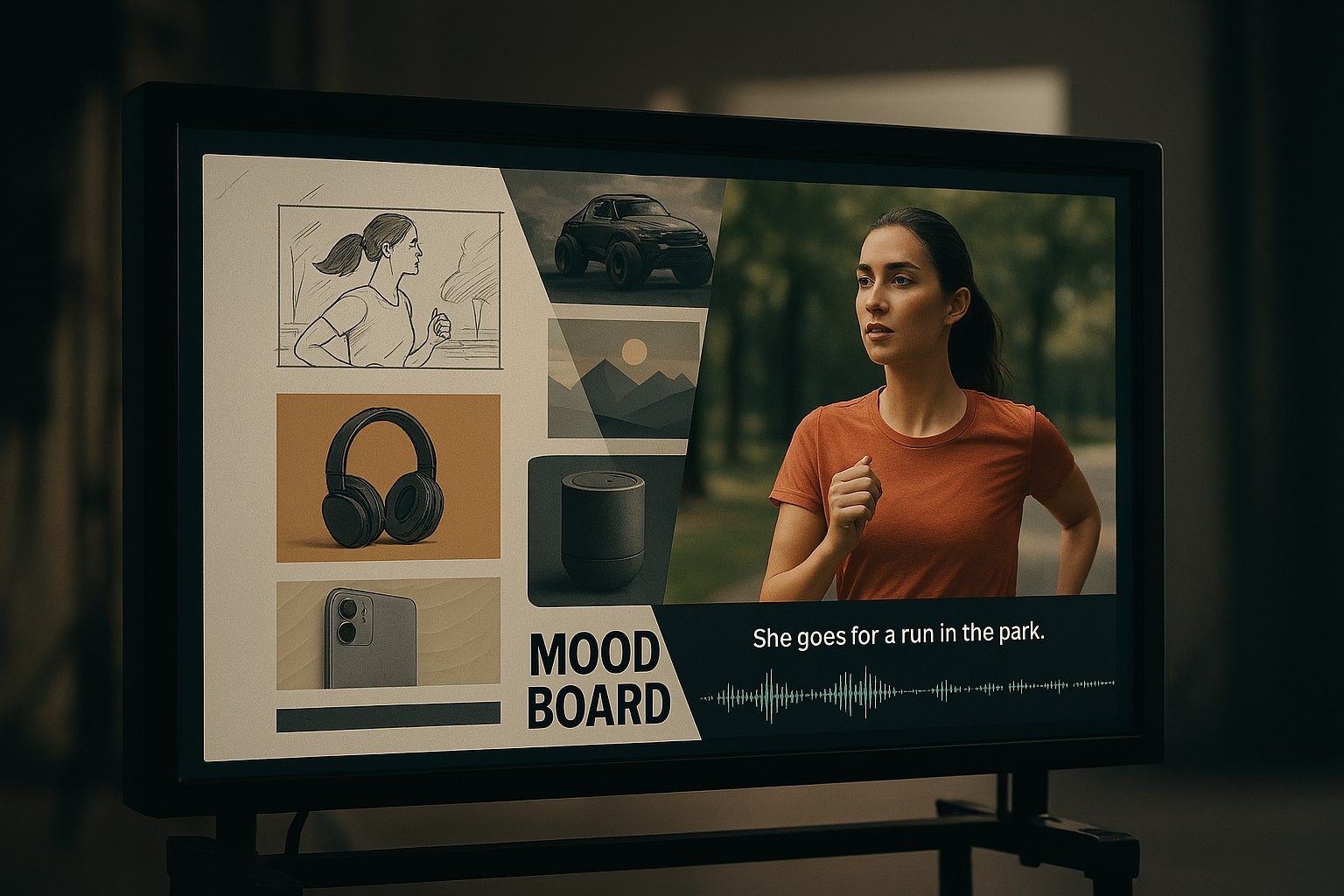
Image create with Microsoft Copilot.
Category intro: Generative video in 2025 is impressive but still bounded by clip length, character consistency, physics, and camera control. I evaluate storyboard‑to‑shot‑list flow, camera/motion control, lip‑sync quality, cross‑shot consistency, timeline editing, native audio (dialog/FX/music), watermarking, resolution/fps, and per‑second pricing. Best practice: write a prompt → create a short animatic → iterate scenes → finish in an editor.
Selection criteria checklist: – Camera/motion control and shot planning – Lip‑sync, physics, and temporal coherence – Character/story consistency across scenes – Timeline editing and keyframing – Native audio (dialog, SFX, music) – Watermark and license terms – Resolution/fps and export controls – Per‑second pricing and quotas
Comparison snapshot:
| Tool | Strengths | Pricing (Aug 2025) | Link |
| Veo 3 | Cinematic control, native audio | Via AI Ultra $249.99/mo; API ~$0.75/sec | deepmind.google/models/veo |
| Sora | Fast ideation inside ChatGPT | Included in Plus/Team/Pro (tier limits apply) | help.openai.com |
| Runway | Editor workflow, clear credit pricing | $0/$12/$28/$76 user/mo (annual) | runwayml.com/pricing |
Hands‑on prompt recipes: – Storyboard prompt: “3‑shot product tease: macro texture → wide lifestyle → CTA packshot; handheld feel, 24fps, soft daylight, natural VO placeholder.” – Remix prompt: “Take this 8s clip, maintain character and outfit, new background: modern office at sunset, add subtle camera push‑in, preserve lip‑sync.”
Veo 3 (Google DeepMind)
What it is: A state‑of‑the‑art video model that generates clips with native audio—music, SFX, even dialogue—with improved physics and lip‑sync.
Why it stands out: Cinematic prompt control, text‑to‑video and image‑to‑video workflows, and access through Gemini/Flow and Vertex AI.
Best for: Creators and studios that want premium fidelity and integrated audio.
Pricing & access: Available via Google AI Ultra $249.99/mo; API guide prices around $0.75/second of output. Access: deepmind.google/models/veo
Sora (OpenAI)
What it is: OpenAI’s video generator integrated into ChatGPT for short clips.
Why it stands out: Simple UX inside ChatGPT; fast iteration for mood boards, ads, and social cuts.
Best for: Solo creators and teams prototyping concepts or short assets.
Pricing & access: Included for ChatGPT Plus/Team/Pro with clip and resolution limits that vary by tier. Access: help.openai.com → Sora
Runway (Gen‑4, Aleph, Act‑Two)
What it is: A full creative suite—video generation, editing, lip‑sync voices, and asset management—geared for production pipelines.
Why it stands out: Clear credit‑based pricing, watermark‑free exports on paid tiers, and strong editor workflows.
Best for: Agencies and content teams that need an end‑to‑end tool and predictable costs.
Pricing & access: Free $0 (125 one‑time credits), Standard $12/user/mo (annually), Pro $28/user/mo (annually), Unlimited $76/user/mo (annually). Access: runwayml.com/pricing
“Vibe Coding” (App Builders & UI Generators)
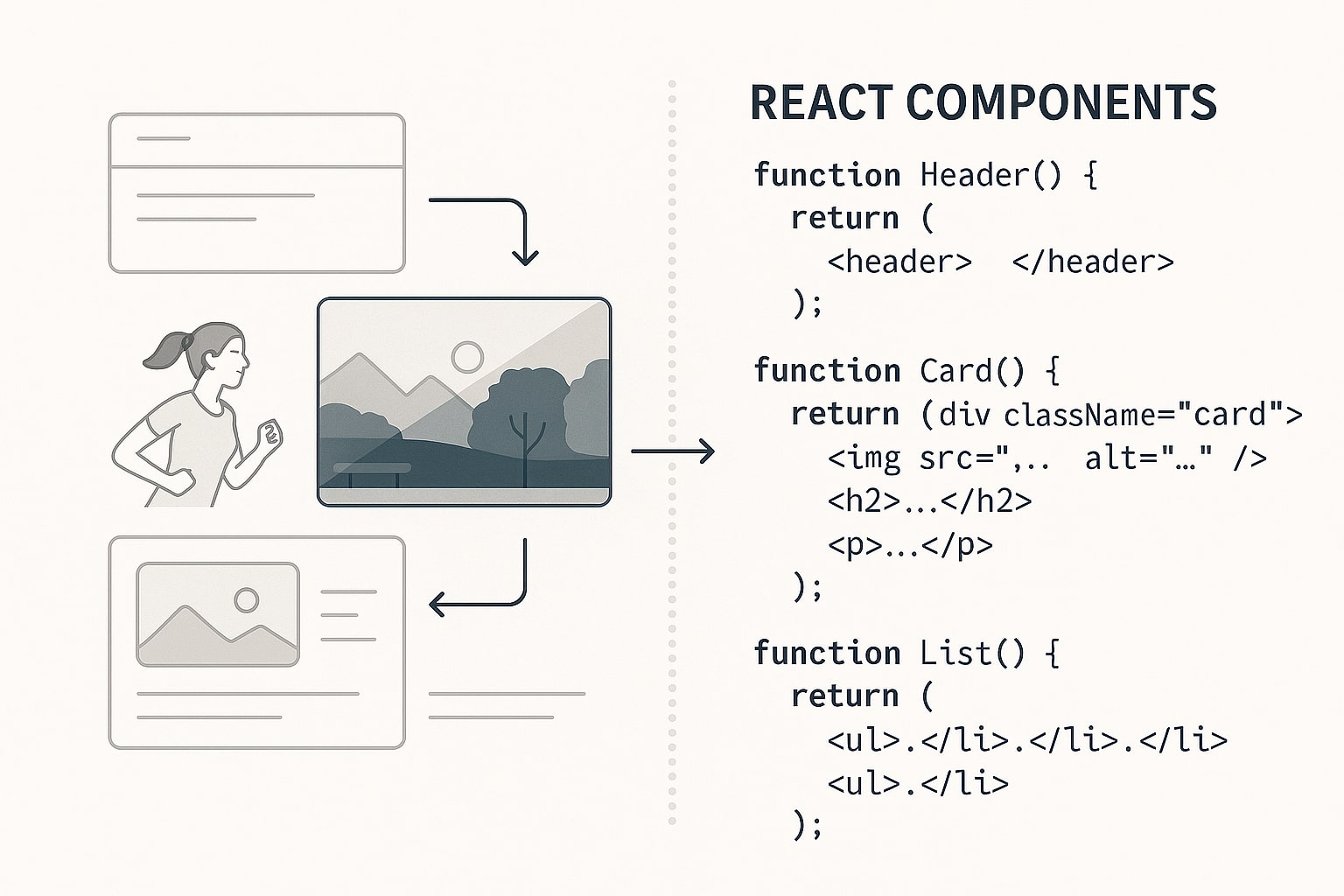
Image create with Microsoft Copilot.
Category intro: “Vibe coding” turns natural‑language descriptions into working apps—perfect for MVPs and internal tools. I look at code quality (architecture, UI components), code ownership/export, framework fit (React/Next.js, Tailwind, shadcn), GitHub/Vercel integration, testing, authentication, secret management, database migrations, and vendor lock‑in risk. Ideate here, then graduate to a conventional pipeline as complexity grows.
Selection criteria checklist: – Code quality, architecture, and readability – Ownership/export and licensing terms – Framework fit (React/Next.js, Tailwind, shadcn) – GitHub/Vercel integrations and CI/CD – Auth, secrets, and env management – Database migrations and seed data – Test coverage and code review UX – Vendor lock‑in risk and exportability
Comparison snapshot:
| Tool | Strengths | Pricing (Aug 2025) | Link |
| Lovable | Natural‑language → full‑stack app | Free; Pro $25/mo; Business | lovable.dev |
| v0 | High‑quality React/Next UI code | Free; Premium $20/mo; API | v0.dev |
Hands‑on prompt recipes: – Full‑stack scaffold: “Generate a CRUD SaaS starter: users, billing placeholder, audit log, settings. Next.js + Prisma + Postgres + shadcn. Dark/light theme, unit tests.” – Component burst: “Create a responsive pricing section in Tailwind with 3 plans, toggles (monthly/annual), and FAQ accordion. Export as TypeScript component.”
Lovable
What it is: A chat‑based full‑stack app builder—describe what you want, and Lovable scaffolds frontend, backend, and integrations.
Why it stands out: Natural‑language to working code, prompt libraries, and collaboration; great for MVPs and internal tools.
Best for: Non‑dev founders and lean teams who need to ship quickly but keep real code.
Pricing & access: Free tier; Pro $25/mo; Business available. Access: lovable.dev
v0 (by Vercel)
What it is: A generative UI assistant that produces React/Next.js + Tailwind/shadcn code, with Premium credits and an API.
Why it stands out: High‑quality UI code, tight Vercel/GitHub workflows, and token‑based pricing that scales.
Best for: Frontend teams and designers who want production‑ready components fast.
Pricing & access: Free $0/mo (monthly credits), Premium $20/mo (more credits, API). Access: v0.dev
Music Generation (Songs, Stems, Vocal Styles)
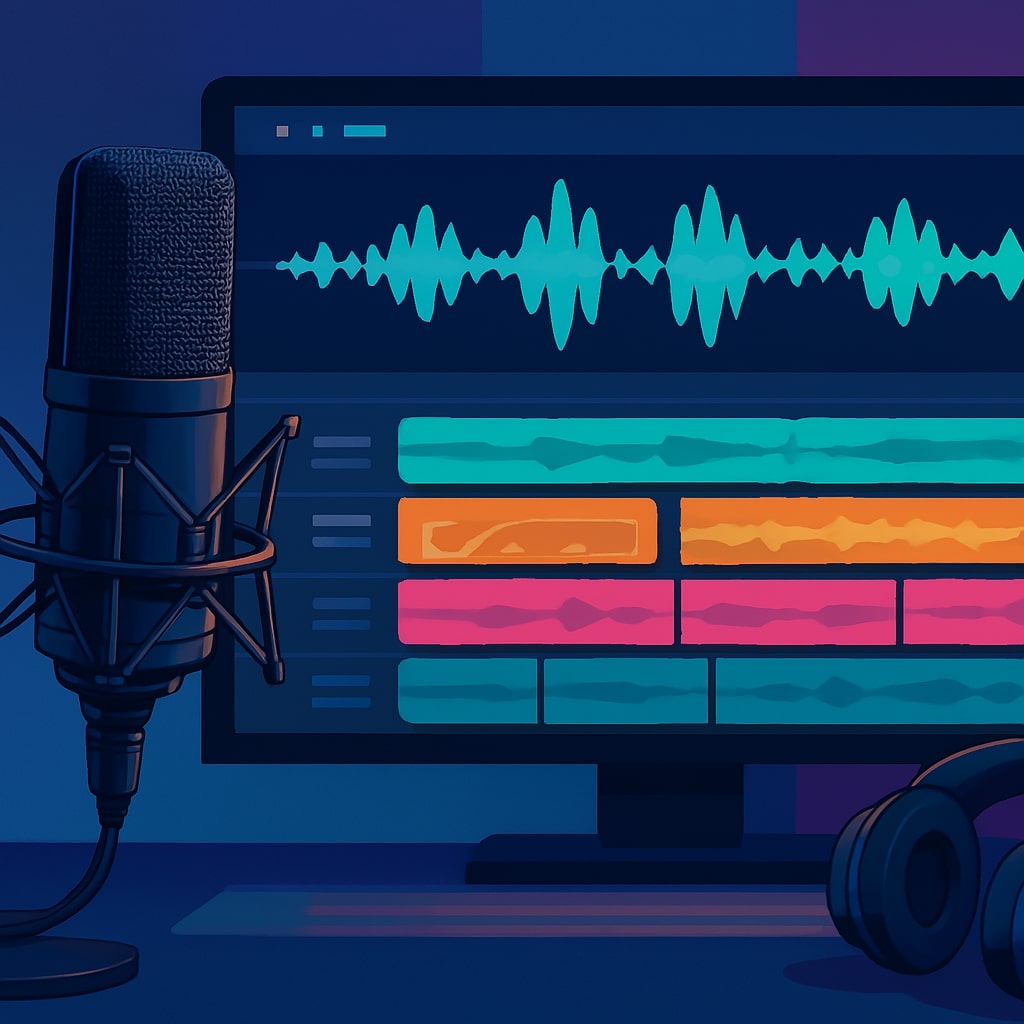
Image create with Microsoft Copilot.
Category intro: Music AI serves two needs: quick demos/ideas and legally sound commercial releases. I assess vocal and arrangement quality, structure control (verse/chorus/bridge), tempo/key, WAV/stem export, latency, ease of revision, licensing terms (commercial use, attribution, Content ID), and voice‑likeness policies. Great for jingles, UGC, and soundtrack mockups—just verify rights before distribution.
Selection criteria checklist: – Vocal realism, style range, and harmony – Structure control (sections, length, tempo/key) – Stems/WAV export and DAW workflow – Latency and iteration speed – Licensing (commercial, attribution, Content ID) – Voice likeness and safety policies – Mobile app and collaboration features – Pricing by credits/length caps
Comparison snapshot:
Hands‑on prompt recipes: – Ad jingle: “15‑second upbeat pop with female vocal, 105 BPM, key C major, lyrics: ‘Fresh start, bright day, we go further,’ tight mix for Instagram.” – Style transfer: “Same melody, new genre: lo‑fi chillhop, mellow vocals, add vinyl crackle, export stems for mastering.”
Suno
What it is: Text‑to‑music with catchy vocals and rapid iteration; now with richer mixing and reference controls.
Why it stands out: Radio‑ready vocals, quick hooks for ads/shorts, and clear commercial terms on paid tiers.
Best for: Creators who need full songs with vocals fast (UGC, ads, demos).
Pricing & access: Free plan available; Pro and higher tiers from $10–$30/mo with commercial terms. Access: suno.com/pricing
Udio
What it is: A fast‑rising music model with detailed song editing, style references, WAV/stem exports, and mobile app.
Why it stands out: Strong vocal realism and arrangement controls; practical for songwriting workflows.
Best for: Songwriters and creators who want editable songs and multitrack exports.
Pricing & access: Free tier; Standard $10/mo, Pro $30/mo (credits and features scale). Access: udio.com
Check out this fascinating article:
Research & AI Search (Evidence‑Backed Answers)

Image create with Microsoft Copilot.
Category intro: Two archetypes: answer engines (pull live web info with citations) and academic engines (peer‑reviewed literature). I score citation quality and source diversity, date/context controls, ability to extract direct quotes, audit modes (“view sources”), export (PDF/CSV/BibTeX), and team/privacy features. Use answer engines for horizon scans; academic engines for decisions that require peer‑reviewed evidence.
Selection criteria checklist: – Citation quality and source diversity – Date filters and recency controls – Quote extraction and note‑taking – Audit modes and transparency – Exports (PDF/CSV/BibTeX/Zotero) – Team spaces and permissioning – Coverage (web vs literature) – API availability and rate limits
Comparison snapshot:
| Tool | Strengths | Pricing (Aug 2025) | Link |
| Consensus | Peer‑reviewed answers, study filters | Free; paid plans available | consensus.app |
| SciSpace | Agentic research, drafting flows | From ~$8/user/mo | scispace.com |
| (See also) Perplexity | Live web with citations | $20 Pro; $200 Max; $40/seat Enterprise Pro | perplexity.ai |
Hands‑on prompt recipes: – Systematic review seed: “Summarize RCT evidence on intermittent fasting for weight loss in adults since 2020. Extract sample size, effect size, and limitations in a table.” – Market scan: “List top 10 logistics AI startups in SEA, funding and notable customers, with source links. Return CSV.”
Consensus
What it is: An academic search engine that answers questions from peer‑reviewed literature with structured summaries.
Why it stands out: Filters by study design/sample size and exposes agreement levels; ideal for policy, bio/med, and scientific due diligence.
Best for: Analysts who need evidence‑based answers, not just web summaries.
Pricing & access: Free tier; paid plans available. Access: consensus.app
SciSpace
What it is: A research agent with access to hundreds of millions of papers; supports systematic reviews and drafting flows.
Why it stands out: End‑to‑end workflows (search → analyze → draft), team features, and generous agent credits on paid tiers.
Best for: Research teams and startups compiling literature, methods, and citations quickly.
Pricing & access: From ~$8/user/mo (varies by tier). Access: scispace.com
How to choose (My Decision Heuristics)
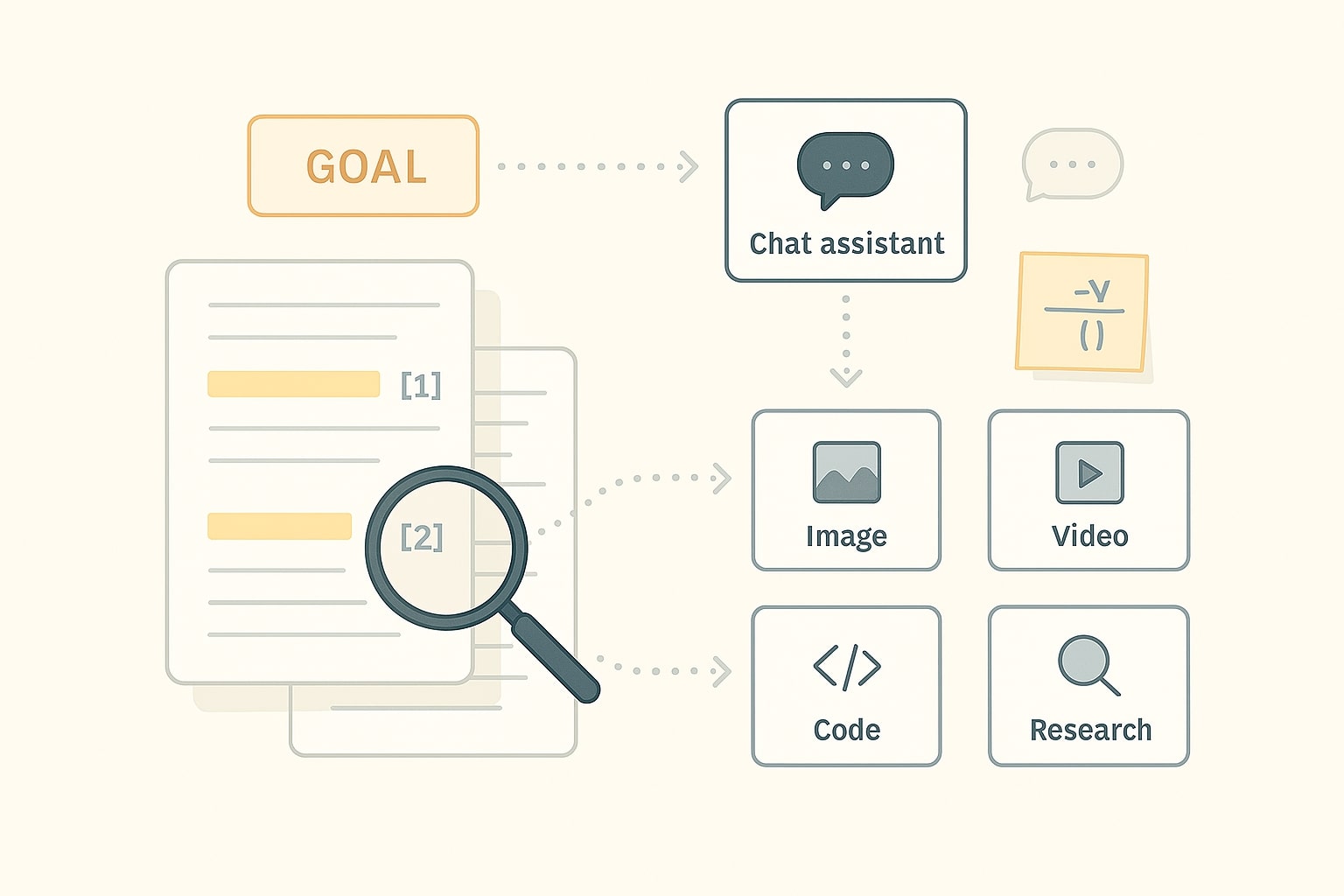
Image create with Microsoft Copilot.
- If you live in Google Workspace: Start with Gemini AI Pro; upgrade to Ultra only if you really need Veo 3 or Deep Research at scale.
- If you want one tool that “just works”: ChatGPT Plus (or Pro if heavy usage + Sora needs).
- If you write long reports or refactor big codebases: Claude Pro/Max for extended thinking and big context.
- Design‑first visuals: Midjourney; for compliance‑friendly images inside one stack, DALL·E 3.
- Video pipelines: Runway (clear pricing, editor) or Veo 3 (highest fidelity + audio) if you can justify AI Ultra/API costs.
- Build MVPs fast: Lovable for full‑stack, v0 for high‑quality UI.
- Music: Suno for catchy vocals; Udio for detailed editing/stems.
- Evidence: Consensus (papers), Perplexity (live web + sources), SciSpace (agentic workflows).
ROI Quick Calculator (back‑of‑the‑envelope)
Formulas
– Monthly value of time saved = hourly_rate × hours_saved_per_week × 4.33
– Net ROI = (value_saved − tool_cost) ÷ tool_cost
– Break‑even hours/week = tool_cost ÷ (hourly_rate × 4.33)
– Cost per hour saved = tool_cost ÷ (hours_saved_per_week × 4.33)
Example A (ChatGPT Plus): hourly rate $50, saving 2 h/week, cost $20 → value = 50×2×4.33 = $433; net ROI = (433−20)/20 = 20.7×.
Example B (Runway Pro): hourly rate $40, saving 3 h/week, cost $28 → value = 40×3×4.33 = $519.6; net ROI = (519.6−28)/28 = 17.6×.
Tip: If net ROI ≥ 3× and outputs meet quality bars, standardize the tool in your workflow; otherwise, keep it ad‑hoc.
Final take: The right AI stack isn’t a trophy shelf, it’s a workflow. Start with one chat assistant and one specialist per need (image, video, code, music, research), measure outcomes (time saved, output quality, cost), then expand deliberately. If you’re weighing trade‑offs for your specific use case, drop a note in the comments—ask anything. Share your goal, constraints, and budget, and I’ll suggest a lean setup you can ship with today.
Verification & update notes
Pricing and plan details verified on August 13, 2025 (GMT+7). Vendors update tiers and quotas frequently—recheck plan pages before purchasing.
Footnotes & sources
- ChatGPT Plus & Pro plans and Sora availability — OpenAI Help & Blog: What is ChatGPT Plus?, What is ChatGPT Pro?, OpenAI Pro announcement, Sora billing & credits FAQ.
- OpenAI API pricing (DALL·E / image outputs): com/api/pricing.
- Anthropic Claude pricing & models: com/pricing, Claude 3.7 Sonnet update, Claude Opus 4/ Sonnet 4 announcement, 1M‑token context (API).
- Google AI plans & Veo 3: Google AI Ultra price, Gemini/Gemini plans, Veo 3 model page, Veo 3 API pricing, Flow announcement.
- Perplexity plans: Which plan is right for you, Perplexity Max, Enterprise Pro pricing FAQ.
- Midjourney plans & features: midjourney.com → Comparing Plans.
- Runway official pricing (Gen‑4, Aleph, Act‑Two): com/pricing.
- Suno pricing page: com/pricing.
- Udio features & subscriptions coverage (recent releases, iOS app tiers): Music Business Worldwide, RouteNote.
- Consensus & SciSpace pricing/overview: app/pricing, scispace.com/pricing.