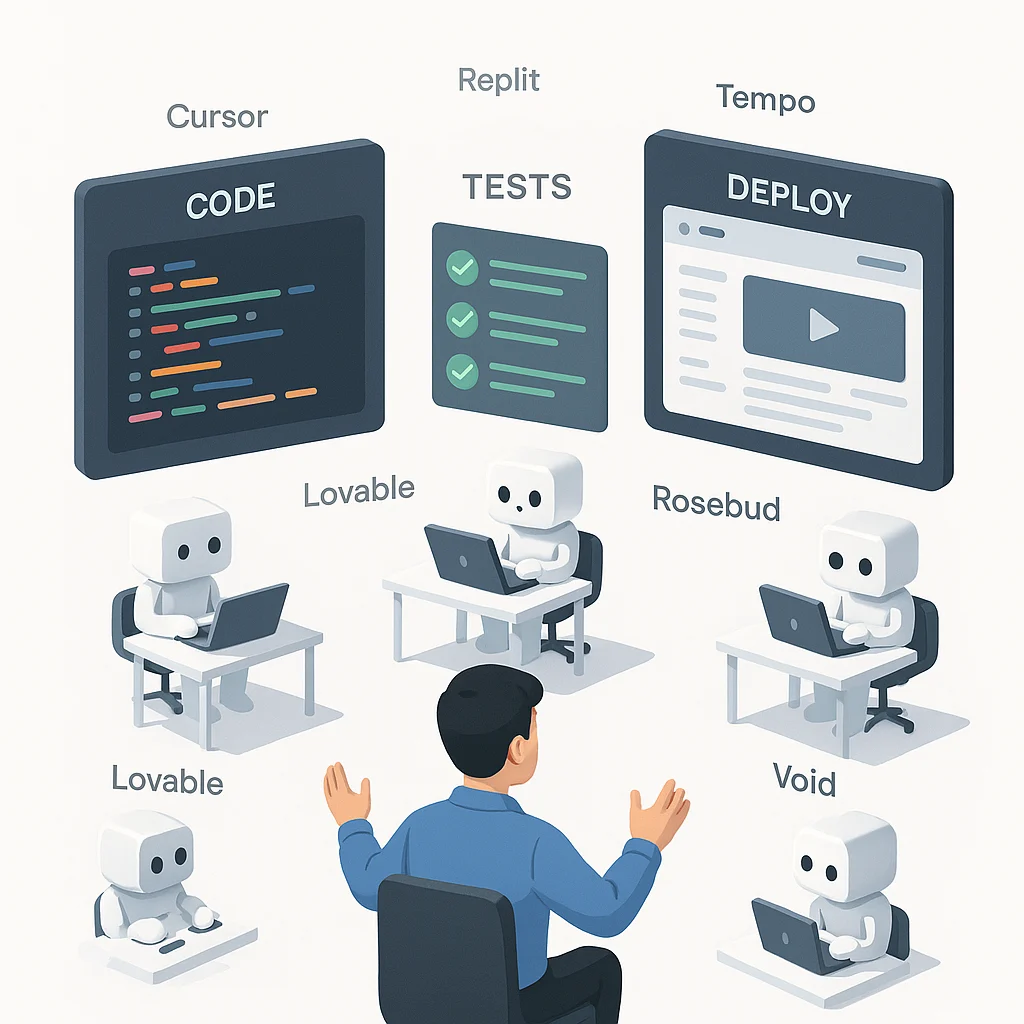
Vibe coding lets you describe features, the tool generates and refines code, then you ship. Below are the top platforms and when to use each.
- Cursor, a pro grade AI IDE with background agents, deep repo context, pull request aware review.
- Replit, a collaborative cloud workspace with a free on ramp, multiplayer, mobile Agent, integrated deploys.
- Lovable, full stack apps from one prompt, rapid hosting, credit based plans.
- Rosebud AI, creative web apps and games, two dimensional, three dimensional, and VR in the browser.
- Tempo Labs, a visual React editor with Fix with AI and Git integrations.
- Void Editor, open source control, bring any model, privacy friendly.
How to pick, match team type, budget, and project, keep tests and human review in the loop.
Margabagus.com –This section frames the shift many teams are living through. We define the practice, explain why it is accelerating this year, and ground the claims in current reporting. Finally, we set expectations about speed, quality, and the continued need for review.
Across 2025, vibe coding moved from novelty to routine as platforms added agents that plan tasks, edit code, run checks, and open pull requests with a human in the loop. Major explainers and reporting now cover it as a real workflow rather than a weekend experiment. The promise is speed and accessibility, from prompt to working software in minutes, while you remain reviewer and product owner.
The headline workflow is simple, describe what you want, accept or reject changes, iterate with context, then deploy. The risk is also clear, generated code still needs tests, security review, and telemetry, which current coverage emphasizes.
What are vibe coding tools

Before product picks, let us align on definitions. Vibe coding tools are prompt to product systems, not line by line autocompletes. They differ from traditional copilots by focusing on end to end steps, from idea to code to test to deploy.
In practice, you describe a feature in plain language, the system scaffolds code, refines it through conversation, and often helps you run or deploy. That contrasts with autocomplete that only suggests snippets inside an editor, a distinction spelled out in current explainers.
Top Vibe Coding Tools in 2025

Here is your field guide. Each entry includes adoption signals, pricing you can verify, and direct links to official pages. All figures are vendor stated or reported by reputable outlets, and each claim is linked so you can check before buying.
Cursor, by Anysphere

Cursor feels like an IDE that grew up with agents, you describe the change, it rewires your codebase, opens a pull request, and even keeps chipping away in the background. The headline features today are Background Agents for longer edits and Bugbot for automated PR reviews that plug straight into GitHub, which is why teams treat it as more than autocomplete. For solo pros and startups the pace is addictive, for enterprises the draw is governance and privacy mode. Pricing is easy to reason about, the Free plan gets you started, Pro includes twenty dollars of frontier model usage each month at API pricing with top ups at cost, and Bugbot is a flat forty dollars per user per month with up to two hundred PRs covered, teams can pool Bugbot usage across seats. Bloomberg reported Cursor passed the one million user mark, and later coverage tied its run rate to rapid enterprise adoption.
Official site: cursor.com
Replit
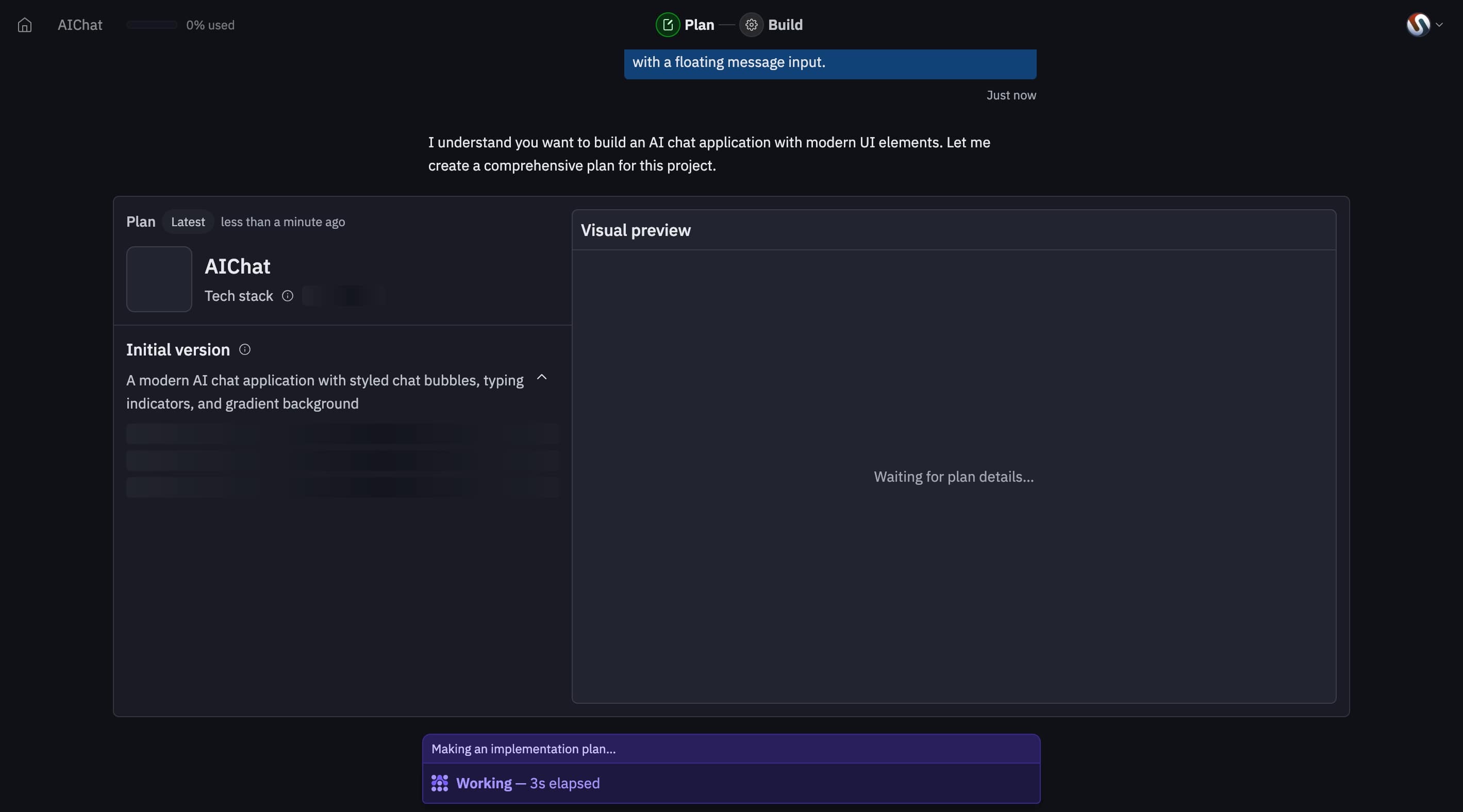
Replit is the cloud workbench that always has a clean project open, multiplayer is built in, and Agent can now spin up, refine, and deploy apps from the browser or even your phone, which is a real unlock for students and on the go makers. The platform leans into simple hosting, autoscale deployments start around one dollar per month, reserved virtual machines start around twenty dollars per month, and credits from your plan cover usage before any pay as you go kicks in. Teams pricing is straightforward, thirty five dollars per user per month billed annually includes forty dollars in monthly usage credits per seat, while the free Starter tier remains a generous sandbox. Replit publicly markets a community of tens of millions of creators, and its mobile pages push the message that you can build from anywhere.
Official site: replit.com
Lovable
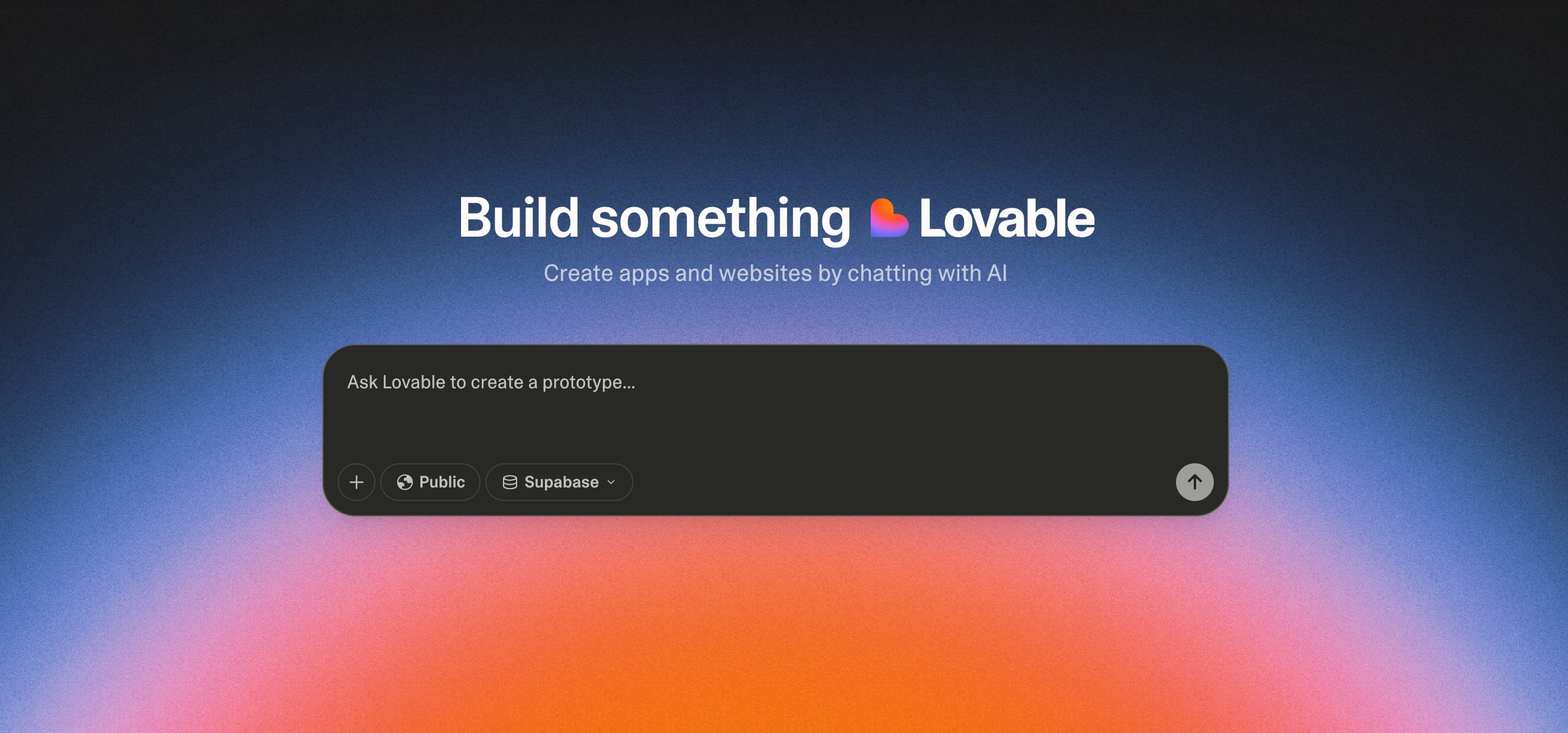
Lovable aims for the “from sentence to shipped app” moment, you write a prompt, it scaffolds a full stack project, gives you hosting, roles, private projects, and lets you edit code directly when you want control. It is the tool founders reach for during sprint weeks, and agencies like the clean path to custom domains and badge removal on paid plans, although security researchers have documented waves of abuse by threat actors, and the company says it now runs real time detections and daily scans to remove malicious sites. Pricing starts with Free, Pro runs twenty five dollars per month with one hundred monthly credits and extra daily credits, Business unlocks more controls at higher credit bundles. On traction, TechCrunch and others reported the startup reaching one hundred million dollars in ARR within eight months of launch, with millions of projects created on the platform.
Official site: lovable.dev
Rosebud AI

Rosebud speaks to creators, describe a web game, a 3D toy, or a browser VR scene, and it assembles the project in minutes, you can remix examples, import assets, and publish from the browser. It is a strong choice for classrooms, game jams, and indie experiments because there is no install friction, and because WebXR support means a headset can play the results right away. If you plan to sell your work, make sure you are on Pro or Ten X Dev, those tiers include commercial usage rights according to the company’s docs, the free tier is best for learning and non commercial play. You can browse tutorials showing complete VR games built entirely from prompts, then click, edit, and ship them.
Official site: rosebud.ai
Tempo Labs
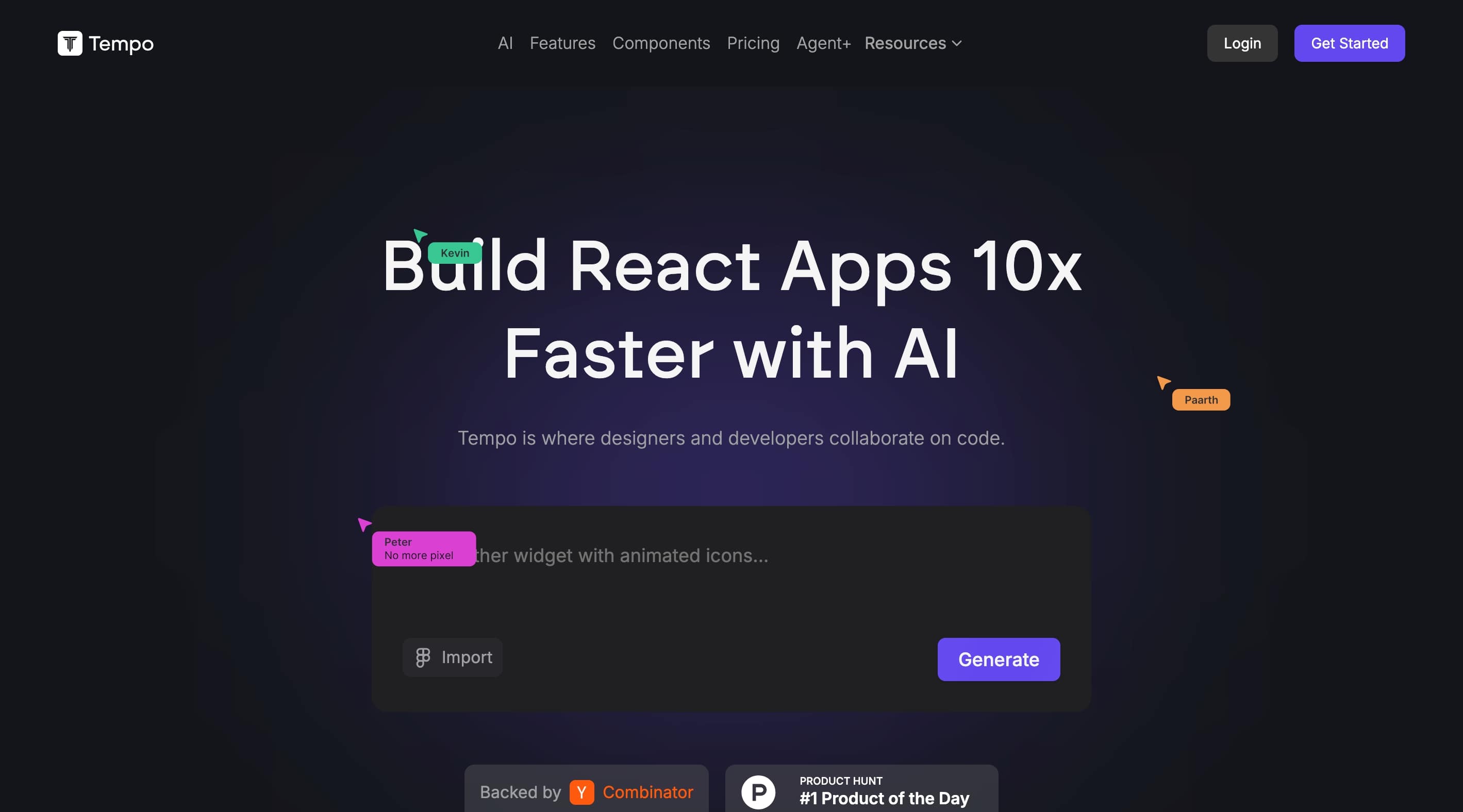
Tempo feels like a visual studio for React where agents and designers sit beside you, you can sketch a screen, ask for fixes, sync to GitHub, and keep shipping without leaving the workspace. The team is shipping quickly and the product is still evolving, so expect new docs and features to land often. Pricing reflects that arc, Free gets you in the door with daily limits, Pro costs thirty dollars per month and includes one hundred fifty prompts with optional two hundred fifty prompt top ups, and the Agent plus plan is a four thousand dollars per month service where Tempo’s agents and human engineers deliver one to three features a week with review and guarantees. If you want a guided pipeline for UI heavy work, small teams will feel at home here.
Official site: tempo.new
Void Editor
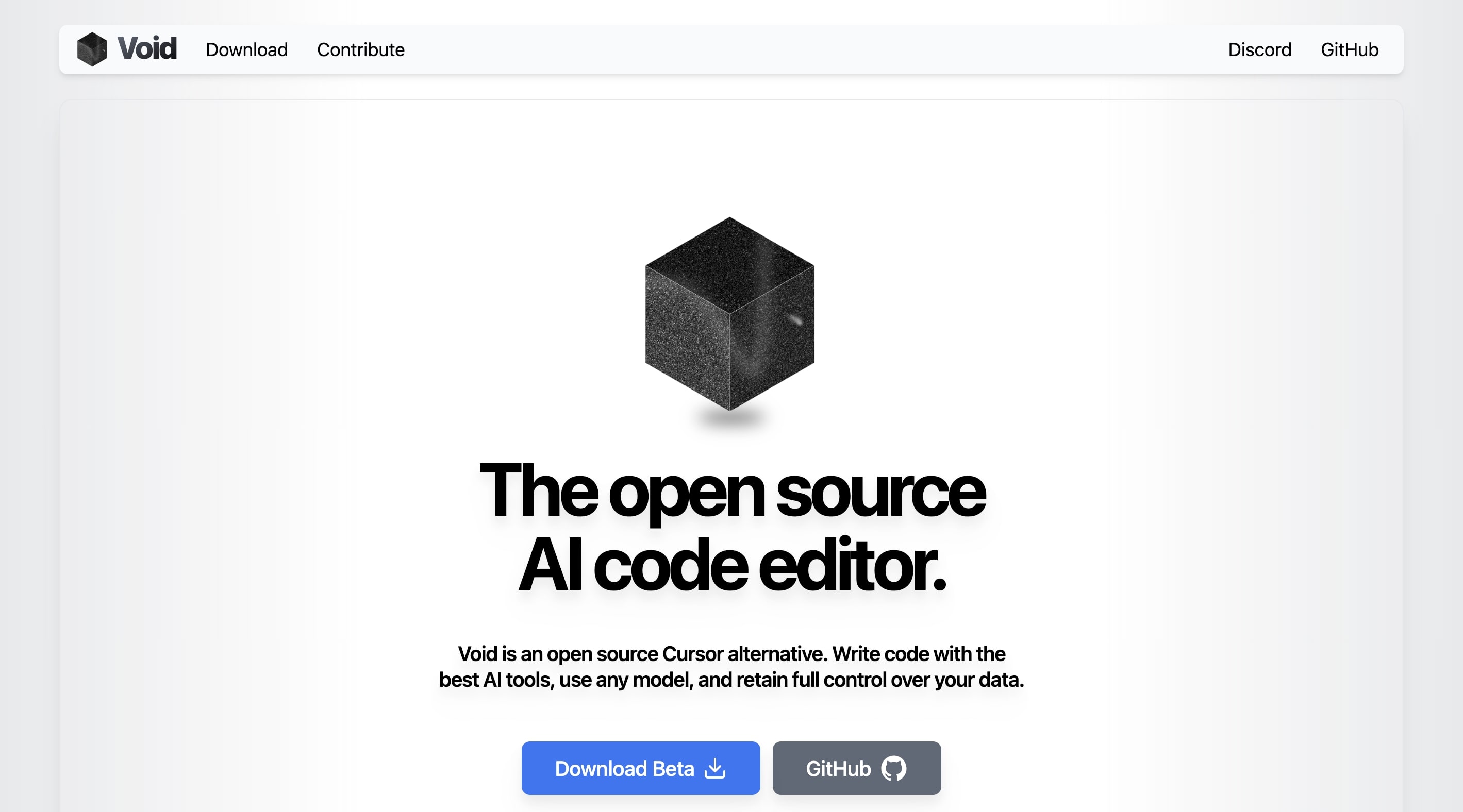
Void is the community’s answer to a managed AI IDE, it is a fork of VS Code with agent mode and “bring your own model” support, you can call local models via Ollama or point to cloud providers, and the project purposefully routes prompts directly to providers so your data path stays transparent. Because it is open source under the Apache two point zero license, there is no seat fee, but you trade convenience for tinkering, setup is self served and features move fast in beta. The upside is control, privacy minded teams and students can experiment with agent workflows without a SaaS bill. Downloads and the full codebase live in the public repo, and InfoQ covered the beta release in June which helps newcomers gauge maturity.
Official site: voideditor.com
Comparison table, features, pricing, ideal fits
Before you pick a platform, the grid below puts the leading vibe coding tools side by side, it highlights where each one shines, the trade offs to expect, and the cost to get started. Use it as a quick buyer checklist, match the snapshot and pricing to your team size, project type, and risk posture, then click through to the official pages to verify the latest terms. For deeper context, read the mini reviews above, the table is meant as a fast scan you can share with your team.
| Tool | Category | Core strengths | Ideal users | Free tier | Paid plans, public info | Service and docs |
|---|---|---|---|---|---|---|
| Cursor | AI IDE with agents | Repo context, Background Agents, Bugbot pull request reviews | Staff engineers, teams, enterprise | Yes | Pro includes at least twenty dollars of agent usage monthly at API prices, Enterprise by quote | site, pricing, Bugbot |
| Replit | Cloud workspace with Agent | Multiplayer, deploys, Agent on iOS and Android | Students, indie devs, collaborative teams | Yes | Autoscale starting at one dollar per month, Reserved VM starting at twenty dollars per month | site, pricing, Agent |
| Lovable | Prompt to full stack app | One prompt to app, hosting, credits model | Founders, solo builders, small teams | Yes | Pro twenty five dollars per month with one hundred credits, Business and Enterprise available | site, pricing, plans |
| Rosebud AI | Web and game creator | Two dimensional and three dimensional, VR capable, online editor | Creative coders, educators, indie studios | Yes | Free start in product, commercial rights on Pro and Ten times Dev plans | product, FAQ |
| Tempo Labs | Visual React editor | Fix with AI, styling controls, GitHub integration | React product teams, designers with engineers | Yes, thirty prompts | Pro thirty dollars per month for one hundred fifty prompts, Agent plus four thousand dollars per month | site, pricing |
| Void Editor | Open source editor | Any model including local, agents, checkpoints, privacy first | Open source builders, local model users | Yes | Free, Apache license, downloads on site | site, GitHub |
How to choose the right vibe coding tool

Selection is about fit, not hype. Start with delivery model and data posture, then collaboration style, then the type of product you build. Use a thin slice of your real app to test, review diffs, run tests, and deploy to a staging slot.
By team type, enterprises and senior teams gravitate to Cursor for IDE native agents and pull request flows, while Replit Teams and Deployments offer browser based collaboration and hosting for app teams. By budget, Replit Starter, Lovable Free, Tempo Free, and the open source Void editor give you a zero cost start, with paid tiers when you scale. By project type, Cursor, Replit, Lovable, and Tempo suit web apps and APIs, while Rosebud fits interactive media and learning.
Practical tip, keep tests and observability near your agents, treat them like tireless interns, and ensure you review diffs before merging, which current reporting also stresses.
Check out this fascinating article: How to Master Vibe Coding: No-Code App Development Guide for Beginners (2025)
Future of vibe coding tools

The next year will feel less like chatting with a bot and more like orchestrating a small team that knows your repo. Agents will plan tasks, propose changes, and hand you pull requests with checks attached. Guardrails will be product features, not side notes.
Expect more agentic coding in editors that can plan, edit, run, and open pull requests with tighter repo integrations. Multi agent collaboration will mature, where a user interface agent, a service agent, and a test agent coordinate under human direction. Guardrails and reliability will move center stage, from Fix with AI buttons to scoped permissions and privacy modes.
The bottom line, build with vibes, ship with discipline
Cursor raises the ceiling for professional repositories, Replit brings collaboration and phone first creation, Lovable and Tempo sprint to full stack MVPs, Rosebud unlocks creative apps and games, and Void gives you open source control with local models. Choose by constraints and goals, set guardrails, and iterate. Tried any of these, share your story or question in the comments, your lessons will help the next builder.
References
- Google Cloud Discover, What is vibe coding.
- Tom’s Guide, Vibe coding explainer.
- WIRED, Why did a ten billion dollar startup let me vibe code for them, and why did I love it.
- WIRED, How to become a vibe coder.
- Bloomberg, Cursor draws a million users without even trying.
- Cursor, Pricing,
June 2025 pricing update,
Background Agents,
Bugbot,
Security,
Trust Center. - Replit, Pricing,
Deployment billing,
Agent announcement,
Mobile. - Lovable, Pricing,
Plans and credits,
TechCrunch, ARR milestone,
TechRadar Pro, Abuse and takedown report. - Rosebud AI, AI Game Creator,
Pricing and subscription FAQs,
Terms of Service,
Build VR browser games. - Tempo Labs, Site,
Pricing,
GitHub integration,
Product updates. - Void Editor, Official site,
GitHub repository,
InfoQ, Void IDE beta release,
Downloads.
Ready to apply this to your business?
Let's Talk Strategy →