- OpenAI rolled back ChatGPT’s model router for many Free and Go users, so more chats now default to GPT-5.2 Instant.
- Instant vs Thinking vs Pro isn’t “smart vs dumb”, it’s a trade-off between speed, depth, and reliability.
- Inconsistency usually comes from hidden variables: time budget, depth, and how the system chooses a mode.
- Fix consistency by choosing the mode deliberately and using an output contract (structure + constraints).
- For high-stakes work, adopt a two-step workflow: draft fast, then verify deeply, then ship.
One day your ChatGPT replies read like a careful analyst, structured sections, cautious wording, and a few clarifying questions.
The next day it feels like a fast intern, short, confident, and a little too eager to “just answer.”
If that describes your week, you’re not being dramatic. In December 2025, OpenAI rolled back ChatGPT’s model router for many Free and Go users. In practice, more chats shifted toward a simpler default experience, often landing on GPT-5.2 Instant, or prompting you to pick a mode yourself.[1]
That sounds like a product tweak, but it creates a real operational problem.
Because when your default mode changes, your outputs change. And when your outputs change, every SOP you’ve built around “how ChatGPT behaves” quietly breaks.
This article is a practical guide for teams and power users:
- what the router rollback actually changes,
- why answers feel “different,”
- and how to build a repeatable workflow that produces consistent results even if routing changes again.
If you want a quick baseline on what each mode is designed for, read my breakdown of GPT-5.2 Instant vs Thinking vs Pro first.
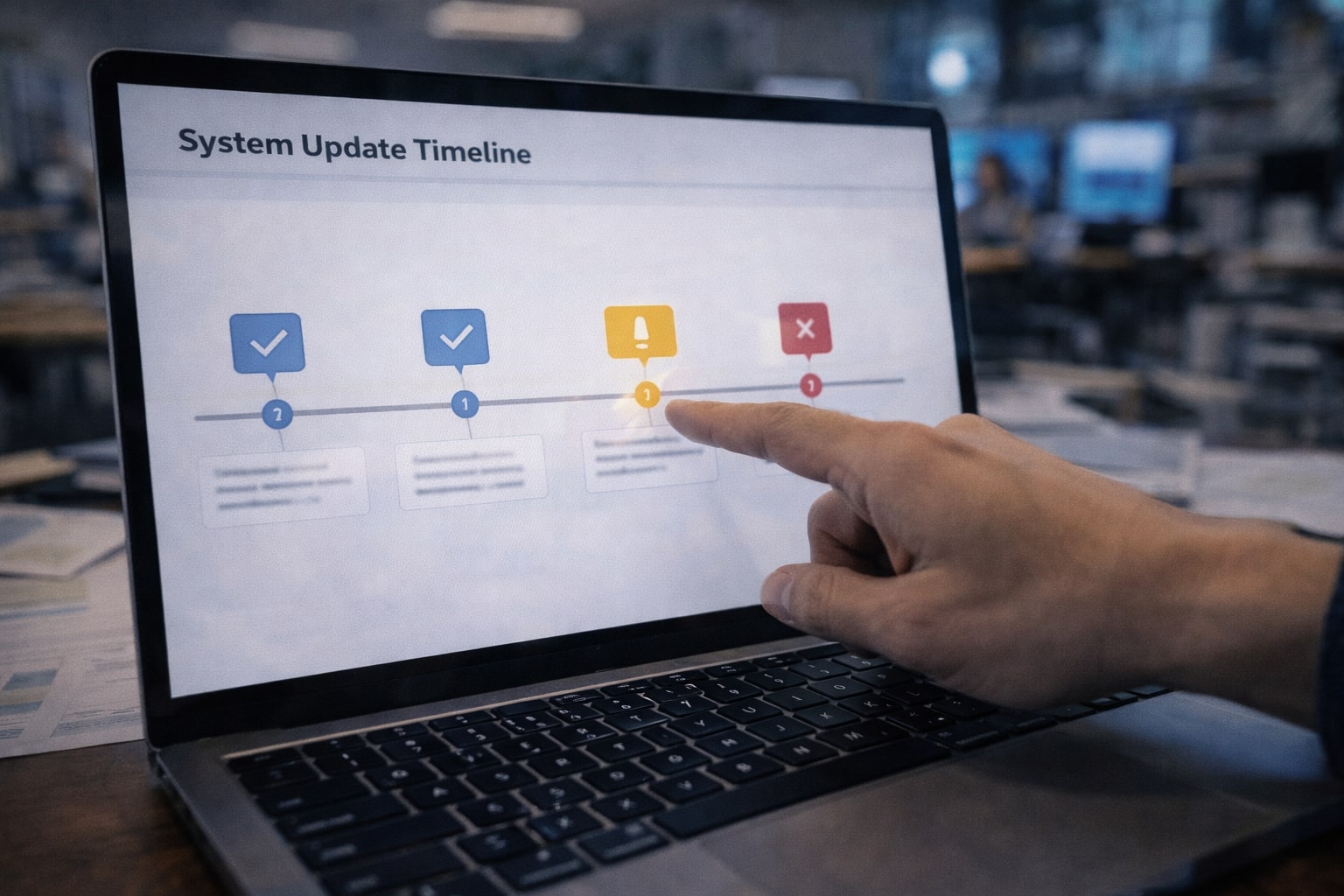
What actually changed
Let’s remove the mystery first.
The rollback, in plain English
A “router” is the part of the product that decides how your request gets handled, not just what the model can do. When routing is active, the system can steer some prompts to a deeper mode, a different model, or a different effort level based on the request.
In December 2025, OpenAI rolled back this model router experience for many Free and Go users. Reports at the time described it as a shift away from automatic routing toward a simpler default path and/or more manual selection, often resulting in GPT-5.2 Instant being used more frequently.[1]
If your day-to-day relied on “Auto will choose the careful one,” the rollback feels like the model got worse.
It didn’t necessarily get worse.
Your workflow lost an invisible switch.
Why you noticed it immediately
Routing doesn’t only affect correctness. It affects the shape of the response:
- how structured the answer is,
- whether it asks clarifying questions,
- how cautious it is with uncertainty,
- whether it provides trade-offs versus a single confident recommendation.
So when routing changes, the same prompt can produce an answer that feels like it came from a different assistant.
Is routing gone for everyone?
Not necessarily. The public reporting at the time indicated paid tiers could retain routing behavior while Free/Go were rolled back, though the exact experience can vary as experiments and rollouts change.[1]
The only safe assumption is this:
Defaults and routing behavior can change again.
That’s why the rest of this article is about making your results robust to product changes.
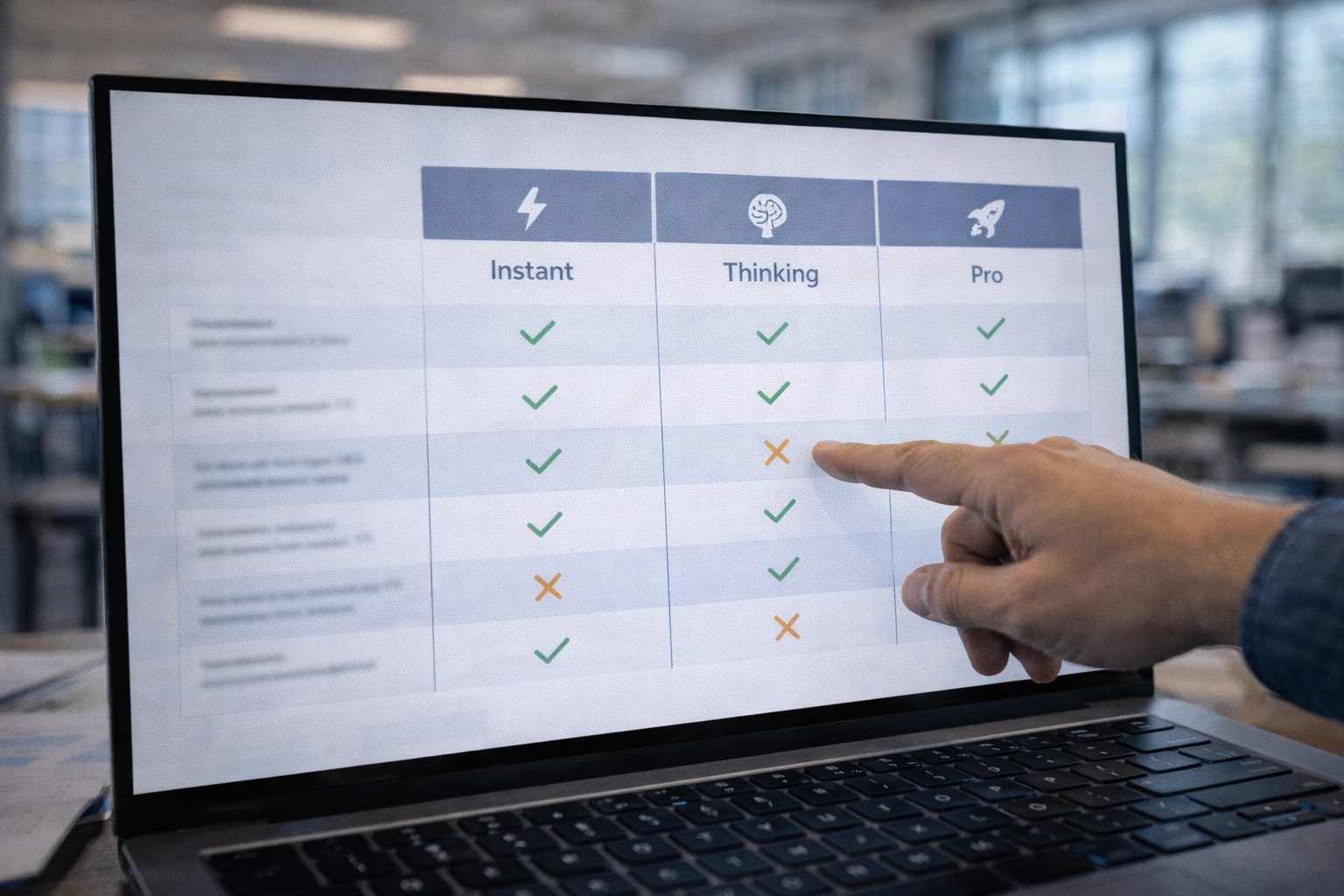
Quick refresher: Instant vs Thinking vs Pro (and what “Auto” tried to do)
If you already read your own “Modes Explained” piece, treat this as the 60-second refresher that sets up the consistency playbook.
OpenAI’s model and mode documentation frames these options as different trade-offs in latency, reasoning depth, and reliability. ChatGPT may also include routing behavior depending on plan and product state.[2]
If you want the deeper, mode-by-mode guide with examples and “when to use what,” here’s the full breakdown: GPT-5.2 Modes Explained: Instant vs Thinking vs Pro (and When to Use Each)
Instant = fast throughput
Instant is built for responsiveness and velocity.
Use it when the cost of being slightly wrong is low and the value of speed is high:
- ideation
- rewriting
- summarizing your own notes
- drafting captions
- quick first-pass outlines
In business terms, Instant is a throughput engine.
Thinking = better reasoning under constraints
Thinking is where you send tasks that have multiple steps and hidden dependencies:
- planning
- comparisons
- technical explanations
- structured long-form writing
- debugging logic
Thinking is where you want fewer “confident leaps,” more explicit structure.
Pro = highest reliability for shipping
Pro is where you go when the deliverable leaves your desk.
- final client deliverable
- production instructions
- legal/policy summaries (with citations)
- final publish-ready copy
OpenAI’s official positioning treats “Pro” as an option for stronger results at higher cost/constraints, depending on your access and plan.[3][2]
What Auto routing was doing (when it worked)
Auto routing tries to save users from having to think about all that.
It’s convenient, until it changes.
If you manage content, engineering, or ops workflows, convenience is not a strategy. Consistency is.
The real problem is consistency, not intelligence
Most complaints about “the model got worse” are really complaints about variance.
If you run content, product, or engineering work, you don’t just need a smart assistant, you need one that behaves predictably. Predictability is what turns AI from a fun toy into an operational tool.
The router rollback matters because it changes three invisible dials at once: format stability (will it follow the same structure?), verification posture (will it slow down and sanity-check assumptions?), and risk posture (will it caveat uncertainty or confidently commit?). When those dials move, the assistant can feel like a different person, even if the underlying capability is still strong.
What follows are the most common ways that inconsistency shows up after routing changes.
When people say “ChatGPT got worse,” they usually mean one of these.
1) Structure drift
Your team expects:
- a clear outline
- predictable headings
- a table or checklist
- a closing that summarizes action items
And suddenly you get a blob.
This is the biggest hidden cost of routing changes: you don’t just lose quality, you lose format stability.
2) Verification drift
Deeper modes tend to:
- catch ambiguous assumptions,
- suggest missing constraints,
- flag uncertainty,
- propose verification steps.
Faster modes often give you a “reasonable guess,” which is great for brainstorming, but risky for publishing.
3) Risk blindness
Instant can be excellent at being “good enough.”
But a team needs a line between:
- draft (fast, approximate)
- ship (verified, consistent, accountable)
If your workflow doesn’t explicitly separate those two, you’ll feel like the tool is unstable.

A practical playbook to get consistent results
Here’s the part you can turn into an SOP.
Consistency isn’t something you “hope” a model gives you. It’s something you design.
In practice, consistent output comes from controlling three inputs:
- Mode selection (how much time/depth the system spends),
- Constraints (what the output must look like),
- Quality control (how you verify before shipping).
If routing changes, you lose the first control unless you take it back manually. The playbook below is built to work even when defaults shift, because it anchors on process rather than product behavior.
If you’re still unsure which mode fits which task, refer back to the mode guide before you implement the SOP: GPT-5.2 Instant vs Thinking vs Pro.
Step 1: Choose the mode on purpose
If your job depends on consistent output, do not outsource mode choice to defaults.
Use a simple rule:
- Instant = draft fast
- Thinking = reason, plan, verify
- Pro = finalize for shipping
The goal is not perfection. The goal is repeatability.
Step 2: Use an output contract (this is the cheat code)
An output contract is a small “format constitution” you attach to the end of your prompt. It forces predictable structure.
If Instant mode is now more common for you, contracts matter even more.
Copy-paste output contract (general):
- Audience:
- Goal:
- Context I can share:
- Constraints (must/avoid):
- Required sections:
- Output format (table / bullets / steps):
- Tone:
- If uncertain, do this:
Example output contract (for publish-ready articles):
- Language: English
- Structure: H2/H3 only
- Paragraphs: 1–3 sentences each
- Must include:
- Quick Summary HTML box
- One decision table
- FAQ (6 questions)
- Footnotes in-text [x] +
References
- Must avoid:
- vague claims without support
- filler intros
- If a claim could change over time, cite an official source.
Step 3: Use a pipeline, not a single prompt
If you want consistent results, stop thinking in single turns. Pipeline A (fast content, low risk):- Instant: draft
- Thinking: restructure + tighten logic
- Instant: polish tone and readability
- Instant: rough draft quickly
- Thinking: verify logic + list assumptions + identify weak claims
- Pro: finalize and remove uncertainty, add citations, make it shippable
Step 4: Force verification when recency matters
Routing changes can also affect how confidently the model states details that might be outdated. If you’re writing about:- policy changes
- product rollouts
- pricing
- current events
Verify key claims with official sources and cite them.It changes the posture from “answer now” to “answer responsibly.”

A decision table you can paste into your SOP
| Task type | Risk level | Best mode | Why | Minimum QC |
|---|---|---|---|---|
| Quick rewrites, hooks, captions | Low | Instant | Max throughput | Human skim |
| Outlines, comparisons, strategy | Medium | Thinking | Better structure + trade-offs | Re-read + refine |
| Publish-ready article or client deliverable | High | Pro | Higher reliability for shipping | Checklist + final proof |
| Production code changes | High | Pro | Lower tolerance for mistakes | Tests + review |
| Policy/legal summaries | High | Pro | Reduce hallucinated specifics | Cite official sources |
| Fresh news / new rollouts | Med–High | Thinking → Pro | Needs verification | Cite sources |
What the rollback means for teams
A router rollback is not just a “user experience” change, it’s an operations change. If your team uses ChatGPT inside repeatable work, writing, coding, research, reporting, customer comms, the model is effectively part of your production stack. When routing changes, you can see more rework, more review time, and more disagreements about what “good output” even looks like. This section breaks down what to do differently depending on the team using it.Content teams: stop using one-mode thinking
Treat the system like you’d treat a real editorial team:- Instant is your draft writer.
- Thinking is your editor.
- Pro is your publisher.
Dev teams: separate prototype from release
Instant is excellent for:- brainstorming solutions
- quick snippets
- explaining errors
- security-sensitive code
- architecture decisions
- refactors
- anything that will be deployed
Ops teams: consistency is cost control
Inconsistent outputs create invisible cost:- reruns
- longer reviews
- reformatting
- missed assumptions

Common myths (and what’s actually true)
Routing changes create confusion because people attribute a shift in behavior to a drop in capability. The myths below show up in almost every team that uses multi-mode AI. Clearing them up helps you set expectations correctly, choose the right mode for the job, and avoid the trap of endlessly rerunning prompts to “get the old model back.”Myth 1: “Instant got dumb”
Instant may feel less careful because the router used to push some requests to deeper behavior. If that routing is reduced, you’ll see more speed-first answers.[1]Myth 2: “Thinking is always better”
Thinking can overthink. For simple tasks, Instant often has the best ROI.Myth 3: “Auto routing is gone forever”
Routing is a product layer. It can return, change, and differ across plans and experiments.[1][2] If your strategy depends on it never changing, it’s not a strategy.A better ending than “be intentional”
The router rollback is annoying for one reason: it reveals how many of us built habits around a hidden default. But it’s also useful, because it forces a more professional relationship with AI. You don’t need the router to guarantee consistency. You need three things:- deliberate mode choice,
- an output contract,
- a risk-based QC pipeline.
References
Ready to apply this to your business?
Let's Talk Strategy →