Udio Pricing Plans in 2026 come down to credits, full length limits, and whether you need heavy iteration or just casual testing.
- Free, 10 daily credits plus a 100 monthly fallback, capped at 3 two minute songs per day.
- Standard, up to 2,400 credits per month, typically listed at 10 USD monthly, annual pricing can lower the effective monthly cost.
- Pro, up to 6,000 credits per month, typically listed at 30 USD monthly, built for high volume and parallel generation.
- Most actions create two songs per click, and two minute songs cost 2 credits each, so budgeting matters.
- During the UMG transition, downloads are disabled, factor that into what “worth it” means for you.
Udio Pricing Plans in 2026 are less about picking a badge, and more about picking a workflow, how fast you iterate, how often you generate full length tracks, and how comfortable you are creating inside a platform that is still in transition after the Universal Music Group partnership.[1][2] The numbers are straightforward, Standard is typically listed at 10 USD per month, Pro at 30 USD per month, with annual options that can lower the effective monthly cost, but the real question is what those dollars buy you in credits, concurrency, and export reality right now.[3][4] Price check, verified February 2026: prices and plan labels were cross checked against Udio’s official pricing page and the Apple App Store listing, regional totals can vary because storefronts apply local taxes and currency conversions.[9][3]
Last verified: Feb 2026, Updated monthly when Udio changes
| Plan | Typical price | Credit limit | Full length creation limit | Who it fits |
|---|---|---|---|---|
| Free | 0 USD | 10 daily, plus 100 monthly fallback | 3 two minute songs per day | Curious testers, light hobby use |
| Standard | 10 USD monthly, 96 USD annual on iOS listing | Up to 2,400 credits per month | Unlimited two minute creations, plus higher concurrency | Consistent creators who iterate weekly |
| Pro | 30 USD monthly, 289 USD annual on iOS listing | Up to 6,000 credits per month | Unlimited two minute creations, plus higher concurrency | Heavy users, teams, high volume iteration |
Notes, the credit limits above are from Udio Help Center, prices can vary by storefront, taxes, and region, the iOS App Store listing is a reliable public reference for U S pricing.[3][5]
Udio pricing in 2026 is really about credit math, not labels
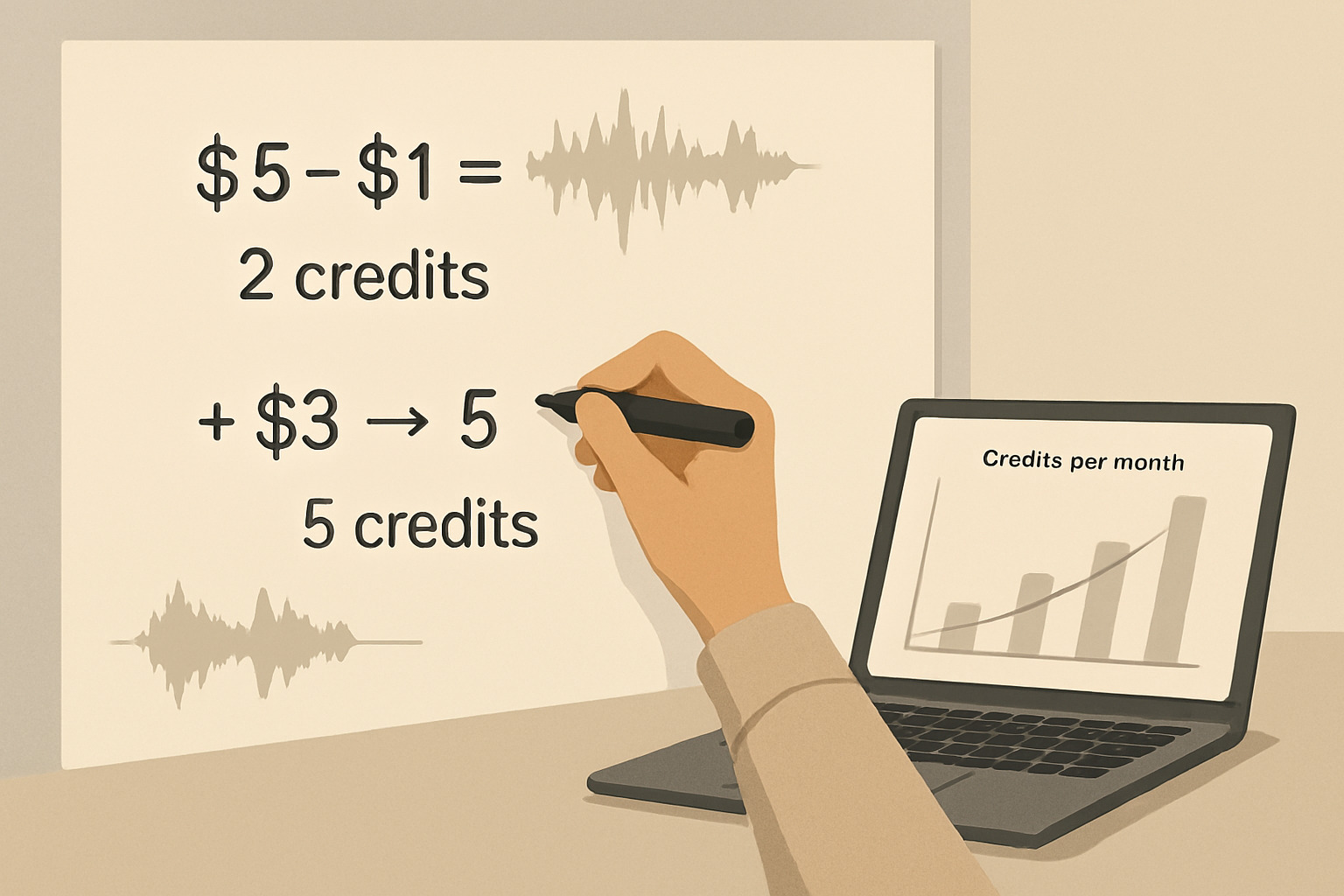
The biggest pricing mistake is treating Free, Standard, and Pro like a simple feature ladder. In Udio, almost everything you do that feels like creative iteration, create, extend, remix, inpaint, edit, quietly creates two new songs per action, and that is where credits disappear fast.[1] Once you see the math, you stop asking, which tier is best, and you start asking, which tier supports my iteration style without making me stingy with experiments.
Here is the core mental model, Udio sells you a monthly ceiling, and within that ceiling you are buying attempts. Not finished songs, not guaranteed hits, attempts.
The credit rules that actually matter
Before any plan advice makes sense, you need three hard facts from Udio’s own documentation.
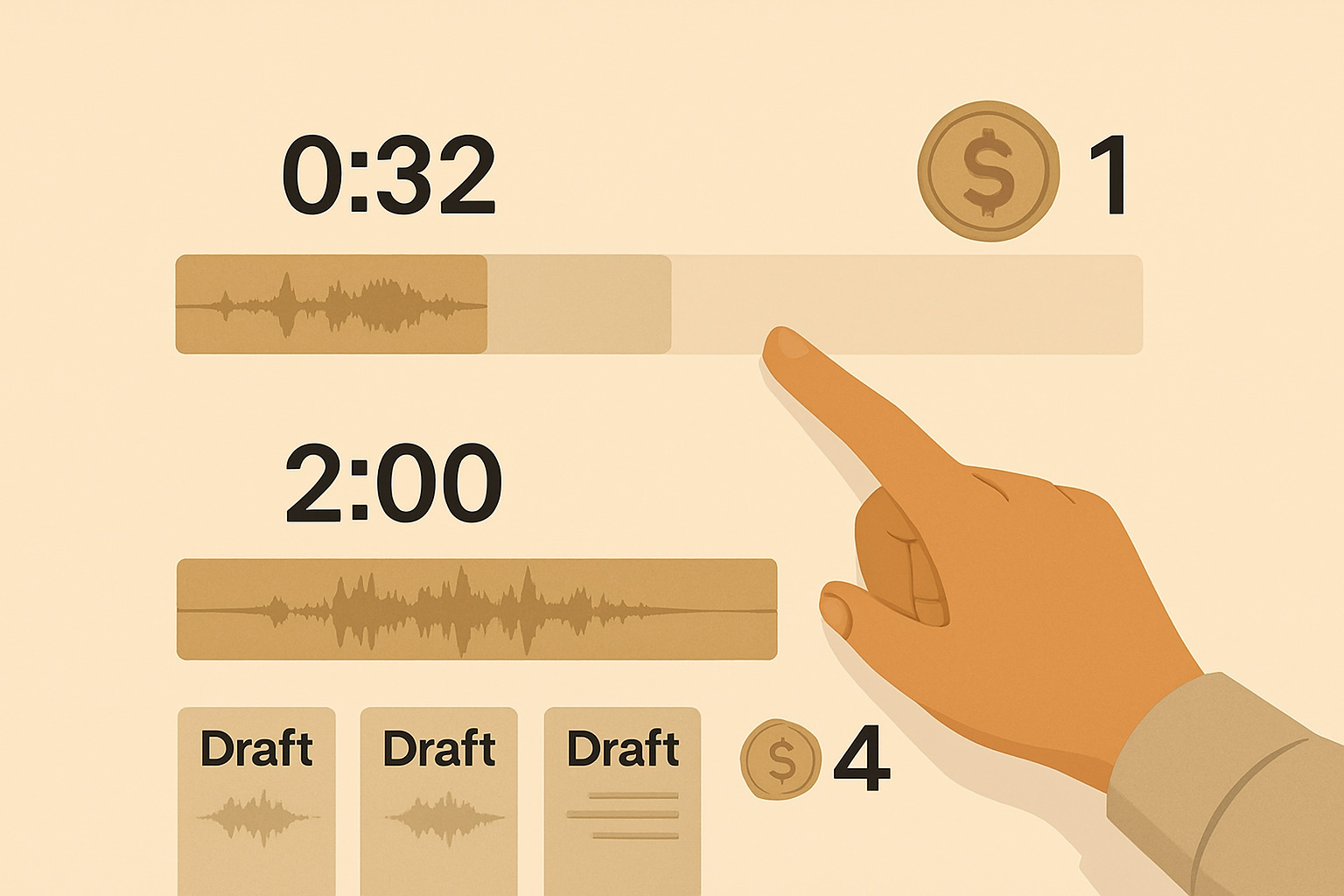
- Every Create, Extend, Remix, Inpaint, or Edit produces two songs in one go.[1]
- Two 32 second songs cost 2 credits total, one credit per song.[1]
- Two 130 second songs cost 4 credits total, two credits per song.[1]
If you want a quick translation, 100 credits roughly buys you 50 single songs at 32 seconds, or about 25 single songs at around two minutes, assuming you always generate at that length and never burn credits on edits. Real life is messier, because iteration is the point.
Free plan in 2026, generous enough to learn, strict enough to shape habits
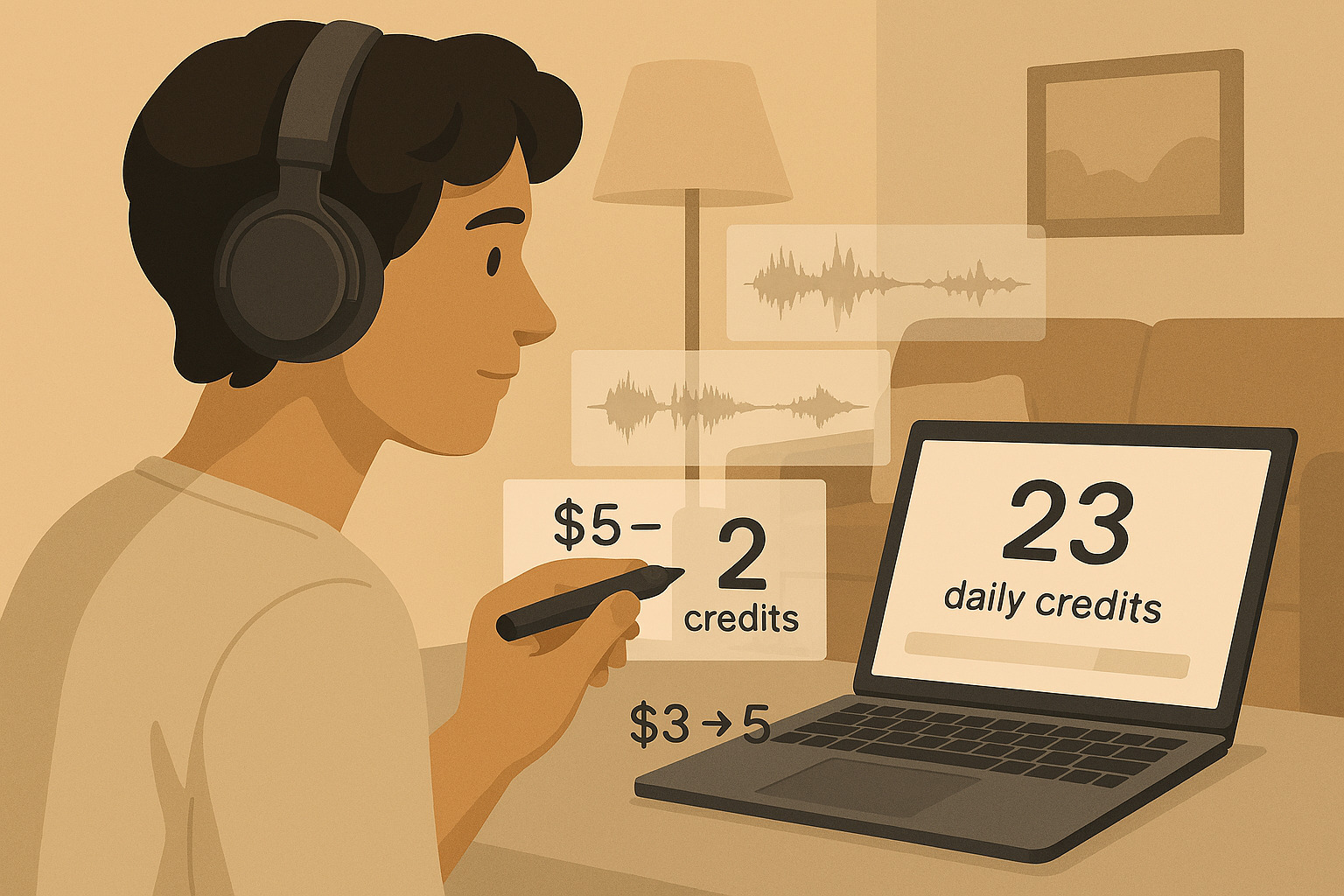
The Free tier is designed to give you momentum without letting you binge. Udio documents a 10 credit daily allotment, and after you exhaust those, you can draw from an additional 100 credit monthly limit, but credits do not roll over.[1] That structure is sneaky smart, you can prototype daily, and still have a buffer when inspiration hits, but you cannot stockpile.
The other constraint is the one that quietly determines whether Free is viable for your goals, Udio caps Free accounts at creating three 130 second songs per day, regardless of how many credits you have.[1] If your workflow depends on full length drafts and repeated extensions, you will hit this ceiling quickly.
When Free is the right choice
Use Free when your goal is learning the prompt craft and testing styles, not shipping. It works well for lyric and melody exploration, short form ideas, and learning the tool’s quirks without feeling guilty about wasted generations. It is also the safest plan if you are unsure how exports and licensing will evolve during the transition period.[2][6]
The hidden cost of Free
Free can trick you into being conservative too early. If you ration generations, you may never push into the iterative loops that actually produce better tracks, alternate choruses, variant hooks, and instrumentation tests, because each click creates two candidates and that is where your learning happens.[1]
Standard plan in 2026, the true baseline for consistent creators
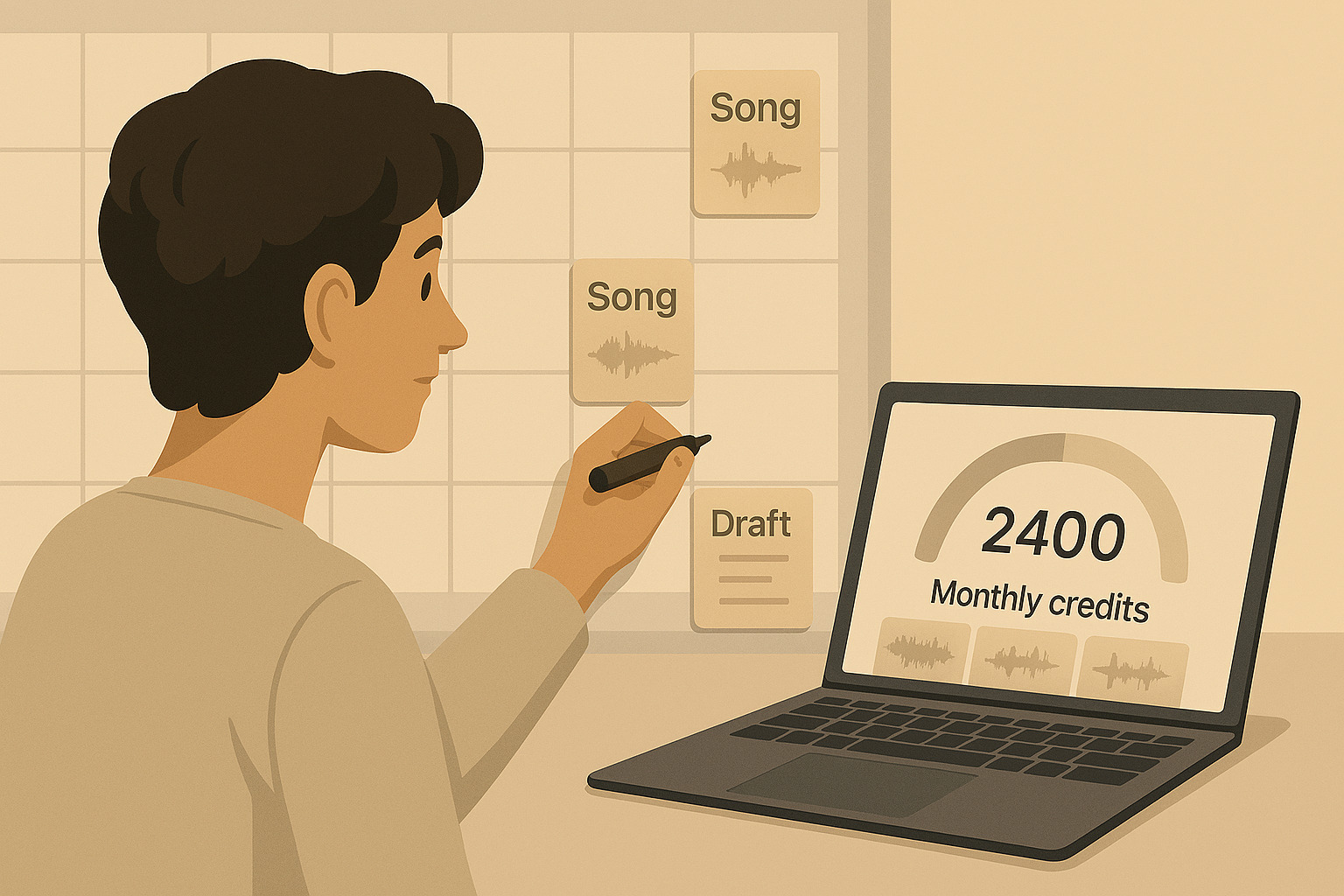
Standard exists for people who already know they like Udio and want fewer friction points. Udio’s help documentation sets Standard’s monthly credit limit at up to 2,400 credits.[1] That is a meaningful jump from older limits, and Udio explicitly ties part of that increase to the Universal Music Group partnership changes.[2]
Pricing depends on where you buy, but the public iOS listing shows Standard at 10 USD per month, or 96 USD per year, which works out to about 8 USD per month before tax if you commit annually.[3] That annual discount is why Standard often becomes the default recommendation, not because it is cheapest, but because it stabilizes your monthly runway.
What Standard unlocks in practice
Standard is where you stop bumping into the two big walls, full length generation limits and credit scarcity. Paid accounts can use credits for an unlimited number of two minute songs, meaning the three per day cap is no longer the constraint, the monthly credit ceiling is.[1] That is a big psychological shift, you can iterate on a chorus ten times on a Saturday, and you are only fighting your credit budget, not a hard daily cap.
Standard also tends to be the tier where Udio highlights creator focused features like audio uploads and editing, at least according to industry reporting about the platform’s tier structure.[4] Even if you do not need every feature, the real benefit is faster iteration.
Who Standard is actually for
Standard is best for creators who generate regularly but not obsessively, think weekly releases, social content experiments, or building a library of drafts for later polishing. With 2,400 credits, you can run a lot of 32 second idea tests, and still have room for full length attempts and revisions, as long as you avoid mindless rerolls.[1]
Pro plan in 2026, paying for speed, volume, and concurrency
Pro is the tier for people who already understand their burn rate. Udio lists Pro’s monthly credit limit at up to 6,000 credits.[1] That number matters because heavy users do not just generate more songs, they generate more alternates, more edits, and more variations per idea.
The iOS listing shows Pro at 30 USD per month, or 289 USD per year in the U S storefront, again before tax, which roughly brings the annual effective monthly cost down compared to paying monthly.[3] If you are generating daily, Pro can reduce the mental tax of constantly counting clicks.
The underrated Pro feature, concurrency
Udio notes that Pro subscribers can create more sets of songs at the same time, five sets, meaning ten songs in parallel, after the UMG related changes.[2] That sounds minor until you are in a rapid iteration sprint, client deadline, content batch day, or you are exploring multiple prompts and styles at once. Concurrency is not about creativity, it is about flow.
Who Pro is worth it for
Pro is worth it when you have a real output target, a channel, a catalog, a product pipeline, or a team that needs many drafts fast. If you are only generating on weekends, Standard usually wins on value, but if you are generating most days, Pro can be cheaper per attempt simply because you are actually using the ceiling.[1][3]
Credits explained in human terms, how many songs do you really get
Credits sound abstract until you convert them into the two activities you actually do, exploring and refining. Exploration is quick 32 second generations, refinement is full length drafts and edits that push an idea into something shareable.
If you mostly explore, a 2,400 credit month is huge, because 32 second generations are 1 credit per song, and you get two songs per action.[1] If you mostly refine full length tracks, 2 minute generations are 2 credits per song, and you will burn through budgets faster, especially if you do multiple extends or edits.[1]
A practical budgeting rule for creators
Treat one finished song as a small project, not one click. A realistic path might be, generate 6 to 10 short variants, pick one, generate 3 to 5 full length versions, then spend another handful of actions editing, extending, or remixing. Even when you are disciplined, a single track can easily consume dozens of credits because every creative action outputs two candidates.[1]
Add ons, student discounts, and the quiet details that change the bill
Udio’s pricing can appear slightly different depending on where you buy, web billing versus app stores, and plan details can evolve as features change. The safest habit is to double check the current plan description on the official pricing page, then confirm credit limits and policy updates in the Help Center’s subscriptions and billing collection.[9][10] If a third party article conflicts with the Help Center, treat the Help Center as the source of truth, it is where Udio documents limits, resets, and temporary restrictions.[10][1]
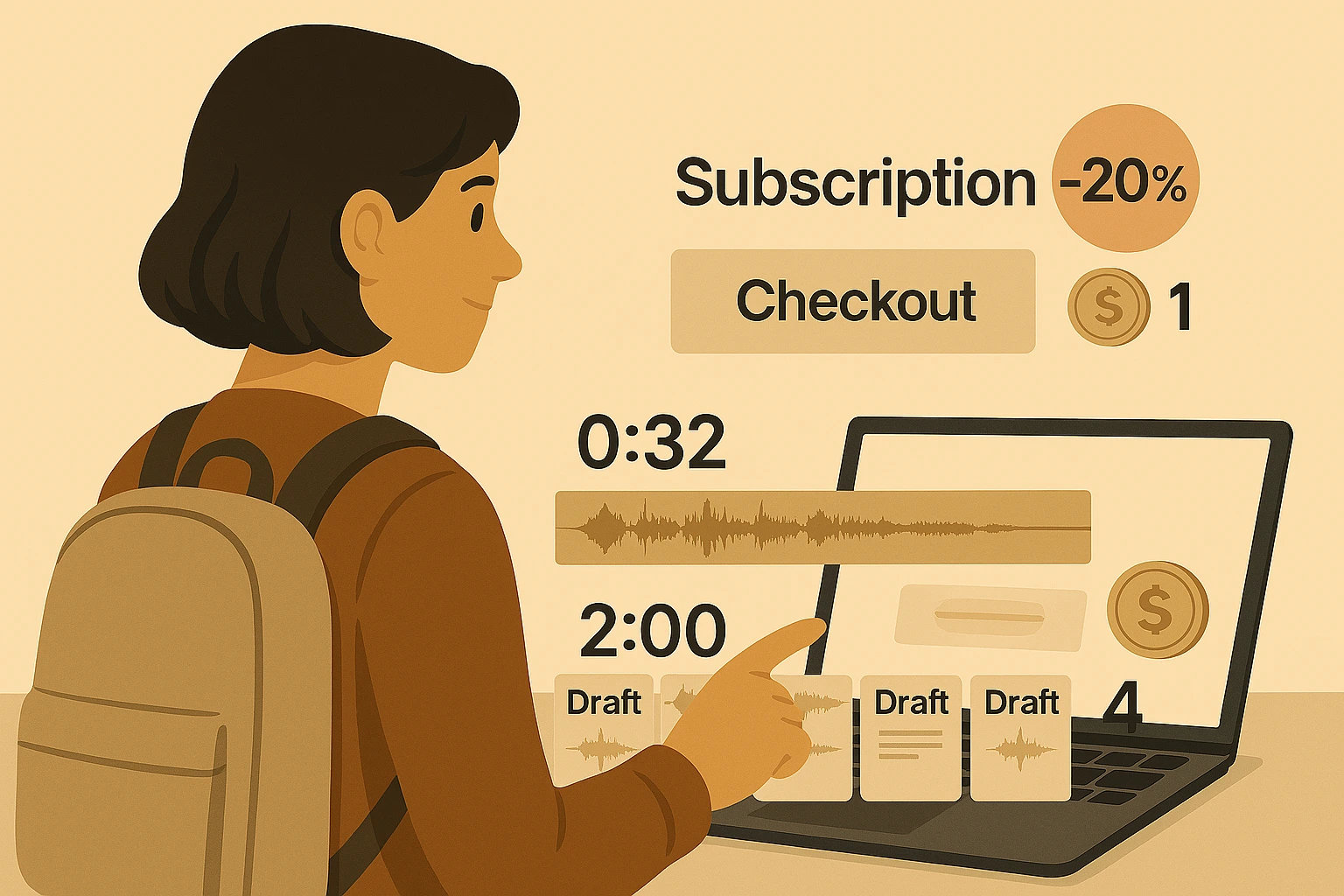
$2 Udio states that credits are available for purchase a la carte at the pricing page, and importantly, those purchased credits never expire.[1] The iOS listing also shows credit packs, for example 100 credits and 1,000 credits, which implies you can top up without upgrading tiers, depending on platform availability.[3]
Second, Udio offers a student discount, 50 percent off for 6 months for students at accredited universities, applied when your email matches known school domains or after verification.[7] If you qualify, that discount can make Standard the obvious choice for half a year.
The 2026 reality check, pricing is tied to a platform transition
A pricing page can tell you what you pay, but in 2026 you also have to ask what you can do with the output. Udio’s help center explicitly says audio, video, and stem downloads have been disabled during the transition period, with the intention to re enable after months.[2] That single line changes the value equation more than any credit number.
This is not speculation, it is part of a broader shift publicly described by UMG and Udio, a new licensed AI music creation platform targeted for launch in 2026, trained on authorized and licensed music, inside a more controlled environment.[6] In UMG’s own announcement, Udio CEO Andrew Sanchez framed the collaboration as building an experience that champions artists, while UMG CEO Sir Lucian Grainge framed it as doing what is right by artists and songwriters, including new business models and revenue streams.[6]
What the transition means for creators
If you are a hobbyist, this may not matter much, you are creating inside Udio anyway. If you are a serious creator who needs exports for distribution, client delivery, or monetized platforms, the temporary export limitations are a risk you must price in.[2] The Associated Press also reported user backlash and cancellations tied to download restrictions, and highlighted that downloads would be unavailable as part of the shift toward a walled garden experience.[8]

Which Udio plan is worth it in 2026, a decision guide that is not fluffy
There is no universal winner tier, because the product itself is evolving. The best plan is the one that matches your burn rate and your need for control over outputs, especially during the transition period.[2][8]
Choose Free if you want low risk learning
Free is best when you are still deciding if Udio fits your creative taste, or if you are worried about export uncertainty. The daily credits and monthly fallback are enough to learn prompts, styles, and editing flow, without locking you into a subscription.[1]
Choose Standard if you create every week and want predictable runway
Standard makes sense if you want to publish drafts regularly, build a catalog, or iterate without feeling blocked by daily caps. The 2,400 credit ceiling is generous for consistent use, and the annual price can be a strong value if you are confident you will keep using Udio.[1][3]
Choose Pro if you generate most days, or you need speed and concurrency
Pro is for heavy users who treat Udio like a studio, not a toy. If you are generating daily, testing multiple directions, and you value parallel generation, the 6,000 credit ceiling and higher concurrency reduce friction, which can matter more than the raw cost.[2][3]
A final thought before you click upgrade
Udio Pricing Plans in 2026 look simple on paper, Free, Standard, Pro, but the real decision is how much experimentation you want to afford, and how much control you need over what you create while the platform transitions toward a licensed, more controlled future.[2][6] If you tell me your typical week, how many songs you attempt, whether you mostly explore 32 second ideas or refine full length tracks, and whether exports matter for your use case, I can help you pick the plan that wastes the fewest credits. Drop a comment with your workflow or your biggest question, and let’s figure it out together.
Ready to apply this to your business?
Let's Talk Strategy →