Dec 2025 Update
- Free: 10 daily credits + 100 monthly backup; up to 3 × u-130 (~2-min) songs/day on free & trials; credit limits reset and don’t roll over.
- Standard: 2,400 credits/month, around $10/mo — very low effective cost per 130-sec song (≈ $0.008–$0.009) when you fully use the pool.
- Pro: 6,000 credits/month, around $30/mo — more headroom for teams and heavy catalogs (≈ $0.010 per 130-sec song at full utilization).
- Credit math: Every action returns two songs. A 32-sec pair costs 2 credits (≈1 credit/song). A ~130-sec pair (u-130) costs 4 credits (≈2 credits/song), which is the basis for the per-song estimates.
- Downloads/exports: Audio, video, and stem downloads remain temporarily disabled for most users during the label licensing transition (UMG and others), with only short, occasional download windows announced in advance.
- Commercial use: Paid subscriptions allow commercial use for typical projects under Udio’s current docs; free remains best treated as non-commercial. Always confirm the latest Terms of Service and licensing FAQs before client work.
Updated Dec 2025, this review breaks down Udio’s Free, Standard, and Pro tiers in practical terms — Free with 10 daily credits plus a 100-credit monthly bank, Standard at 2,400 credits/month around $10, and Pro at 6,000 credits/month around $30 — with per-song estimates and what changes when you move from practice to paid work. You’ll get a one-screen snapshot, a credit-math cheat sheet, quick comparisons to Suno, commercial-use notes, and a five-minute decision flow to match budget to output (with a current note that downloads/exports are temporarily paused for most users during the licensing transition with major labels).
Udio pricing at a glance (Dec 2025)
Last checked: Dec 2025
| Plan | Monthly price | Monthly credits | Daily cap | WAV / Stems | Notable limits | Est. cost / 130s song* |
|---|---|---|---|---|---|---|
| Free | $0 | 10/day + 100/mo (credit limits) | Yes (3 × u-130/day) | Temporarily unavailable | Credits don’t roll over; free & trials capped at 3 × u-130/day | — |
| Standard | ≈ $10/mo | 2,400 | No daily cap | Temporarily unavailable | Credits don’t roll over; a-la-carte top-ups never expire | ≈ $0.0083 |
| Pro | ≈ $30/mo | 6,000 | No daily cap | Temporarily unavailable | Credits don’t roll over; a-la-carte top-ups never expire | ≈ $0.0100 |
*Estimate per ~130-second song (“u-130”). Each 4-credit generation returns two outputs ⇒ ~2 credits per finished song. Figures assume minimal retries.
Heads-up: Following Udio’s late-2025 licensing transition with major labels, downloads (WAV, video, stems) are temporarily disabled for most users, even on paid tiers, with only short download windows announced occasionally. Check the in-app banner or Help Center before you plan a big export session.
Use this snapshot to align workload and budget before diving into feature-level details.
- Free: 10 daily credits + 100 monthly backup credits; capped at 3 “u-130” (≈2-min) songs/day on free & trials. Credits don’t roll over. Top-ups are available separately and never expire.3
- Standard: Around $10/month for 2,400 credits/month; no daily cap; subscription credits reset monthly and do not roll over.
- Pro: Around $30/month for 6,000 credits/month; no daily cap; annual billing typically offers a discount (effective rate often below $30/mo).
Paid plans lift monthly limits and historically unlocked subscriber-only features like WAV & stem exports. During the current licensing transition those exports remain paused, but Udio has stated they intend to re-enable downloads after the transition period.5
How Udio credits work (and what a song really costs) — Dec 2025
| Action | Outputs | Credits used | Credits / song |
|---|---|---|---|
| Create / Extend / Remix / Inpaint / Edit (32s) | 2 songs × 32s | 2 credits | 1 |
| Create / Extend (u-130 ≈ 2:10) | 2 songs × ~130s | 4 credits | 2 |
- Standard: $10 / 2,400 credits ⇒ about 1,200 130-sec songs/month ⇒ ≈ $0.0083 per 130-sec song (≈ $0.0042 per 32-sec segment).
- Pro: $30 / 6,000 credits ⇒ about 3,000 130-sec songs/month ⇒ ≈ $0.0100 per 130-sec song (≈ $0.005 per 32-sec segment).
Notes: Every “Create”, “Extend”, “Remix”, “Inpaint”, or “Edit” generates two songs at once. Estimates assume you keep one of the pair with minimal retries. Subscription credits are monthly limits and don’t roll over; a-la-carte top-up credits never expire.
- 2× 32-sec = 2 credits (1 credit each).
- 2× ~130-sec (“u-130”) = 4 credits (2 credits each).
Back-of-napkin cost per 2-minute song (keeping one of the pair):
- Standard: 2,400 credits/month ÷ 2 credits/song ≈ 1,200 songs at ~130 seconds each → about $0.0083 per finished 2-minute song.
- Pro: 6,000 credits/month ÷ 2 credits/song ≈ 3,000 songs at ~130 seconds each → about $0.010 per finished 2-minute song.
Credits are limits, not “wallet money,” and they reset each month. Free/trials still cap 3 × u-130/day. A-la-carte top-ups sit on top of these limits and never expire.
Features that matter: stems, WAV, inpainting, and speed
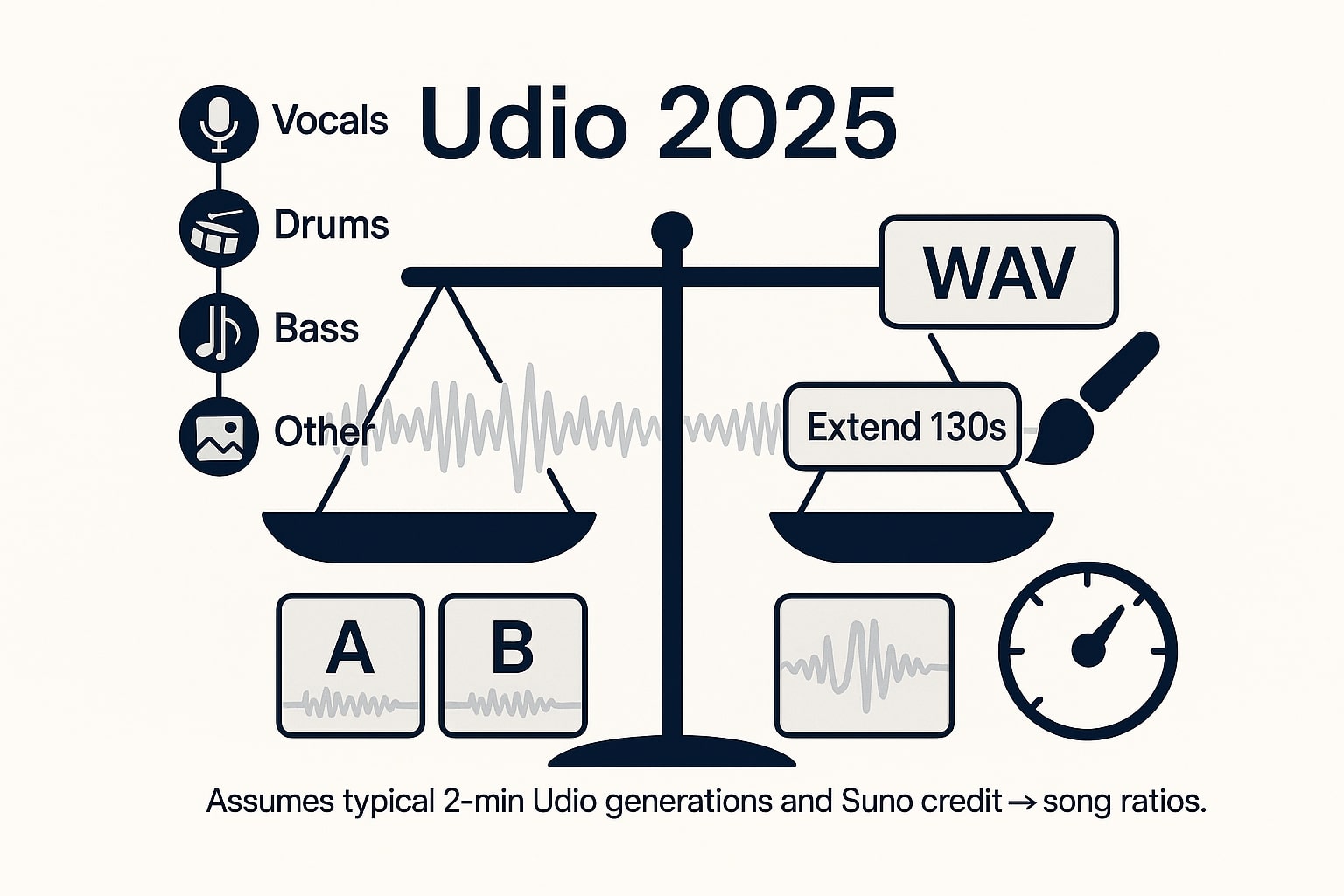
Most creators pay for output quality and editability, not just volume. Here’s what actually flips the value equation toward paid tiers — with an important caveat about downloads during the current licensing transition.
- WAV download + Stems (vocals/bass/drums/other) have historically been subscriber-only and DAW-friendly for proper mixing and mastering. During Udio’s 2025–2026 licensing transition, all audio/video/stem downloads are temporarily disabled across plans; treat these as “returning” features that still define why paid tiers matter once exports come back.
- Sessions workflow with Extend/Remix supports producer-style iteration (takes/comping feel) so you can evolve an idea without starting over from a blank prompt.
- Inpainting & Extend let you surgically fix sections and build full-length tracks; each step consumes credits per the math above (32-sec pair = 2 credits; “u-130” pair ≈ 4 credits), which makes planning around 2,400 / 6,000 monthly credits very predictable.
- Uploads on paid tiers give you more control over structure and references (ideas, guides, longer forms) and pair well with stems for post-work in a DAW once downloads are re-enabled.
- Speed & consistency: generation time still varies with system load, but paid tiers get better throughput and concurrency — Pro can now run more simultaneous sets than Free/Standard — so you stay in flow when iterating multiple versions back to back.
Dec 2025 update: feature names and availability can change, and downloads are currently paused during the UMG/label transition — always verify in-app before a client session.
Commercial use, ownership & copyright considerations
Short answer: you can go commercial on Udio, especially on paid tiers — but you must respect copyright and keep clean provenance.
- You own the output you generate and can generally use it for personal and commercial purposes, as long as it does not include copyrighted material you don’t own or lack permission to use. Avoid dropping in unlicensed vocals, samples, or lyrics you don’t control.
- Attribution: paid subscribers are not required to credit Udio (though attribution is welcomed). Free accounts must include attribution such as “Created with Udio” in the title, credits, or metadata when publishing publicly.7
- Consent & likeness: if you’re echoing a distinctive voice or using reference audio that resembles a recognizable artist or brand IP, get proper permissions and avoid impersonation, voice-cloning without consent, or confusingly similar branding.
- Distribution hygiene: keep a simple log (prompts, dates, renders), plus any exports you’re allowed to make (stems/WAV when available again) and subscription receipts. That paper trail is useful for platform disputes, Content ID issues, and client compliance.
- Industry backdrop: major-label lawsuits against AI music providers have already led to settlements and licensing deals, including Udio’s agreements with UMG and others. If you publish commercially, monitor how these deals evolve and update your contracts and internal policies as needed.9
Always re-check the latest ToS/Guidelines in-app before releasing ad work, client deliverables, or distributed tracks. This is not legal advice.
Udio vs Suno pricing — which is cheaper for your workload? (Dec 2025)
Udio vs Suno — rough cost per finished song (Last checked: Dec 2025)
| Platform / Plan | Price | Credits / mo | Songs / mo (±) | Est. cost / song | Notes |
|---|---|---|---|---|---|
| Udio Standard | ≈ $10 | 2,400 | ~1,200 (u-130) | ≈ $0.0083 | Downloads/exports temporarily unavailable during label licensing transition |
| Udio Pro | ≈ $30 | 6,000 | ~3,000 (u-130) | ≈ $0.0100 | High headroom for teams; same export pause as above |
| Suno Pro | $10 | 2,500 | ~500 | ≈ $0.02 | Annual ≈ 20% off; downloads & WAV exports available on paid plans |
| Suno Premier | $30 | 10,000 | ~2,000 | ≈ $0.015 | Annual ≈ 20% off; high-volume catalogs |
Notes: Udio: a 4-credit “u-130” prompt returns two outputs ⇒ ≈2 credits per finished ~130-second song. Suno: ~500 / 2,000 songs per 2,500 / 10,000 credits (official positioning). Figures are approximate and depend on redo/extend behavior and how often you keep both outputs.
Suno (2025)
- Basic: 50 credits/day (~10 songs), non-commercial.
- Pro: $10/mo → 2,500 credits/mo (~500 songs).
- Premier: $30/mo → 10,000 credits/mo (~2,000 songs).
- Annual: ~20% off (Pro ≈ $8/mo; Premier ≈ $24/mo). Included credits don’t roll over; top-ups are available and do not expire as long as your subscription is active.
Rough cost per full song (Suno)
- Pro: $10 / ~500 ≈ $0.02 per song.
- Premier: $30 / ~2,000 ≈ $0.015 per song.
Head-to-head (typical ~2-min songs)
- Udio Standard $10 / ~1,200 ≈ $0.0083/song vs Suno Pro $10 / ~500 ≈ $0.02/song.
- Udio Pro $30 / ~3,000 ≈ $0.0100/song vs Suno Premier $30 / ~2,000 ≈ $0.015/song.
When Udio “wins”: you need very low unit costs, benefit from two-result generations for A/B picks, and prefer transparent credit math — and you’re comfortable working within a temporarily download-limited environment while the UMG/label platform transition runs its course.
When Suno “wins”: you prioritize ultra-fast in-song iteration (replace/extend/crop), 12-stem extraction on paid tiers, and section-level control, with working downloads and export options where a slightly higher cost per song is outweighed by speed and production tooling.
Check out this companion article: Udio vs Suno 2025: Complete AI Music Generator Comparison
Student & annual discounts
If you’re eligible, these shave real dollars off monthly cost.
- Udio: 50% off for 6 months for accredited students — the same credits and features as a regular Standard/Pro plan, just at half price once your school email is verified.13
- Suno: ~20% off on annual billing for Pro/Premier, which nudges effective per-song costs lower if you’re committed to a full year of production.
Verdict: is Udio “worth it” in 2025?
For creators who care about editable, production-ready audio (stems/WAV) and tight iterative control (extend, inpaint, uploads), yes — Udio Standard remains a very attractive sweet spot, and Pro scales cleanly for heavy users and small teams. Right now, the big caveat is the licensing transition: downloads and exports are temporarily paused for most users, which means Udio is at its best for drafting, testing, and planning catalogs that you’ll fully exploit once exports return.
If you strictly optimize for cost per finished song at high volume, Udio’s credit math is extremely aggressive on paper, while Suno stays competitive by bundling fast in-song editing and mature export tools that are already live. In practice, many serious creators keep accounts on both: Udio for ultra-cheap idea generation and pairs, Suno for polished stems, structured editing, and “ready-to-ship” deliverables. Whichever stack you choose, stay inside the copyright lines, keep a clean paper trail for clients, and consider a paid tier as your default if commercial release is part of the plan.
References
- Deezer Newsroom — “18% of all new music uploaded is fully AI-generated”
↩ - Music Business Worldwide — “Udio is already spitting out 10 songs a second”
↩ - Udio Help Center — Credits and credit limits
↩ - Udio — Pricing
↩ - Udio Help Center — Export Your Music for Further Editing (WAV);
Udio Help Center — Downloading stems of your songs
↩ - Udio Help Center — Changing or canceling your subscription
↩ - Udio Help Center — Answers to common usage questions (ownership & attribution)
↩ - Udio Help Center — Copyright-related questions
↩ - RIAA — Press release on lawsuits vs Suno & Udio
↩ - Suno — Pricing
↩ - Suno Help Center — What type of plan do I have?
↩ - Suno Help Center — When will I get more credits?
↩ - Udio Help Center — Student discount (50% for 6 months)
↩ - Reuters — AI-generated music accounts for 18% of tracks uploaded to Deezer
↩
Ready to apply this to your business?
Let's Talk Strategy →