
GPT-5.1 Thinking vs Instant helps you choose the right balance of speed and depth for coding, content, and data work inside ChatGPT.
- Use Instant for fast drafts, quick refactors, light analysis, and everyday conversations that do not need deep reasoning.
- Switch to Thinking for multi step debugging, technical documentation, long form content strategy, and complex data workflows.
- Let GPT-5.1 Auto decide for most prompts and only force Thinking when accuracy, traceability, or business impact is high.
- Thinking offers longer context and clearer explanations for complex tasks, at the cost of additional seconds per reply.
- Combine both modes in one workflow, Instant for exploration and Thinking for final checks, to improve quality without wasting compute.
GPT-5.1 Thinking vs Instant now matters for coding, content, and data work
In November 2025 OpenAI quietly turned a simple model choice into a strategic decision for anyone who writes code, ships content, or lives in dashboards. GPT-5.1 arrives with two visible modes in ChatGPT, Instant and Thinking, plus an Auto router that decides for you. Instant is described as the most used model, now warmer, more intelligent, and better at following instructions, while Thinking is positioned as the advanced reasoning variant that stays clearer on complex tasks.[1][2]
Under the hood GPT-5.1 is the latest step in a longer shift toward adaptive reasoning. OpenAI already introduced reasoning first models in the o1 series in 2024, which were designed to spend more time thinking on math, coding, and science problems.[5] GPT-5 took that idea mainstream, and GPT-5.1 extends it with per message controls for thinking time and a more conversational tone.[4][1][2]
For a twenty to forty year old audience working in technology, marketing, and business the impact is very concrete. Choosing between GPT-5.1 Instant and GPT-5.1 Thinking can change how fast you ship a prototype, how deep your market analysis goes, and how confident you feel presenting AI supported numbers to a client. This article maps those trade offs with one goal, helping you decide when each mode actually earns its extra seconds of compute.
How GPT-5.1 Thinking vs Instant actually work inside ChatGPT
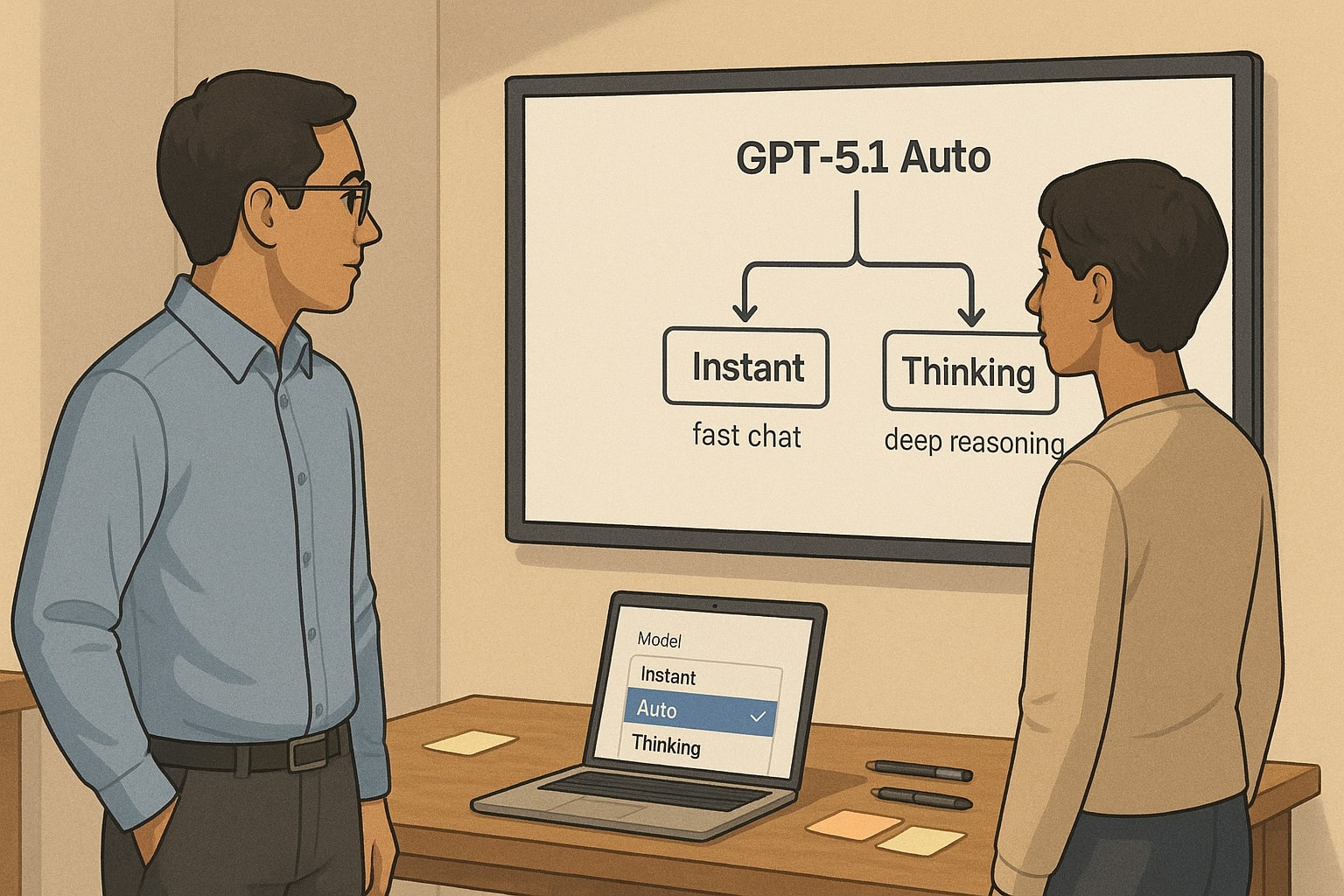
Before talking about use cases it helps to clarify what these modes really are. GPT-5.1 is not two completely separate brains. It is one generation of models with different configurations for reasoning effort, latency, and tone.[1][3][6]
OpenAI describes GPT-5.1 Instant as the default, most used variant. It prioritises quick, conversational answers and better instruction following. In practice this means lighter internal reasoning on simple prompts, a warmer style in chat, and a focus on staying responsive even when people send rapid follow ups.[1][2][11]
GPT-5.1 Thinking is built for deeper work. According to OpenAI it allocates more thinking time when a task benefits from careful analysis and presents explanations with less jargon and a more empathetic tone.[2][9] It comes with a larger context window, up to around one hundred ninety six thousand tokens on paid tiers, which is enough to keep hundreds of pages, long codebases, or multi quarter datasets in a single conversation.[2][10]
A few practical details matter for daily work
-
Auto routing. GPT-5.1 Auto can decide when to switch between Instant and Thinking based on prompt complexity and learned patterns from user choices and answer correctness.[2][6]
-
Thinking time toggle. When you pick GPT-5.1 Thinking you see a thinking time control in the composer. Plus and Business users can choose Standard or Extended, while Pro adds Light and Heavy for finer control.[2]
-
Usage limits. Manual selection of GPT-5.1 Thinking on Plus and Business is capped at about three thousand messages per week. Auto routing that temporarily escalates to Thinking does not count against that budget.[2]
This design reflects a principle that also appears in OpenAI research on chain of thought and safety. The system can spend more compute on complex reasoning when needed, but giving users control over when to expose or hide that thinking is important for both usability and oversight.[16][17]
For you as a builder or marketer the takeaway is simple. Instant is the mode that keeps conversations flowing. Thinking is the mode that treats each answer more like a mini project, with longer context and more deliberate reasoning.
Check out this fascinating article: GPT-5 vs Claude Opus 4.1: The Ultimate Developer Showdown – Coding, Reasoning & API Performance
GPT-5.1 Thinking vs Instant for real world coding workflows
Coding is where the speed versus depth trade off is easiest to feel. GPT-5 already made large improvements in end to end coding, from generating front end interfaces to orchestrating long chains of tool calls.[4][14] GPT-5.1 layers on top of that with more adaptive reasoning and clearer communication.[1][2]
For everyday developer tasks GPT-5.1 Instant is often the best starting point. It feels like a senior colleague who answers quickly in chat, perfect when you
-
need a small code snippet to recall a library call
-
want to rewrite a function in a different style or language
-
are exploring options and do not yet know the final design
Instant is tuned to follow instructions more faithfully than earlier chat models and to keep responses concise by default. That helps when you are working inside an IDE window, glancing at ChatGPT on a second monitor, and do not want a long essay every time.[1][6]
GPT-5.1 Thinking earns its keep when the problem stops fitting in your mental stack. If you paste a multi file bug trace, a complex recursive algorithm, or a tangled asynchronous flow, the extra context and deliberate reasoning help the model keep track of interactions instead of treating each function in isolation.[2][8]
Useful patterns that leverage Thinking for coding
-
Architecture reviews. Drop a high level description of your service, key files, and a list of incidents. Ask GPT-5.1 Thinking to propose failure scenarios and refactor plans. The longer context lets it reason about cross cutting concerns like error handling or rate limits.
-
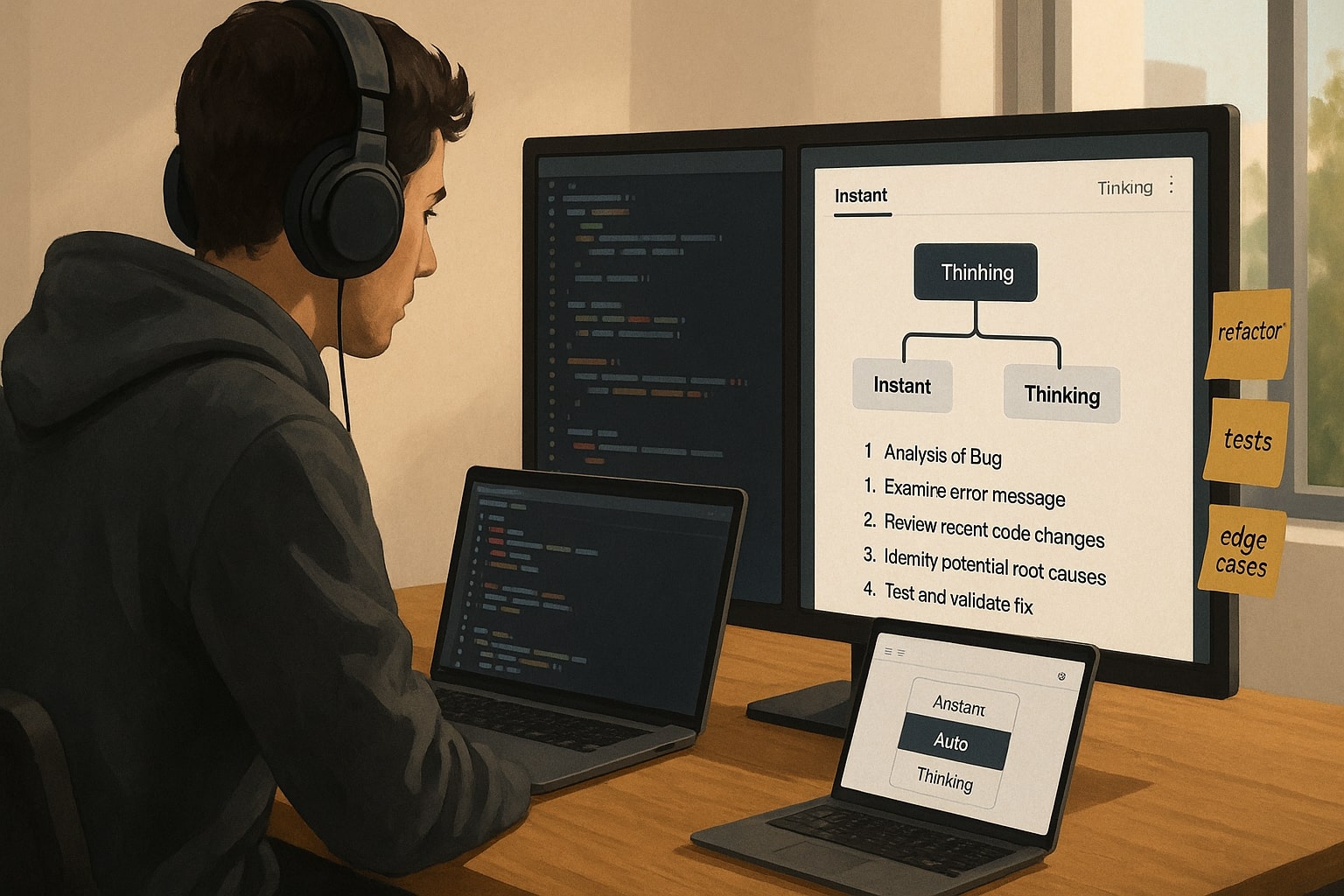
Deep debugging sessions. When a bug survives your usual quick fixes, switch from Instant to Thinking, paste the relevant logs and code, and ask for a stepwise hypothesis, test plan, and patch candidates. You are trading seconds for reduced guesswork.
-
Generated documentation. Thinking is useful for generating reference documentation from large codebases or for explaining design decisions to non engineers because it can keep more files in scope and produce more coherent narrative explanations.[4][8]
A practical rule of thumb for developers is to start in Instant for all exploration, then promote a thread to Thinking when any of three signals show up, you paste more than a screen of code, you are about to change something risky in production, or you find yourself asking follow up questions about the same bug for more than five minutes.

GPT-5.1 Thinking vs Instant in content creation and marketing
For marketers and content teams GPT-5.1 behaves less like a single copywriter and more like a small writers room that you can steer in different ways. The core model improvements from GPT-5, such as more consistent structure and better long form writing, are inherited in GPT-5.1, while the new release focuses on tone and control.[4][1][12]
GPT-5.1 Instant suits the high volume parts of content work. It works well when you
-
need ten headline variations for a landing page
-
want a quick rewrite to match a brand voice you already defined
-
are cleaning up English for social content, email subject lines, or ad hooks
Because Instant is warmer and more conversational by default, and better at following your instructions, it is a strong fit for everyday copy that needs to feel human but does not require deep research.[1][11][22]
Check out this fascinating article: Claude Opus 4.1 vs GPT-5 in 2025: Reasoning, Speed, and Cost, The Winner Builders and Marketers Actually Feel
GPT-5.1 Thinking becomes more valuable when a piece of content is tied to real money, reputation, or complex positioning. Examples include
-
Thought leadership and narrative strategy. When you need a long form article that weaves together multiple sources, frameworks, and case studies, Thinking helps keep the argument coherent from introduction to final call to action.
-
Content systems rather than one offs. For a launch funnel where landing pages, email sequences, sales scripts, and FAQ pages must all align with the same narrative, Thinking can hold the entire funnel map in context and check for consistency.
-
Heavily regulated or technical topics. When writing about finance, health, or ad policy updates you want the model to reason more carefully about claims and references. Combining GPT-5.1 Thinking with web search and explicit citations in your prompt is a safer pattern.[4][16][17]
For a content marketer the balance looks like this, Instant for ideation, fast drafts, and social derivatives, then Thinking for the flagship assets that anchor campaigns and for sensitive explainer work where your audience will scrutinise every line.
GPT-5.1 Thinking vs Instant for data analysis and decision making
Data work is where GPT-5.1 Thinking most clearly inherits the direction set by the earlier o1 models. Those models were explicitly designed to spend more time thinking and showed large gains on math and science benchmarks.[5][16] GPT-5 brought the same philosophy into a general model, and GPT-5.1 builds on it with better control and longer context.[4][2]
GPT-5.1 Instant can already handle a lot of everyday analysis. You can paste small CSV snippets, ask for trend summaries, and request quick visualisation ideas. In built tools like data analysis in ChatGPT let the model execute code against uploaded files, which makes Instant a useful assistant for lightweight reporting workflows.[2][4]
GPT-5.1 Thinking is more suited to the kind of analysis that underpins strategy decks and board meetings. Its extended context window and deeper reasoning let it
-
follow a metric through multiple sheets and time periods
-
test several hypotheses in one conversation, not just the first obvious one
-
document assumptions, edge cases, and risks in a way that non technical stakeholders can read
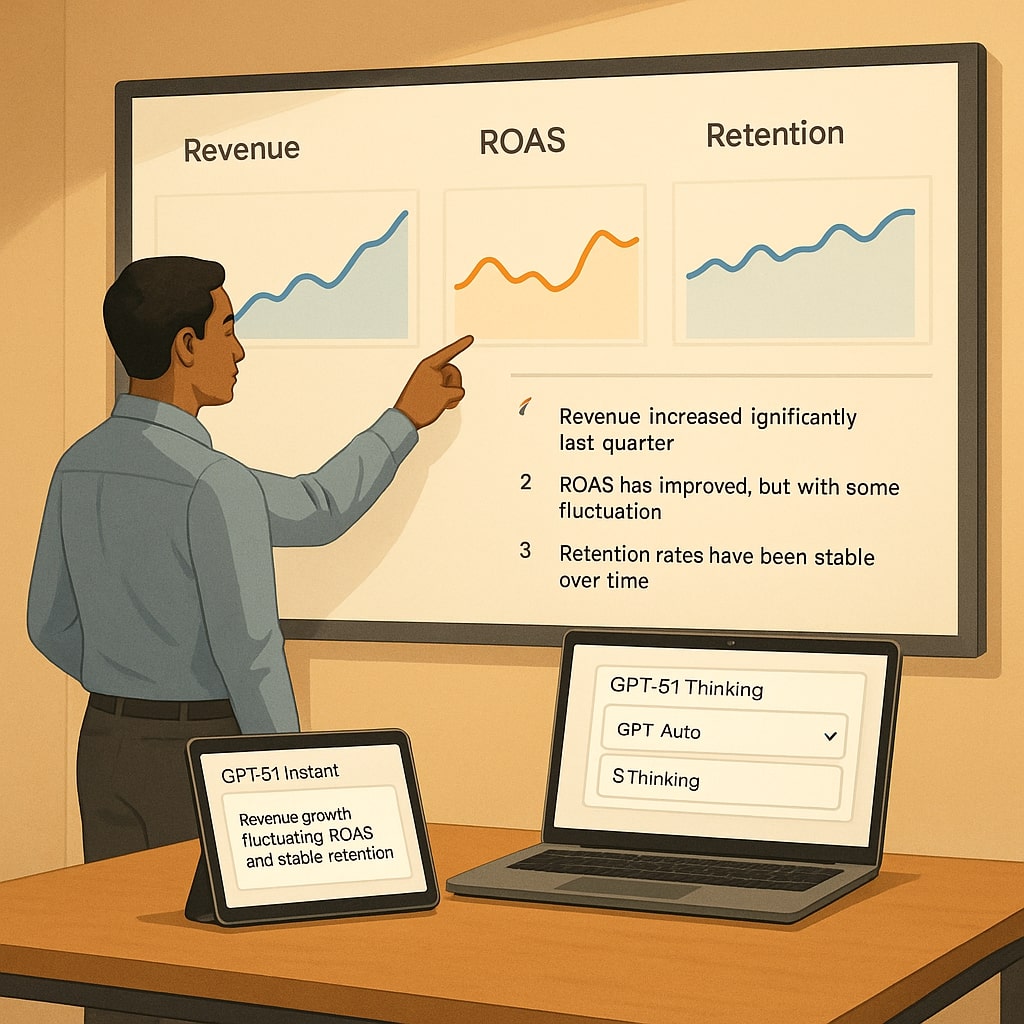
For example, a growth lead can upload exports from Meta Ads, TikTok Shop, and Shopify, then ask GPT-5.1 Thinking to reconcile spend, revenue, and ROAS across channels, highlight anomalies, and suggest experiments that match the brand’s risk appetite. The ability to explain reasoning step by step is valuable when you need to defend a decision to a sceptical teammate.[2][4][31]
A practical habit here is to treat Thinking as your analyst for questions where you would be embarrassed to say later that you only skimmed the numbers. For quick directional answers, Instant is fine. For anything that affects quarterly plans or investor updates, promote the thread to Thinking and explicitly ask the model to enumerate its assumptions.
Feature comparison of GPT-5.1 Thinking vs Instant for builders
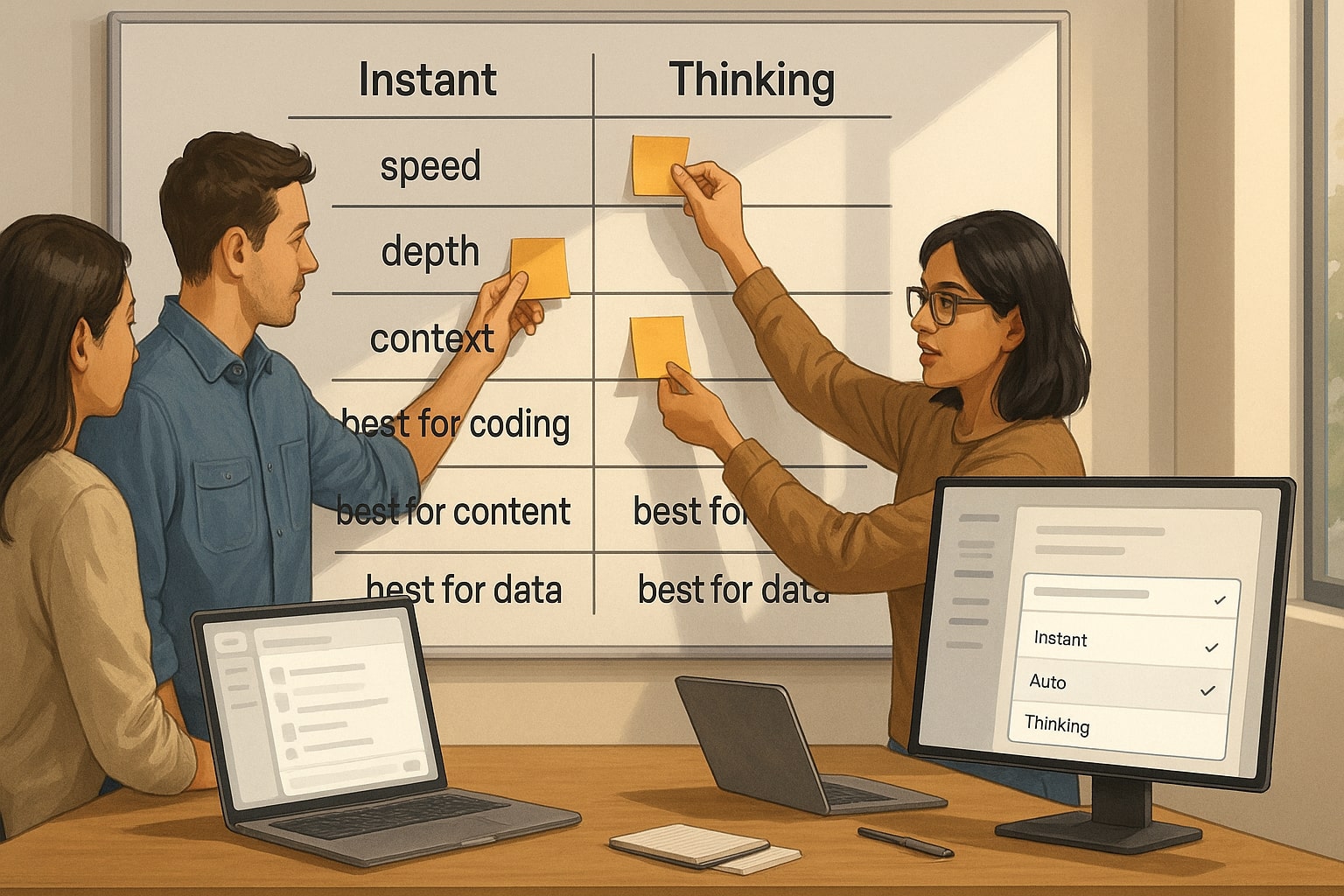
Once you understand the feel of each mode it helps to see them side by side. The table below summarises how they map to real world work for developers, marketers, and operators, based on OpenAI’s own descriptions and early field reports.[1][2][6][7][9]
| Dimension | GPT-5.1 Instant | GPT-5.1 Thinking |
|---|---|---|
| Primary goal | Fast, conversational answers for everyday tasks | Deeper, more deliberate reasoning on complex tasks |
| Typical latency | Snappy on most prompts, tuned for chat like back and forth | Adds extra thinking time, especially on multi step problems |
| Context window in ChatGPT | Sixteen thousand to one hundred twenty eight thousand tokens, tier dependent | Around one hundred ninety six thousand tokens on paid tiers |
| Tone and style | Warm, playful when suitable, strong instruction following | Clearer explanations, less jargon, more empathetic on difficult topics |
| Best for coding | Small snippets, quick refactors, simple code questions | Architecture reviews, deep debugging, large codebase documentation |
| Best for content | Headlines, social posts, light rewrites, ad copy variants | Long form articles, multi asset campaigns, technical or regulated topics |
| Best for data work | Directional summaries, simple charts, ad hoc questions | Multi file analysis, reconciliation tasks, strategic scenario planning |
| Control options | Available alone or via Auto routing | Manual selection plus thinking time toggle, also used behind the scenes by Auto |
| Limits and cost considerations | Lower perceived compute per answer, good default for high volume work | Message limits on manual use and more compute per answer, better reserved for high impact questions |
The numbers in this table are intentionally high level. OpenAI has not published a separate pricing card for GPT-5.1 at the time of writing and third party analyses recommend checking the live API pricing page for current rates.[10][18] What matters for most ChatGPT users is not cents per million tokens but choosing the mode that gives a reliable answer at acceptable speed.
Turning GPT-5.1 Thinking vs Instant into your unfair advantage
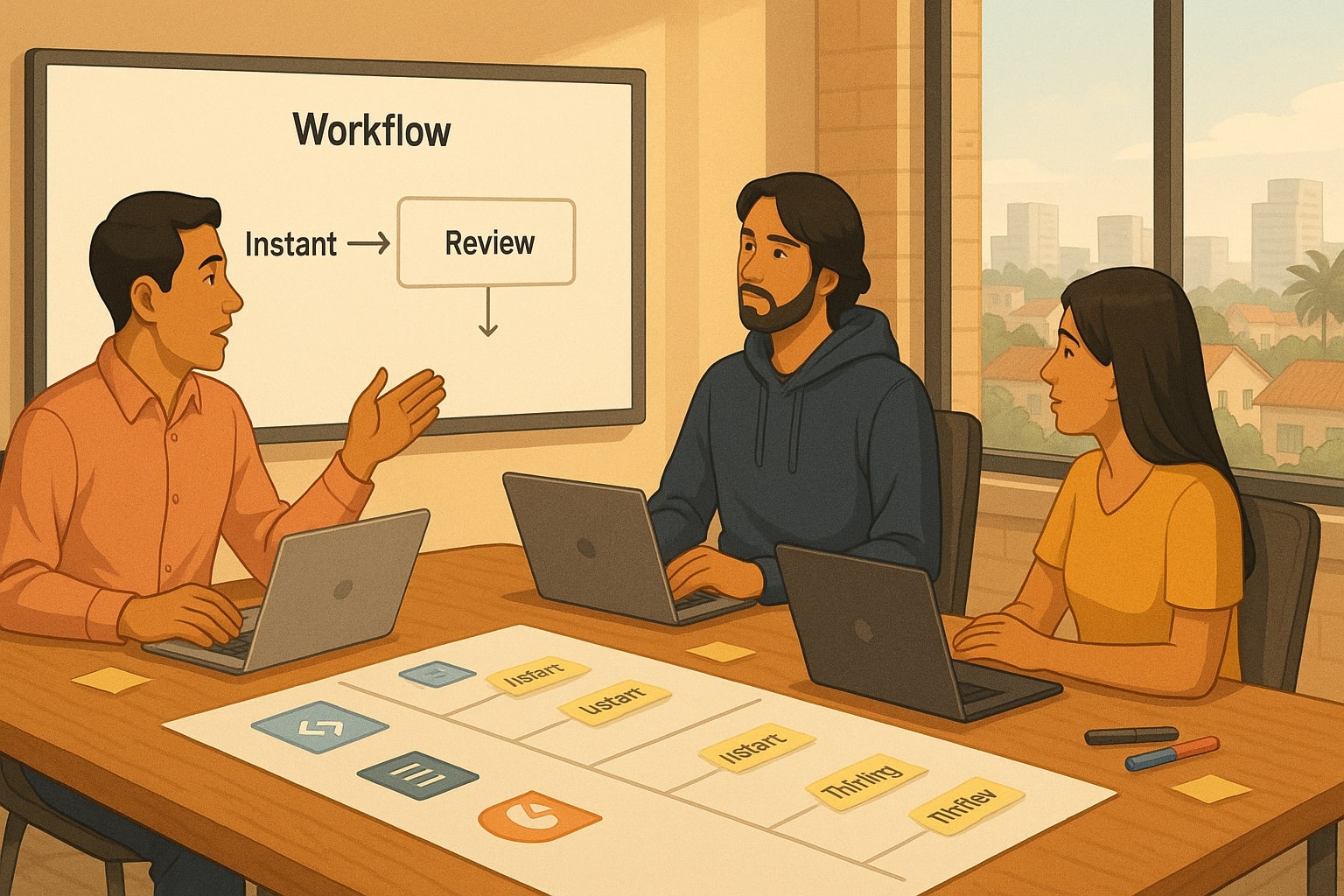
The pattern that emerges across coding, content, and data work is simple. GPT-5.1 Instant keeps you moving. GPT-5.1 Thinking keeps you honest when work becomes complex, high impact, or politically sensitive inside your organisation. The most effective teams do not pick a single favourite mode. They design workflows that switch intentionally.
For a solo developer, a practical flow is to build prototypes in Instant, then schedule short Thinking reviews before merging important changes. For a marketer, that might mean drafting hooks and creative angles in Instant and letting Thinking handle the flagship monthly narrative piece or the ad policy explainer. For a founder or business lead, Instant is ideal for back of the envelope scenario checks, while Thinking is the partner you bring in when aligning budgets with a finance team or preparing material for investors.
A final mental model that fits the twenty to forty year old tech and marketing crowd is to treat Instant as your sprint partner and Thinking as your strategic offsite. Instant is there every day, keeping the pace. Thinking is the slightly slower conversation where you zoom out, challenge assumptions, and accept that a few extra seconds now can save an expensive mistake later.
If you have already tested GPT-5.1 Thinking vs Instant in your own stack, whether in codebases, campaigns, or spreadsheets, share what you learned in the comments or drop a question for a future deep dive so other builders can benefit from your field notes too.
References
- OpenAI — GPT-5.1: A smarter, more conversational ChatGPT
- OpenAI Help Center — GPT-5.1 in ChatGPT
- OpenAI — GPT-5.1 Instant and GPT-5.1 Thinking System Card Addendum
- OpenAI — GPT-5 is here
- OpenAI — Introducing OpenAI o1 preview
- DataStudios — ChatGPT introduces Fast, Thinking, and Auto modes for GPT-5 reasoning control
- TTMS — ChatGPT 5 Modes: Auto, Fast Instant, Thinking, Pro
- Creole Studios — GPT-5 vs GPT-5 Thinking vs Pro: Key differences
- Skywork — What is GPT-5.1 Thinking? Advanced reasoning explained
- Alphacorp — GPT-5.1 launch guide, modes and pricing notes
- The Verge — OpenAI says GPT-5.1 is warmer and has more personality options
- VentureBeat — OpenAI reboots ChatGPT experience with GPT-5.1 after mixed reviews of GPT-5
- Meta Engineering — Andromeda is Meta’s next generation ads retrieval engine
- Admetrics — Meta Andromeda ads retrieval explained
- MargaBagus.com — Andromeda for 11.11, retrieval to ranking strategies that scale
- OpenAI — Learning to reason with LLMs
- OpenAI — Detecting and reducing scheming in AI models
- OpenAI — API pricing overview
- Donutz Digital — Andromeda, all you need to know about Meta’s future AI engine
- Max Productive — GPT-5.1 release overview
- Medium — Andromeda arrived, the algorithm that changed old Facebook ad strategies
Ready to apply this to your business?
Let's Talk Strategy →