TL;DR — Nov 2025: Udio doubled monthly credits and temporarily disabled downloads/exports during a licensing transition; Suno’s free tier strengthened (v4.5-All) while paid tiers run v5.
- Pricing: Udio Standard $10 → 2,400 credits; Udio Pro $30 → 6,000. Suno Pro $10 → 2,500; Premier $30 → 10,000.
- Real cost / song (~130 s): Udio Standard ≈ $0.0083, Udio Pro ≈ $0.0100, Suno Pro ≈ $0.02, Suno Premier ≈ $0.015 (assumes typical usage).
- Workflow: Suno excels at in-song editing and 12-stem extraction; Udio emphasizes create/extend/remix sessions with predictable credit math.
- Licensing: Suno free is non-commercial + attribution; paid tiers grant commercial rights. Udio paid tiers allow commercial use per ToS; exports currently off.
- Pick this if: Need speed & tight edits → Suno. Need huge volume/low unit cost & producer-style iteration (and can wait for exports to return) → Udio.
A grounded look at Udio vs Suno (2025) for creators who care about speed, cost, and rights.
Margabagus.com — For teams that publish on a schedule and track spend, Udio vs Suno (2025) is not a fan debate; it’s a budgeting and workflow question. Dollar figures are clear enough, Suno lists Pro at $10 and Premier at $30 with a ~20% annual discount, while Udio lists Standard at $10 and Pro at $30 with optional mobile top-ups. The more telling metric is cost per usable song: Suno Pro lands around two cents, while Udio’s paid plans now sit roughly at $0.008–$0.010 per ~130-second song after the November credit increase (2,400/6,000 credits).
This review is written for a tech-and-business audience aged twenty to fifty—people who ship ads, shorts, game loops, and podcast beds on repeat. We focus on pricing, licensing, editing, stems, speed, and risk so you can choose the right tool without guesswork. Factual claims draw from official help centers, pricing pages, app-store listings, and major outlets covering product and policy updates.
Udio vs Suno (2025) pricing and credits that map to real cost per song
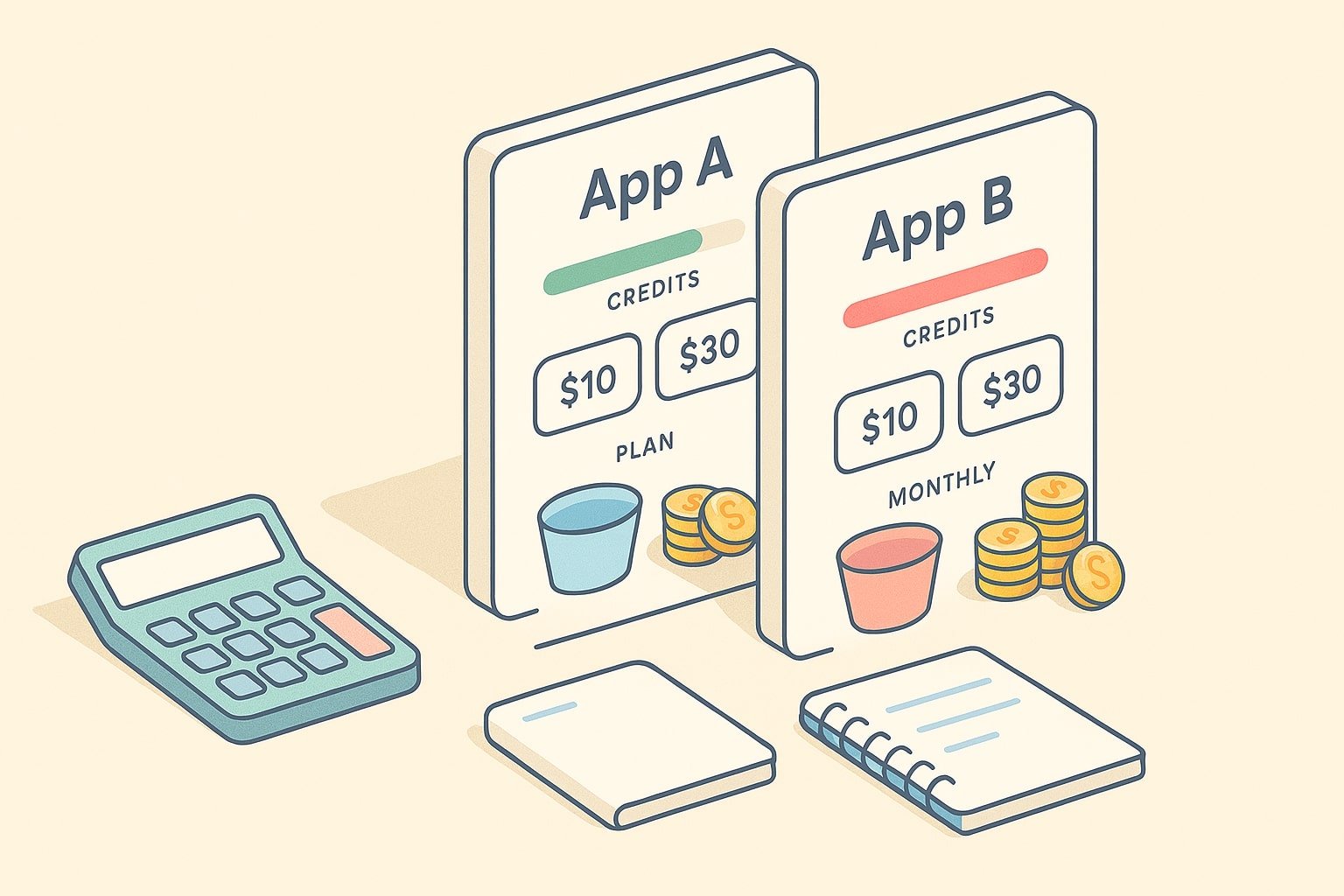
Both tools use credits, which makes the headline price less important than how many songs you can ship for a given month.
-
Suno: Free plan replenishes 50 credits per day, described as enough for about ten songs daily, paid plans give 2,500 and 10,000 credits per month. Suno’s website notes that top-up credits do not expire but require an active subscription. App Store listings show Pro at 10 dollars, Premier at 30 dollars, plus top-ups like 500 credits at 4 dollars and 1,000 credits at 8 dollars.[1][4][6]
-
Udio: Paid plans are Standard 1,200 credits and Pro 4,800 credits per month. Credit use is transparent, a pair of 32-second clips costs 2 credits, a pair of about 130-second clips costs 4 credits, which makes per-song math predictable for budgeting. App Store listings show Standard at 10 dollars, Pro at 30 dollars, with optional top-ups.[7][8]
Pricing and credits, at a glance
| Platform | Plan | Price (USD) | Monthly credits | Notes |
|---|---|---|---|---|
| Suno | Free | $0 | 50 credits daily | ~10 songs/day; non-commercial |
| Suno | Pro | $10 mo, $96 yr | 2,500 | Commercial use; priority; top-ups available |
| Suno | Premier | $30 mo, $288 yr | 10,000 | Commercial use; larger pool; top-ups available |
| Udio | Free | $0 | Daily + monthly caps | Attribution required if you publish |
| Udio | Standard | $10 mo, $96 yr | 2,400 | Predictable credit math; exports temporarily unavailable |
| Udio | Pro | $30 mo, $289 yr | 6,000 | More credits; early features via updates; exports temporarily unavailable |
How the credit math works in practice
Suno: Free 50 credits/day is positioned as about ten songs, which implies roughly five credits per song on average. Paid buckets simply scale the ceiling.
Udio: You always generate in pairs. A 32-second pair costs 2 credits ⇒ one credit per 32-sec song. A ~130-second pair costs 4 credits ⇒ two credits per longer clip.[1] That makes cost per song straightforward to project:
- Standard: $10 / 2,400 credits ⇒ ~1,200 130-sec songs/mo ⇒ ≈ $0.0083 per song (or up to 2,400 × 32-sec clips).
- Pro: $30 / 6,000 credits ⇒ ~3,000 130-sec songs/mo ⇒ ≈ $0.0100 per song (or up to 6,000 × 32-sec clips).
Last checked: Nov 2025
More on AI Music Pricing & Rights (Nov 2025)

Udio vs Suno (2025) licensing and commercial rules you must know before you publish
Licensing terms are not identical, and they directly affect distribution plans and client contracts. Treat both tools as production software with policy guardrails, and always verify the live ToS before delivery.
- Suno licensing: The Free plan is non-commercial (attribution typically required). Pro and Premier grant commercial use per current terms. Credit behavior is documented in the help center (monthly pools, daily/free replenishment, and top-ups). If your team ships near month-end, plan headroom or use annual billing + top-ups to avoid stalls.
- Udio licensing: Help-center guidance states you own your output and may use it for personal and commercial purposes, provided you don’t inject third-party copyrighted material. Free outputs require attribution when published; paid subscribers generally don’t need attribution. This clarity tends to reduce friction with labels, libraries, and marketplaces that ask for provenance notes.
Industry backdrop: Major labels filed lawsuits against Suno and Udio in 2024, and filings continued to evolve in 2025. This does not automatically block lawful subscriber use, but it reinforces why clean prompts, clean inputs, and documented provenance are now standard for commercial work.
Practical tip — keep a simple provenance log per track:
- Prompt text and any uploaded audio (filenames/links).
- Model/version and plan tier used (e.g., Suno v5, Udio Allegro v1.5).
- Credits consumed and major edits (Extend/Replace/Remix notes).
- Rights status: free vs paid, attribution needed or not, consent notes.
- Export details (format, stems) and file links/checksums once available.
- Date/time, reviewer/approver, project or client ID.
Not legal advice. Verify live ToS and licensing pages before client delivery. Last checked: Nov 2025.
Udio vs Suno (2025) workflow, editors, and speed for day-to-day creation
For many teams, how fast you can iterate from idea to master matters as much as final audio. The two tools emphasize different points on the control versus convenience spectrum.
-
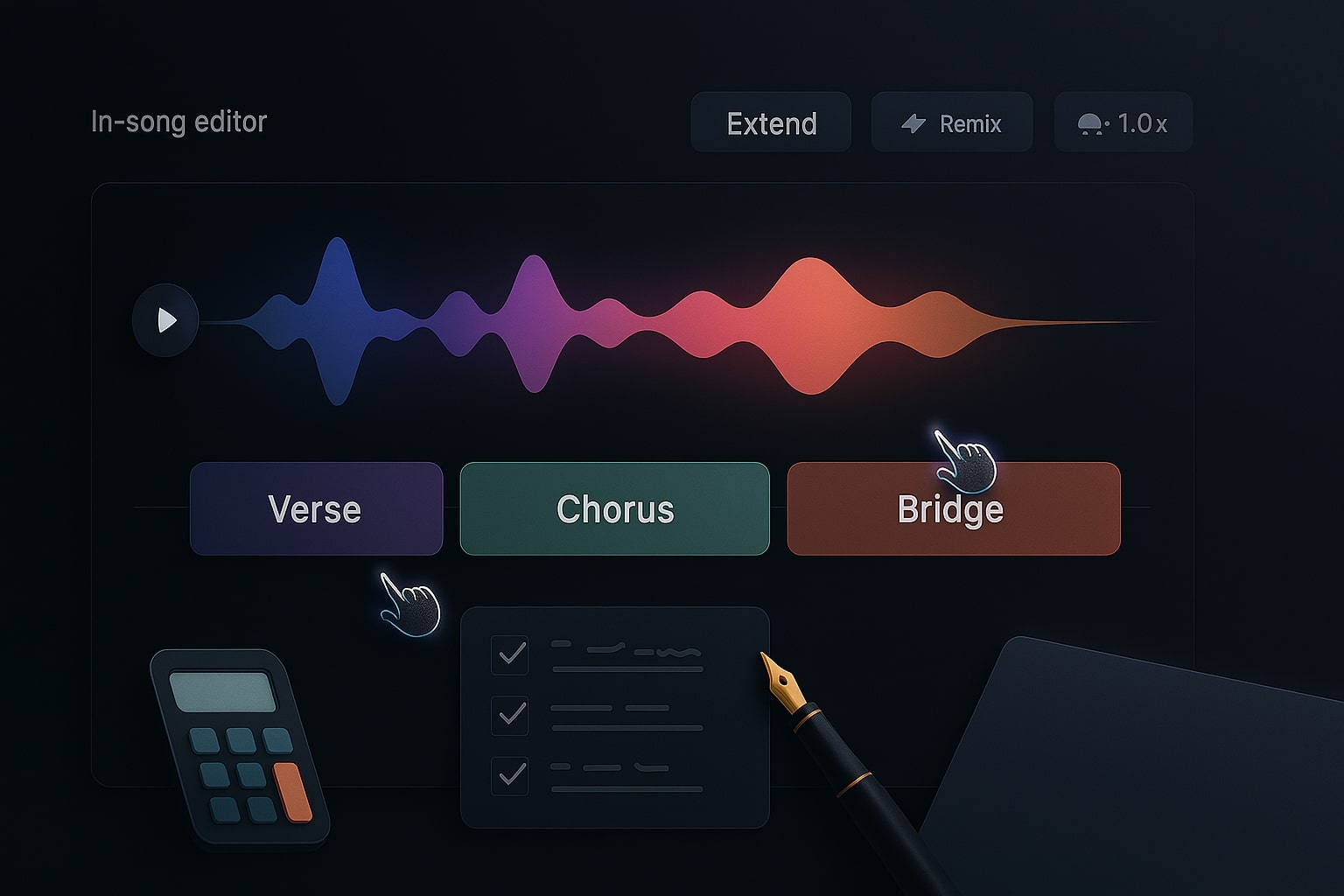
Suno’s in-song editor lets you reorder, rewrite, and remake section by section on the waveform. You can upload full songs up to eight minutes, then drive generation with creative sliders for structure and reference influence. This keeps most edits inside a single screen, which is efficient for non-DAW users and marketers who need to push assets quickly.[3]
-
Udio’s editor toolset leans on Create, Extend, Remix, Inpaint, and Edit, all tightly coupled to the credit system. You choose 32 seconds for ideas or about two minutes for fuller sections, with very clear credits per action shown before you spend them. The Allegro update increased generation speed without trading off sound, which helps in deadline windows.[7][12]
Concurrency and queues: Suno’s paid tiers include priority and more concurrent jobs, which is helpful for batch workloads. Udio’s predictability around clip length makes parallel exploration easy to plan. Both have iOS apps and web interfaces, so teams can work on the go.[1][8]

Udio vs Suno (2025) audio quality and vocals for content that must sound convincing
Suno v5 drew attention for cleaner mixes, more complex arrangements, and improved structure, though reviewers still note limits in emotional nuance and genre specificity in some edge prompts. This is not a deal breaker for ad beds, shorts, and corporate backgrounds, yet it matters for artists who want organic vocal imperfections as a feature, not a bug.[5]
Udio, by contrast, is widely adopted by creators who prioritize vocal clarity and consistent harmonies in the two-minute generation format, combined with fast extension and inpainting to fix syllables and lines. If your bar for vocals is “clean and consistent,” Udio’s defaults are a strong fit, and the stem exports make touch-ups in a DAW straightforward.[7][13]
Udio vs Suno (2025) stems, exports, and DAW handoff for pro finishing
For production teams, stems are the bridge from AI draft to broadcast-ready mix.
-
Suno: Get Stems includes both the classic Vocals plus Instrumental split and the twelve-track option that pulls out vocals, drums, bass, keys, guitars, and more, which is ideal for thorough mixing and sync edits. It pairs nicely with the editor’s section controls and extended uploads.[3][4]
-
Udio: Paid subscribers can export four stems in uncompressed WAV — Vocals, Drums, Bass, Other. For many ad beds and shorts this is enough, and the files drop cleanly into Logic, Ableton, or Pro Tools for quick EQ, compression, and sweetness passes.[13]
If your team relies on deep multitrack edits and heavy remixing in the DAW, Suno’s twelve-stem option is a draw. If you want fast stems that cover the basics, Udio’s four-stem bundle is efficient and stable.
Check out this fascinating article: Udio vs Suno (Oct 2025 Update): Vocals, Editors, Stems & Pricing

Udio vs Suno (2025) risk and policy landscape you should not ignore
The legal environment around data, likeness, and distribution keeps moving. Treat both tools as production software with policy guardrails, not as “anything goes.” Keep contracts flexible and align with each platform’s live help-center guidance.
- Avoid soundalike prompts and respect trademark and publicity rights around names, voices, and likeness.
- Suno: Free tier is non-commercial and typically requires attribution. Paid tiers include commercial-use terms; always verify consent/distribution rules in-app.
- Udio: Paid tiers allow commercial use per ToS. Nov 2025 note: downloads/exports (WAV, stems, video) are temporarily unavailable during a licensing transition—confirm status before delivery.
- Maintain a provenance log (prompts, edits, approvals) for client and platform compliance.
Last checked: Nov 2025
Udio vs Suno (2025) feature comparison you can skim
| Feature | Udio | Suno |
|---|---|---|
| Editor focus | Create, Extend, Remix, Inpaint, Edit with clear credits per action | In-song editor, reorder and rewrite by section, creative sliders |
| Upload length | Upload & extend user audio; common use is verse or chorus clips | Upload full songs up to ~8 minutes on paid tiers |
| Stems | WAV + stems (paid) — temporarily unavailable (Nov 2025) | 12 stems option plus classic vocals + instrumental (paid) |
| Speed | Allegro update improved generation speed | Priority queues on paid tiers; more concurrent jobs |
| Free plan | Daily credits + monthly cap; attribution required if you publish | 50 credits daily (~10 songs), non-commercial |
| Mobile | iOS app with in-app subscriptions | iOS app with in-app subscriptions and top-ups |
Last checked: Nov 2025
Credit math and budget scenarios for teams that plan output volume
Assumptions: Suno averages ~5 credits per full song (10 credits ⇒ 2 songs). Udio averages ~2 credits per ~130-second song since a 4-credit pair returns two songs. Your mileage varies with retries.
| Scenario | Target songs per month | Suno Pro 2,500 cr |
Suno Premier 10,000 cr |
Udio Standard 2,400 cr |
Udio Pro 6,000 cr |
|---|---|---|---|---|---|
| Social brand channel | 100 | 500 capacity, $10, est $0.02/song | Overkill | 1,200 capacity, $10, ≈ $0.0083/song | Overkill |
| Indie label drops | 500 | Hits ceiling exactly, $10, ≈ $0.02/song | 2,000 capacity, $30, spare headroom | 1,200 capacity, $10 — manage retries | 3,000 capacity, $30, ≈ $0.0100/song |
| Agency monthly pack | 1,000 | Needs Premier or top-ups | $30, ≈ $0.015/song | Needs Pro tier | $30, ≈ $0.0100/song |
Last checked: Nov 2025
Best fit by use case
- You need speed and section-level editing inside one screen: Suno Premier is the easy pick—the in-song editor, twelve-stem export, and extended uploads shorten the distance from idea to delivery.fn n=”3″][4]
- You need consistent vocals and predictable credit math: Udio Pro delivers clean two-minute sections with fast Extend/Inpaint, and two-result generations help A/B picking. Note: exports are temporarily paused.[7][13]
- You are testing and learning: Suno’s free plan gives daily bursts, while Udio’s free plan lets you try short and long clips with attribution if you publish. Both are enough to validate prompts and genres before paying.[1][9]

Editorial take you can act on
If your team is marketing heavy with social deadlines, Suno will likely feel faster and more integrated, especially with the twelve-stem export for flexible cuts. If your team is audio-led and cares about vocal clarity, per-song predictability, and tight cost control, Udio often wins the month. Either way, build a prompt library, keep a provenance log, and revisit your plan tier quarterly as credits and policies evolve.
Have questions or a different experience in your niche? Drop a comment, share your workflow, and let us know where each tool shines for you.
References
- Suno Help — Plan types, daily 50 credits, 2,500 & 10,000 monthly credits
- Suno — Pricing & top-up policy
- App Store — Suno, in-app purchases Pro/Premier & credit packs
- Suno Help — Stem Extraction, 12-track option
- Suno Help — Replace Section editor feature
- Suno Help — Artist Update, upgraded editor, stems, extended uploads
- Udio Help — Credits & monthly limits 1,200/4,800
- App Store — Udio, Standard/Pro pricing & credit packs
- Udio Help — Usage & ownership, attribution on free
- Udio Help — Downloading stems, 4-stem WAV export
- Udio Help — Export for further editing
- Udio Help — Changelog, Allegro v1.5 faster generation
- Reuters — Labels sue Suno & Udio for copyright infringement
- RIAA — Press release on lawsuits vs. Suno & Udio
- AP News — Record labels sue Suno and Udio
Ready to apply this to your business?
Let's Talk Strategy →