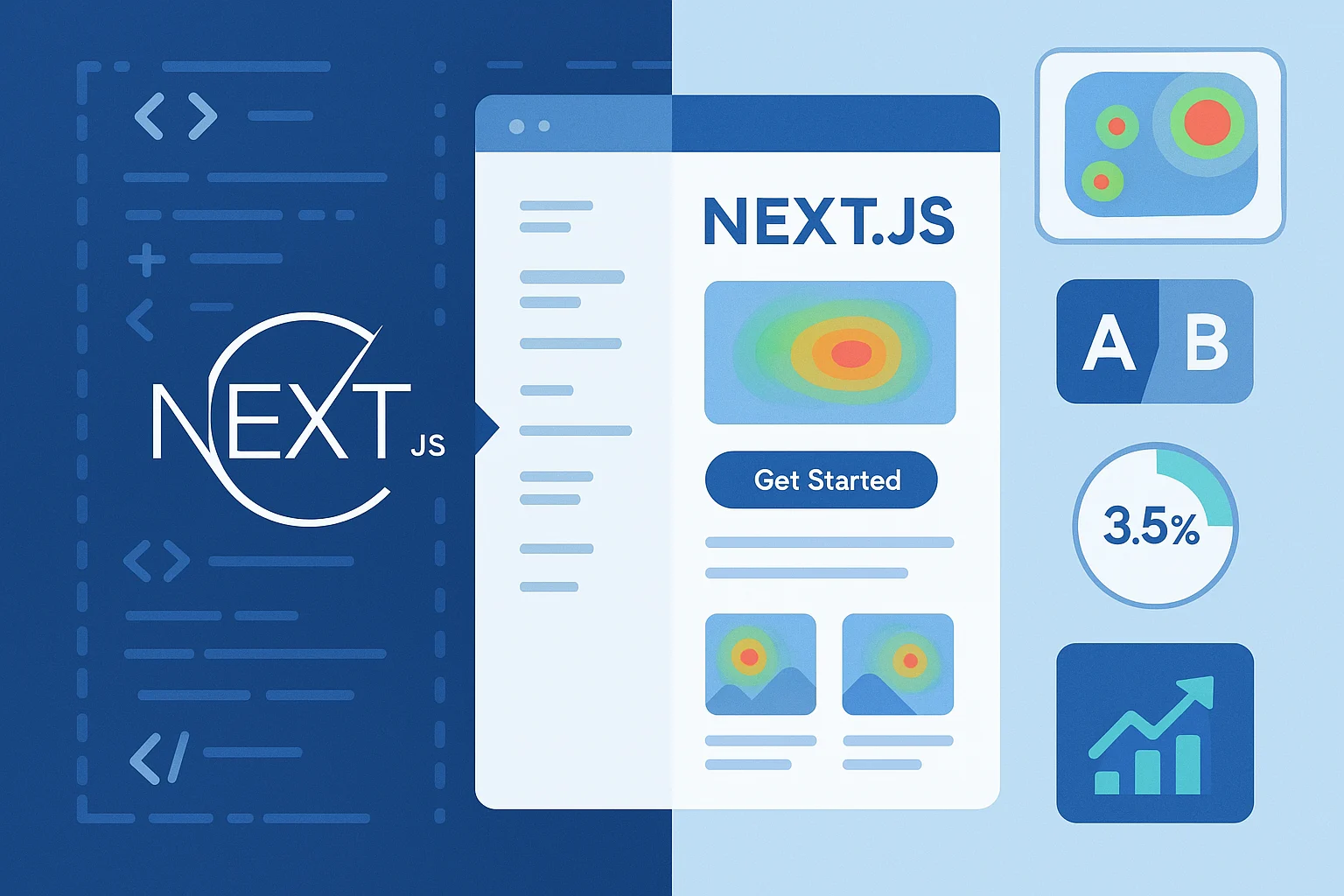
Margabagus.com – It’s a well-established fact that page load speed directly impacts conversion rates. Research by Google has shown that as page load time increases from 1 to 3 seconds, the probability of bounce increases by 32%. For businesses, this translates to real revenue impact. This is where high-converting Next.js landing pages enter the picture, offering businesses a powerful framework for creating lightning-fast, user-friendly pages that convert visitors into customers. The marriage of Next.js development with conversion-focused landing page design represents one of the most effective approaches in modern web development.
Why Next.js Stands Out for Converting Visitors to Customers

Next.js, developed by Vercel, has established itself as one of the most popular React frameworks since its initial release in 2016. With each major version update, it has introduced features specifically designed to improve performance and developer experience—two factors that directly impact your ability to create effective landing pages.
The core advantage of Next.js for conversion-focused pages lies in its flexible rendering options. Where traditional React applications rely solely on client-side rendering (potentially leading to slower initial loads), Next.js offers multiple rendering strategies that can significantly impact user experience:
- Server-Side Rendering (SSR)
- Static Site Generation (SSG)
- Incremental Static Regeneration (ISR)
- Client-Side Rendering when appropriate
This flexibility means you can optimize your landing page’s critical conversion elements for immediate visibility while deferring less essential components. According to Lighthouse performance metrics, properly implemented Next.js pages can achieve First Contentful Paint times under 1 second—well below the threshold where users begin to abandon pages.
When building landing pages with Next.js, you’re not just creating a page that looks good; you’re engineering an experience optimized for conversions from the ground up.
Core Components of High-Converting Next.js Landing Pages

1. Lightning-Fast Initial Load Times
The relationship between page speed and conversion rates is well-documented in industry research. A frequently cited Google study showed that as page load time increases from 1 to 10 seconds, the probability of a mobile user bouncing increases by 123%.
Next.js addresses this challenge through several built-in optimizations:
- Automatic code splitting: Only the JavaScript needed for the current page is loaded
- Image optimization: The next/image component automatically optimizes images
- Font optimization: Web fonts are loaded efficiently without causing layout shifts
You can leverage these capabilities to ensure your conversion-critical elements appear instantly. For landing pages, implement the following pattern:
// pages/landing.js
export default function LandingPage({ productData }) {
  return (
    <>
      <Hero productData={productData} />
      <LazyLoadedTestimonials />
      <LazyLoadedFeatures />
      <CallToAction />
    </>
  );
}

// Pre-fetch data at build time for optimal performance
export async function getStaticProps() {
  const productData = await fetchProductData();
  return {
    props: {
      productData,
    },
    // Re-generate at most once per hour
    revalidate: 3600,
  };
}
By using Incremental Static Regeneration with a reasonable revalidation period, you ensure visitors always see fresh content without sacrificing performance.
Check out this fascinating article: Modern Landing Pages for Lead Generation: A 2025 Guide
2. Optimized User Experience Through Component Design
The component-based architecture of React, enhanced by Next.js, enables creating highly optimized interfaces. Research published in the Journal of Usability Studies indicates that progressive disclosure—showing information only when needed—can improve task completion rates by up to 89%.
Next.js facilitates this approach through dynamic imports:
import dynamic from 'next/dynamic'

const DynamicTestimonialSection = dynamic(() =>
  import('../components/TestimonialSection'), {
    loading: () => <p>Loading testimonials...</p>,
    ssr: false
})
This code only loads testimonials when users scroll to that section, improving initial load performance while keeping valuable social proof accessible.
3. Seamless Mobile Responsiveness
According to StatCounter’s Global Stats, mobile devices account for approximately 55% of global web traffic as of 2023. Next.js works seamlessly with responsive design solutions like:
- CSS Modules (built-in support)
- Styled Components
- Tailwind CSS
- Emotion
The framework’s ability to properly hydrate responsive components means your landing page will provide a consistent experience across devices—crucial for maintaining conversion rates across all traffic sources.
4. Built-in A/B Testing Capabilities
Next.js landing page optimization techniques often leverage the framework’s ability to handle feature flags and A/B testing. Using middleware functions introduced in Next.js 12, you can dynamically serve different versions of your landing page:
export function middleware(request) {
  // Determine which version to show based on cookies, user data, or random assignment
  const version = Math.random() > 0.5 ? 'A' : 'B';

  // Set a cookie to maintain consistency for returning visitors
  const response = NextResponse.next();
  response.cookies.set('landing-version', version);

  return response;
}

export const config = {
  matcher: '/landing-page',
}
A/B testing is fundamental to continuous improvement of conversion rates. The Nielsen Norman Group’s research on conversion optimization emphasizes that data-driven improvements typically yield 10-15% gains in conversion metrics.
Strategic Implementation of Next.js for Business Conversions

To maximize Next.js for business conversion rates, focus on these strategic implementations:
1. Leveraging Server Components for Dynamic Personalization
Next.js 13 introduced React Server Components, allowing personalization without JavaScript overhead. Research published by the Baymard Institute indicates that personalization can increase conversion rates by 15% when implemented correctly.
Implement personalization by fetching user data on the server:
export default async function PersonalizedHeadline() {
  const userData = await fetchUserData();

  return (
    <h1>
      {userData.returning ?
        `Welcome back, ${userData.name}! Check out our latest offers.` :
        `Join thousands of satisfied customers today!`}
    </h1>
  );
}
This code delivers personalized content without sending excess JavaScript to the browser.
2. Implementing Analytics with Server Actions
Understanding visitor behavior is crucial for optimization. Next.js server actions enable privacy-friendly analytics implementation:
'use server'

export async function trackConversion(formData) {
  // Log conversion in your database
  await db.conversions.create({
    source: formData.get('referrer'),
    page: formData.get('page'),
    timestamp: new Date(),
  });

  // Continue with form processing
  return { success: true };
}
First-party analytics collection improves data accuracy compared to client-side approaches, especially in the face of increasing browser privacy protections.
Check out this fascinating article: How to Optimize Your Landing Page for Better Ad Performance in 2025
3. Optimizing Critical Rendering Path
Effective Next.js page components for conversions prioritize the critical rendering path. By using the Next.js Image component with priority flags for above-the-fold content, you significantly improve Largest Contentful Paint (LCP) metrics:
import Image from 'next/image'

export default function Hero() {
  return (
    <div className="hero-container">
      <h1>Transform Your Business with Our Solution</h1>
      <Image
        src="/hero-image.jpg"
        alt="Product demonstration"
        width={1200}
        height={600}
        priority
      />
      <CallToActionButton />
    </div>
  );
}
Google’s Core Web Vitals research indicates that sites meeting LCP targets of 2.5 seconds or less tend to have significantly lower bounce rates.
Sample Implementation: A Conversion-Focused Next.js Landing Page

To illustrate these principles in action, let’s examine a sample landing page implementation using Next.js. This example demonstrates a product launch landing page that incorporates best practices for performance and conversion optimization.
Project Structure
landing-page/
├── components/
│   ├── Hero.jsx
│   ├── Features.jsx
│   ├── Testimonials.jsx
│   ├── PricingTable.jsx
│   ├── FAQ.jsx
│   └── CallToAction.jsx
├── pages/
│   └── index.js
├── public/
│   ├── hero-image.webp
│   └── testimonial-avatars/
└── styles/
    └── globals.css
Main Landing Page Component
// pages/index.js
import Head from 'next/head'
import { useState } from 'react'
import Hero from '../components/Hero'
import Features from '../components/Features'
import Testimonials from '../components/Testimonials'
import PricingTable from '../components/PricingTable'
import FAQ from '../components/FAQ'
import CallToAction from '../components/CallToAction'

export default function LandingPage({ initialData }) {
  const [userLocation, setUserLocation] = useState(initialData.location)

  return (
    <>
      <Head>
        <title>SaaS Product - Boost Your Productivity by 200%</title>
        <meta name="description" content="Our SaaS productivity tool helps teams collaborate efficiently and deliver projects faster. Start your 14-day free trial today." />
        <meta property="og:image" content="/og-image.jpg" />
        <link rel="icon" href="/favicon.ico" />
      </Head>

      <main>
        <Hero
          location={userLocation}
          onSignupClick={() => document.getElementById('signup-form').scrollIntoView({ behavior: 'smooth' })}
        />

        <Features />

        <Testimonials />

        <PricingTable location={userLocation} />

        <FAQ />

        <CallToAction id="signup-form" />
      </main>
    </>
  )
}

export async function getStaticProps() {
  return {
    props: {
      initialData: {
        location: 'US', // Default location, would be detected server-side in production
        pricing: {
          US: { monthly: 39, annual: 390 },
          EU: { monthly: 35, annual: 350 },
          // Other regions...
        }
      }
    },
    // Regenerate the page at most once per hour
    revalidate: 3600
  }
}
Hero Component With Optimized Image and Clear CTA
// components/Hero.jsx
import Image from 'next/image'
import styles from '../styles/Hero.module.css'

export default function Hero({ location, onSignupClick }) {
  return (
    <section className={styles.hero}>
      <div className={styles.content}>
        <h1 className={styles.title}>Transform Your Team's Productivity</h1>
        <p className={styles.subtitle}>
          Teams using our platform report saving 10+ hours per week on administrative tasks.
          {location === 'US' ? ' Join thousands of US companies already benefiting.' : ''}
        </p>

        <div className={styles.cta}>
          <button
            onClick={onSignupClick}
            className={styles.primaryButton}
          >
            Start Free Trial
          </button>
          <a href="#how-it-works" className={styles.secondaryButton}>
            See How It Works
          </a>
        </div>

        <div className={styles.trustBadges}>
          <span>Trusted by 500+ companies</span>
          <div className={styles.badgeContainer}>
            {/* Company logos would go here */}
          </div>
        </div>
      </div>

      <div className={styles.imageContainer}>
        <Image
          src="/hero-image.webp"
          alt="Platform dashboard showing productivity analytics"
          width={600}
          height={400}
          priority={true}
          className={styles.heroImage}
        />
      </div>
    </section>
  )
}
Call-to-Action Component with Conversion Form
// components/CallToAction.jsx
'use client'
import { useState } from 'react'
import styles from '../styles/CTA.module.css'

export default function CallToAction({ id }) {
  const [formData, setFormData] = useState({
    email: '',
    company: '',
    employees: 'under-50'
  })
  const [loading, setLoading] = useState(false)
  const [success, setSuccess] = useState(false)

  const handleChange = (e) => {
    setFormData({
      ...formData,
      [e.target.name]: e.target.value
    })
  }

  const handleSubmit = async (e) => {
    e.preventDefault()
    setLoading(true)

    try {
      // In a real implementation, this would call an API endpoint
      await new Promise(resolve => setTimeout(resolve, 1000))

      // Track conversion
      if (typeof window !== 'undefined' && window.gtag) {
        window.gtag('event', 'sign_up', {
          'method': 'form'
        })
      }

      setSuccess(true)
    } catch (error) {
      console.error('Signup error:', error)
    } finally {
      setLoading(false)
    }
  }

  return (
    <section id={id} className={styles.ctaSection}>
      <div className={styles.container}>
        <h2 className={styles.title}>Ready to boost your team's productivity?</h2>
        <p className={styles.subtitle}>
          Start your 14-day free trial. No credit card required.
        </p>

        {!success ? (
          <form onSubmit={handleSubmit} className={styles.form}>
            <div className={styles.inputGroup}>
              <label htmlFor="email">Work Email</label>
              <input
                id="email"
                type="email"
                name="email"
                value={formData.email}
                onChange={handleChange}
                required
                placeholder="[email protected]"
              />
            </div>

            <div className={styles.inputGroup}>
              <label htmlFor="company">Company Name</label>
              <input
                id="company"
                type="text"
                name="company"
                value={formData.company}
                onChange={handleChange}
                required
                placeholder="Acme Inc."
              />
            </div>

            <div className={styles.inputGroup}>
              <label htmlFor="employees">Company Size</label>
              <select
                id="employees"
                name="employees"
                value={formData.employees}
                onChange={handleChange}
                required
              >
                <option value="under-50">Under 50 employees</option>
                <option value="50-200">50-200 employees</option>
                <option value="over-200">Over 200 employees</option>
              </select>
            </div>

            <button
              type="submit"
              className={styles.submitButton}
              disabled={loading}
            >
              {loading ? 'Processing...' : 'Start Free Trial'}
            </button>
          </form>
        ) : (
          <div className={styles.successMessage}>
            <h3>Thank you for signing up!</h3>
            <p>Check your email to activate your account and get started.</p>
          </div>
        )}

        <div className={styles.formFooter}>
          <p className={styles.disclaimer}>
            By signing up, you agree to our Terms of Service and Privacy Policy.
          </p>
        </div>
      </div>
    </section>
  )
}
Key Implementation Details
This sample landing page demonstrates several Next.js optimization techniques:
- Performance optimization:
- Uses
getStaticPropswith ISR (revalidate: 3600) for fast initial load with fresh data - Properly implements
next/imagewith the priority flag for above-the-fold content - Avoids unnecessary client-side JavaScript (only the CTA form is client-side)
- Uses
- Conversion optimization:
- Clear information hierarchy with prominent CTA buttons
- Social proof elements (trust badges, testimonials)
- Minimal form fields to reduce friction
- Success states to confirm user actions
- Personalization:
- Content adapts based on user location
- Pricing displays in local currency
- Targeted messaging for different regions
- Analytics integration:
- Tracks conversions via Google Analytics (or any analytics provider)
- Captures key user information for lead qualification
This example represents a clean, performance-optimized approach to landing page development with Next.js that incorporates key conversion principles while leveraging the framework’s strengths.
Real-World Next.js Success Stories

Many companies have publicly shared their success with Next.js:
Vercel Customer Showcases
Vercel, the company behind Next.js, maintains a customer showcase featuring companies like TikTok, Washington Post, and Notion that have successfully implemented Next.js. While specific conversion metrics aren’t always shared publicly, these companies cite significant improvements in performance and user engagement.
Open Source Case Studies
The Next.js website features several case studies demonstrating significant improvements after migration. For example, Ticketmaster reported a 50% reduction in page load times after moving to Next.js, which directly impacts their conversion funnel.
These real-world implementations demonstrate that the framework’s performance benefits translate to improved user experiences and business metrics across industries.
Security Considerations for Next.js Landing Pages
An often overlooked aspect of conversion optimization is security. Security breaches and vulnerabilities can undermine user trust and directly impact conversions. According to recent documentation from Cloudflare, there’s a security vulnerability identified as CVE-2025-29927 affecting certain versions of Next.js.
This vulnerability affects users using Next.js on Cloudflare Workers and Pages, as well as those using Cloudflare to protect Next.js applications hosted elsewhere. The vulnerability specifically impacts versions 13.2.4, 13.3.0, and 14.0.4.
If you’re using these versions, it’s recommended to:
- Enable Cloudflare’s managed WAF rule designed to protect against this vulnerability
- Update to patched versions of Next.js when available
This example highlights the importance of keeping your Next.js installation updated not just for new features, but for critical security patches that protect your landing page visitors.
Check out this fascinating article: Ultimate Guide to Speeding Up Web Development with Codeium Windsurf
Common Implementation Mistakes and How to Avoid Them

When implementing Next.js landing pages, avoid these common pitfalls:
1. Overloading with Client-Side JavaScript
A frequent mistake is negating Next.js’s performance benefits by adding too many client-side libraries. Research by the HTTP Archive shows that JavaScript is often the largest contributor to page bloat.
Solution: Use the built-in Next.js Analytics to monitor JavaScript usage and leverage server components where possible.
2. Neglecting Image Optimization
Despite Next.js providing automatic image optimization, many developers still implement images incorrectly.
Solution: Always use the Next/Image component with proper sizing:
// Don't do this:
<img src="/product.jpg" />

// Do this instead:
<Image
  src="/product.jpg"
  width={600}
  height={400}
  alt="Product description"
/>
3. Ignoring Server-Side Validation
With Next.js enhanced server actions, relying solely on client-side validation is unnecessary and risky.
Solution: Implement validation on both client and server:
'use server'

import { z } from 'zod';

const schema = z.object({
  email: z.string().email(),
  name: z.string().min(2)
});

export async function submitForm(formData) {
  const validation = schema.safeParse({
    email: formData.get('email'),
    name: formData.get('name')
  });

  if (!validation.success) {
    return { error: validation.error.errors[0].message };
  }

  // Process valid submission
}
Measuring Success: Key Metrics for Your Next.js Landing Pages

To evaluate conversion optimization effectiveness, track these metrics:
- Conversion Rate: The percentage of visitors who complete your desired action
- Bounce Rate: The percentage who leave without interacting
- Time to Interactive (TTI): How quickly users can interact with your page
- First Input Delay (FID): Responsiveness to user interactions
- Core Web Vitals: Google’s performance metrics that impact SEO and user experience
According to Google’s research, sites that meet Core Web Vitals standards see up to 70% longer sessions on mobile.
Future-Proofing Your Landing Pages with Next.js
The web development landscape continues to evolve, but Next.js is positioned to remain at the forefront. Looking at its development history and Vercel’s continuous investment, we can anticipate several trends:
- Further optimizations for Core Web Vitals
- Enhanced integration with emerging Web APIs
- Continued refinement of the App Router paradigm
- Greater emphasis on edge computing capabilities
You can prepare for these advancements by:
- Structuring your codebase with clear separation of concerns
- Implementing analytics that track granular user interactions
- Creating a testing culture within your development team
The Competitive Advantage of Next.js Landing Pages
In the increasingly competitive digital landscape, Next.js development provides a clear technological advantage for businesses seeking higher conversion rates. The framework’s focus on performance, developer experience, and cutting-edge features directly translates to business metrics that matter.
By implementing the strategies outlined in this article—from leveraging server components for personalization to optimizing the critical rendering path—you’re positioning your business for sustainable growth through improved digital performance.
The data from Web Core Vitals research, combined with case studies from companies across industries, clearly demonstrates the connection between technical performance and business outcomes. As web standards evolve and user expectations increase, the gap between optimized and non-optimized landing pages will only widen.
Start your journey toward higher-converting landing pages today by auditing your current performance, identifying key opportunities for improvement, and leveraging the power of Next.js to create experiences that convert visitors into customers more effectively.
Ready to apply this to your business?
Let's Talk Strategy →