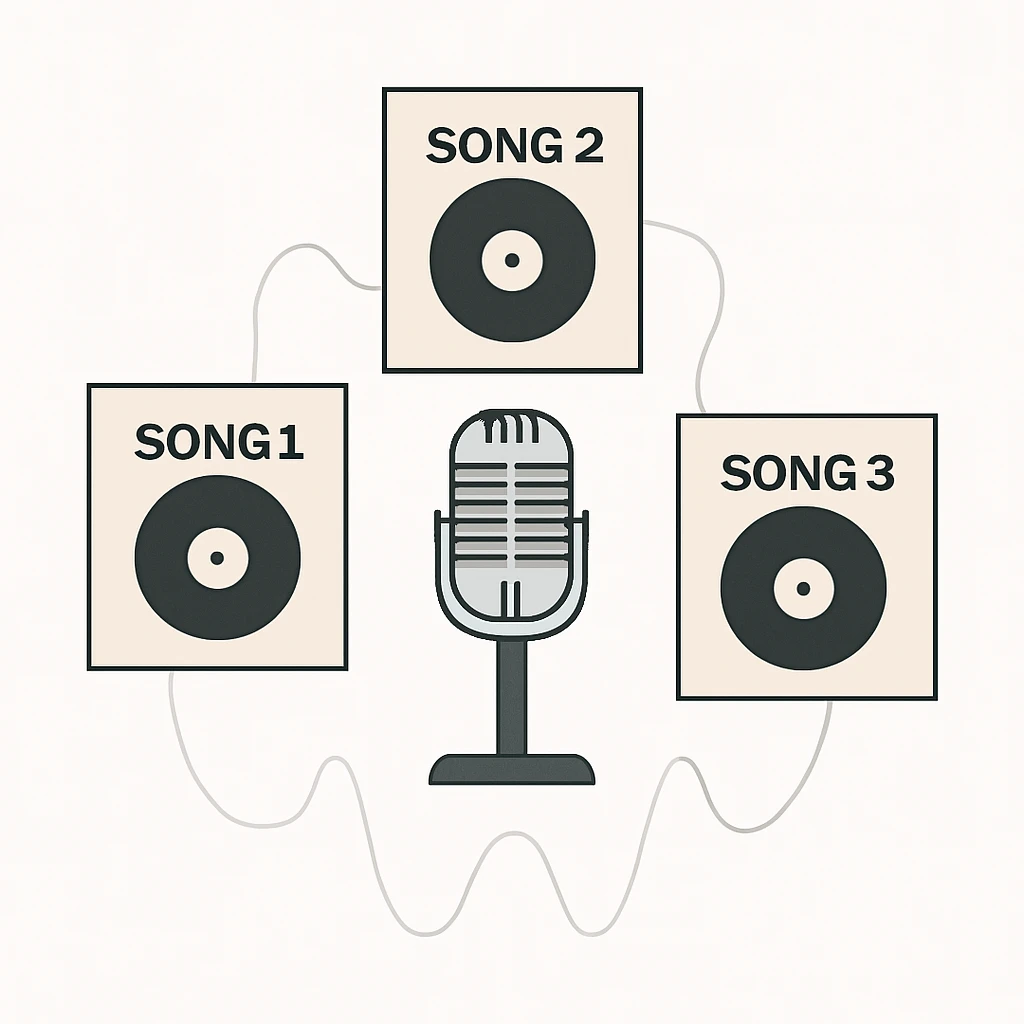
Udio Voices lets you select a consistent vocal identity from the Voices Library or your eligible songs, then reuse it across new tracks, and optionally combine it with Styles for cohesive albums.
- Voices launched Sept 11, 2025, with subscriber features open to all to try through Sept 25, 2025. [fn n="1"]
- You can use library voices on any tier, saving and reusing voices and adjusting strength are subscriber features. [fn n="1"]
- Uploading your own voice as a source is not available at this time, and songs tied to uploaded audio are excluded. [fn n="1"]
- Style blending supports two references with a balance slider for sound cohesion. [fn n="3"]
- Export WAV, MP3, and subscriber stems for DAW finishing, observe legal and credit rules. [fn n="7"] [fn n="4"]
- Be mindful of the current legal climate around AI music and rights management. [fn n="6"] [fn n="8"]
Why consistent AI vocals matter in your catalog
Margabagus.com – A catalog with one recognizable voice can lift retention, repeat listening, and brand recall. I want you to have a repeatable way to achieve that with Udio, where you can select a voice identity, then carry it across songs without the usual prompt gambling. Udio’s Voices feature gives you a direct control for the vocal character, while Styles gives you a way to keep arrangement and texture coherent across tracks.[1]
Data points help you decide whether it is worth your time. Voices launched on September 11, 2025 as an early access feature for subscribers, and subscriber only aspects are free for all members to try through September 25, 2025. Styles launched on March 31, 2025 with guidance to blend two references using a simple slider, a practical tool when you craft a multi song project.[2] [3]
Before we dive in, a quick reality check on rights. Udio’s help center says you own the output, you can use it for commercial purposes, and you must avoid inserting copyrighted material you do not own. The broader legal landscape keeps evolving, and major labels have active lawsuits against AI music startups, so your risk controls matter. I will show you practical safeguards later in this guide.[4] [6] [7]
Check out this fascinating article: Udio Pricing Plans (2025) Review: Free vs Standard vs Pro, Credits, and Real Cost per Song
What Udio Voices actually is, availability, and current limits
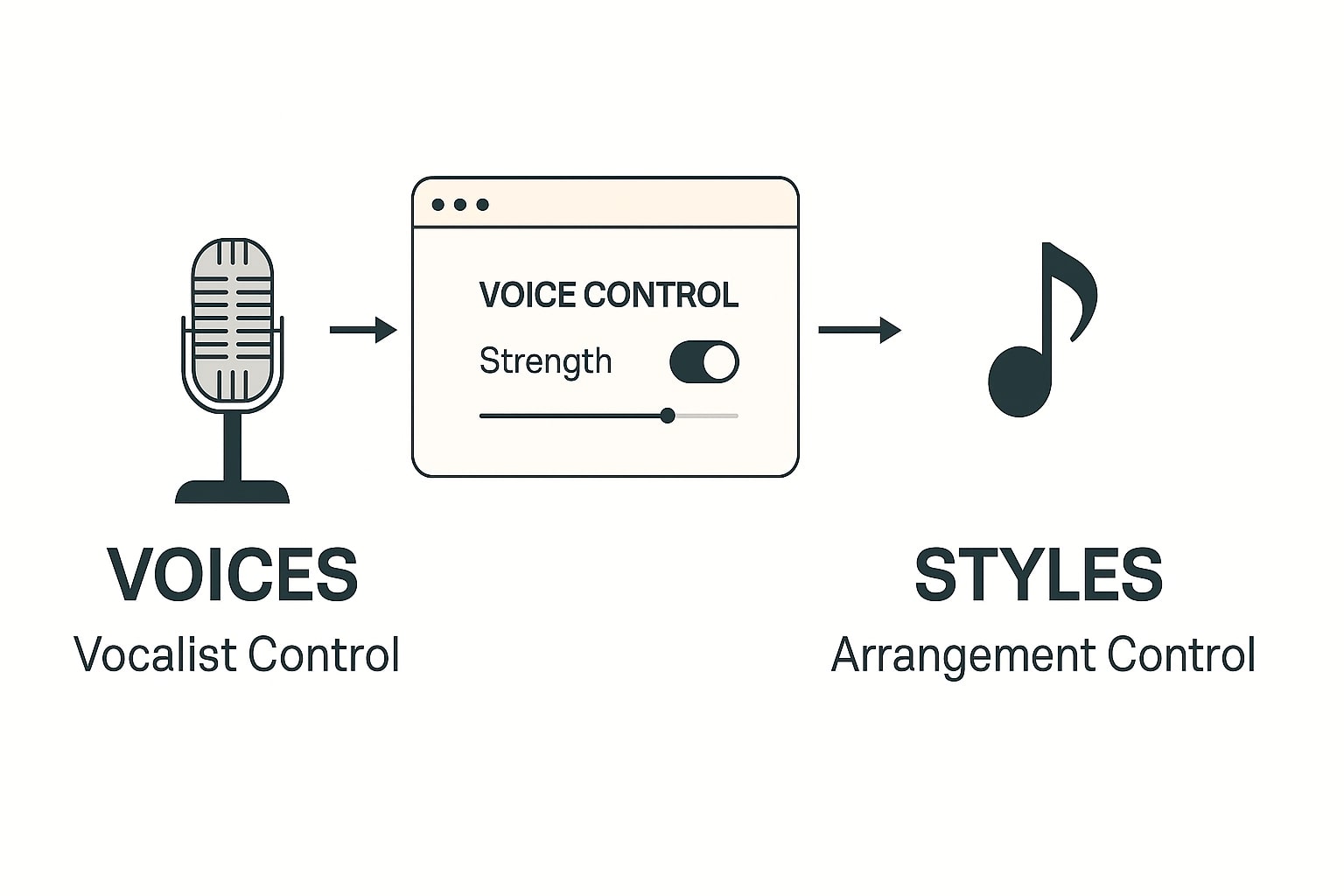
Udio separates Voices and Styles. Voices targets the singer identity, while Styles targets arrangement, feel, and texture, which you can reference from other Udio songs or uploaded clips. For our purpose, Voices is the core lever for consistent vocals across songs.[1] [3]
Availability matters for planning. Voices works on the web interface, including mobile web, and it is not available in the iOS app as of now. You can use voices from the Voices Library on any tier. Using and saving voices from your own songs, adjusting voice strength, and advanced control including style blending are subscriber features, with a free try period through September 25, 2025.[1] [2]
There are constraints to respect. You cannot upload your own voice as a source at this time, and you cannot use Voices with songs tied to uploaded audio, including remixes and extensions. Songs created in June 2024 or earlier, and songs made by other creators, are also excluded for voice reuse. These rules matter when you build a reusable voice library.[1]
Reuse a voice from one of your songs, the clean setup
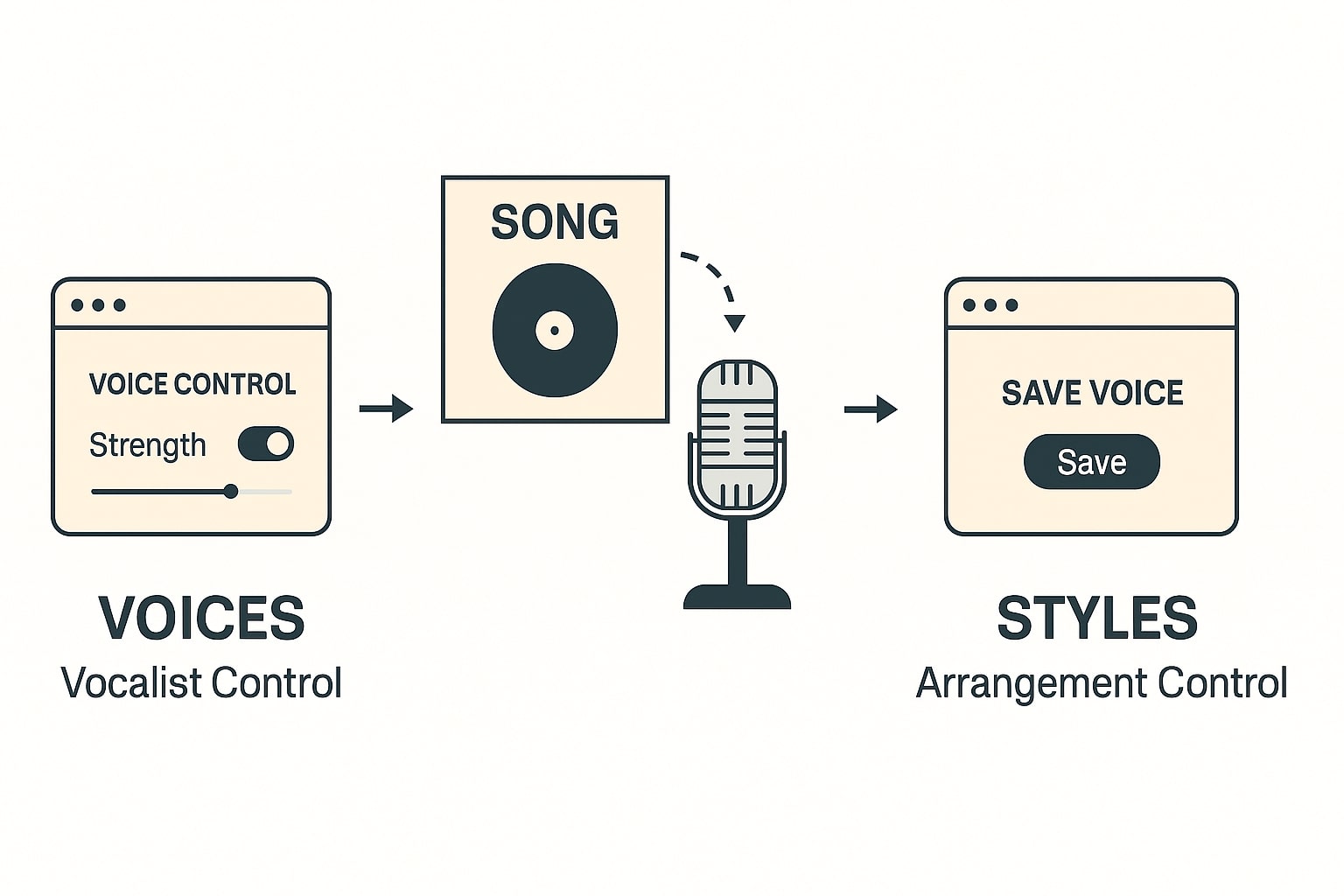
To get a reusable vocal character, you begin with any eligible song you created on Udio. I recommend you choose a track that already sounds close to your ideal singer, since the reuse feature follows that identity. The moment you create a new song using that voice, you can then save the voice for later.[1]
Step by step, do this on the Create page
- Open Create, choose Describe your song or Use a Style as usual, then toggle Voice Control on.
- Drag a voice from the Voices Library or drag one of your eligible songs from your library panel into the voice drop area.
- Set Voice Strength. The Udio team notes the default is often best, and maximum strength does not always equal best matching, experiment around the default.
- Generate two to four candidates, keep the best, move on.[1]
Once you have used a song’s voice in another song, the system allows you to Save that voice for convenient recall, which is the small trick that makes a consistent album workflow viable.[1]
Save, name, and organize voices for fast recall
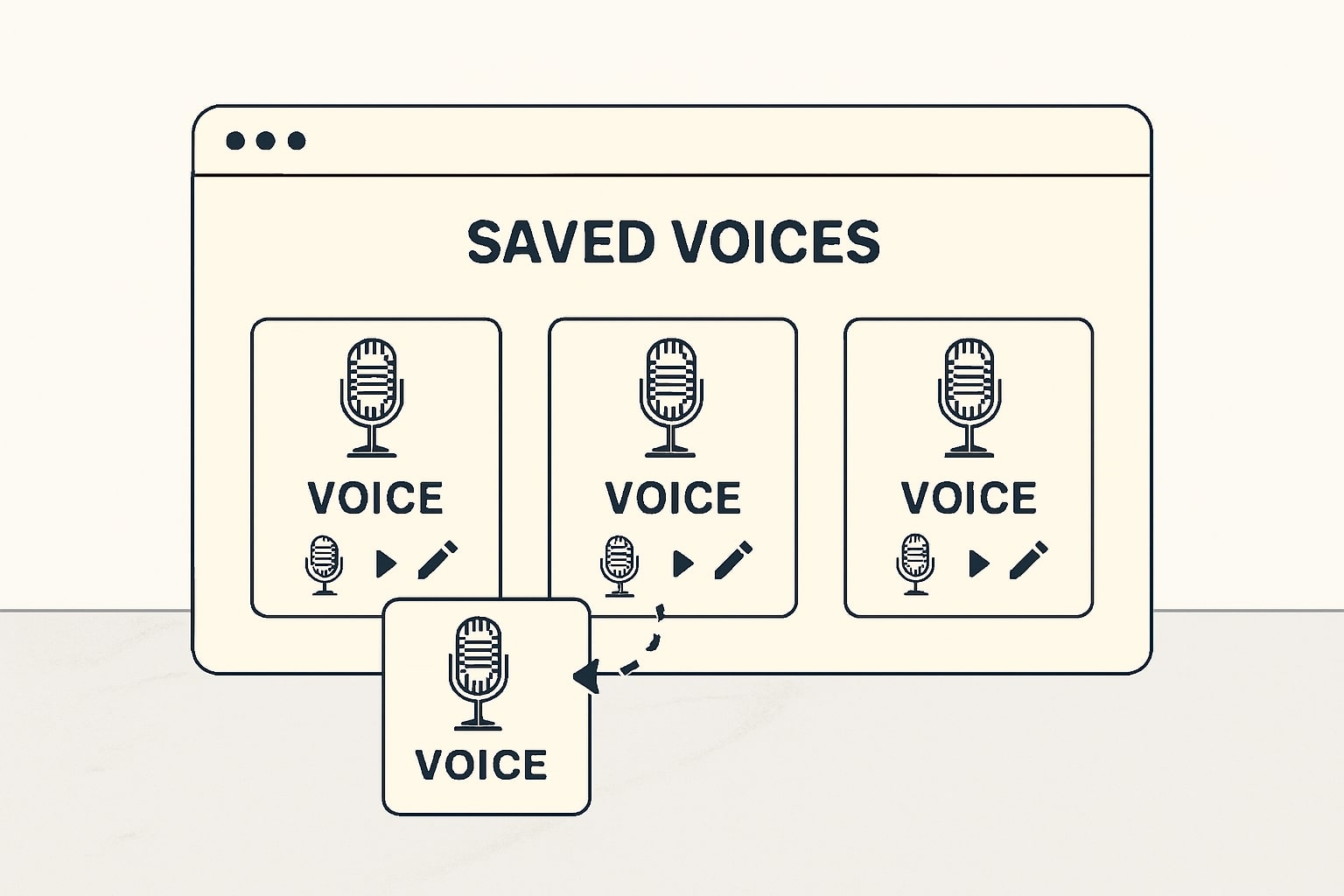
After you have successfully used a voice from your song in a new generation, open the Saved tab in the Create page. You can preview and select a saved voice from there, and you can rename it for clarity. I suggest a naming scheme that encodes genre, register, and tone, for example, “Alto Warm Narrator v01”.[1]
Why this matters for you. When you come back to write a hook for a later single or produce a deluxe edition of your EP, you avoid prompt drift and you save time. You also make collaboration easier, because a saved voice turns a fuzzy description into a selectable asset your team can reuse. I have seen this reduce the number of regeneration rounds meaningfully.
Keep your voice bank tidy. If you later discover a better rendition of the same character, add a version number and note the recipe in your project log, which makes A and B testing easier across sessions.
Blend a reused voice with Styles for cohesive sound
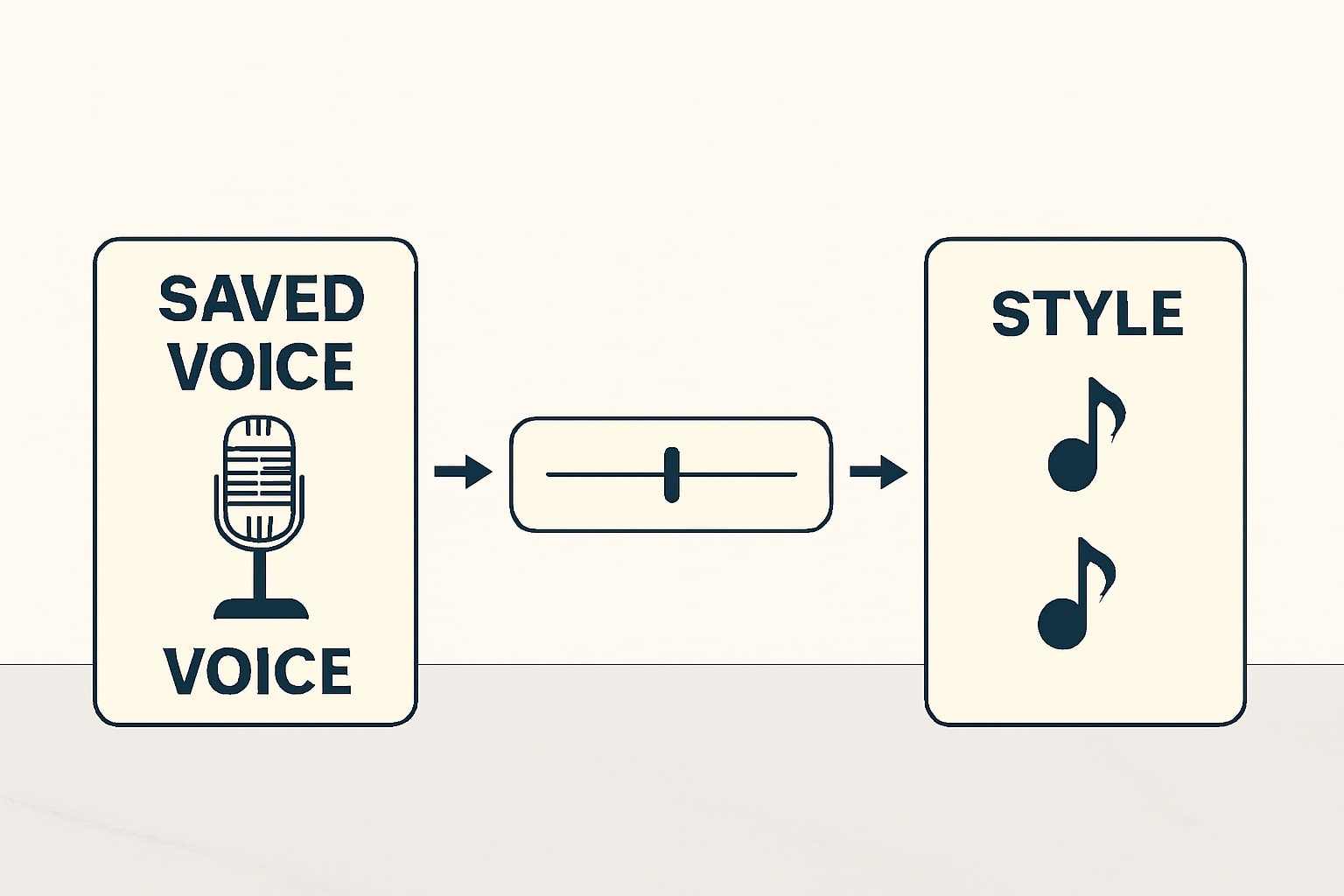
Voices sets who is singing, Styles sets how the band plays. In many catalog projects, I want the same singer across tracks with an evolving arrangement. Udio’s Styles feature allows you to pick one or two references, including a mix of an existing Udio song and an uploaded audio clip, then balance them with a slider. The help center notes a neutral midpoint or slight bias can yield stable results.[3]
In practice, I ask you to choose one anchor reference from your earlier single, then a second reference that introduces the new flavor you want in the next track. Keep the same saved voice, dial the style balance around midpoint first, test a small n of candidates, then iterate. This gives you continuity without monotony.
Remember, saving and reusing your own voices and style blending controls are subscriber features, and the free try window ends September 25, 2025. If you rely on this in production, bake the subscription into your cost model.[1] [2]
Field test, build a three song mini EP with one voice
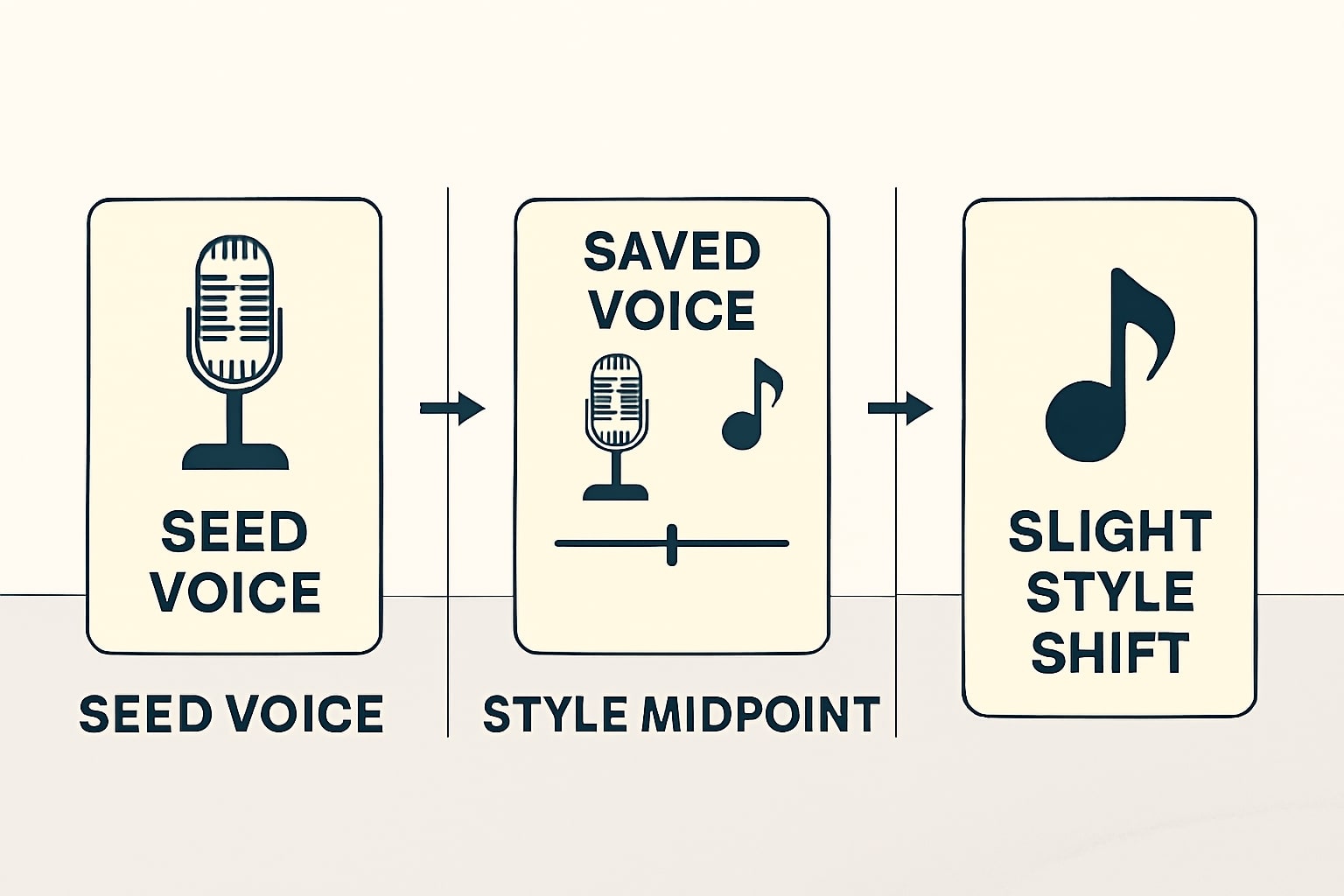
I want you to be able to reproduce this from start to finish, so here is a compact test that gives you measurable outcomes.
Goal
Three songs that share the same singer identity, with a coherent sonic palette that evolves across tracks.
Recipe
- Seed voice, create a first track with a voice you like from the Voices Library, lyrics on, key C minor, tempo around 92, mood melancholic but hopeful, genre alt pop.
- Use then Save the voice after you reuse it in the second track, this unlocks fast recall later.
- Styles blend for track two, set Style A to your track one, Style B to an uploaded clip with a brighter drum groove, balance near midpoint, keep the saved voice.
- Contrast without breaking identity for track three, keep the same saved voice, switch Style A to track two, Style B to a clean piano ballad clip, nudge the balance slightly to the piano side, keep tempo within five bpm of your earlier tracks.[1] [3]
What to measure
Listen for vowel consistency on sustained notes, consonant articulation on plosives, and sibilance character. Check that hook phrasing stays inside a recognizable range. If variation becomes too strong, lower voice strength a little or reduce the style slider movement near midpoint, the help text suggests the default voice strength often yields the best match.[1]
Export WAV, MP3, and subscriber stems for finishing in a DAW
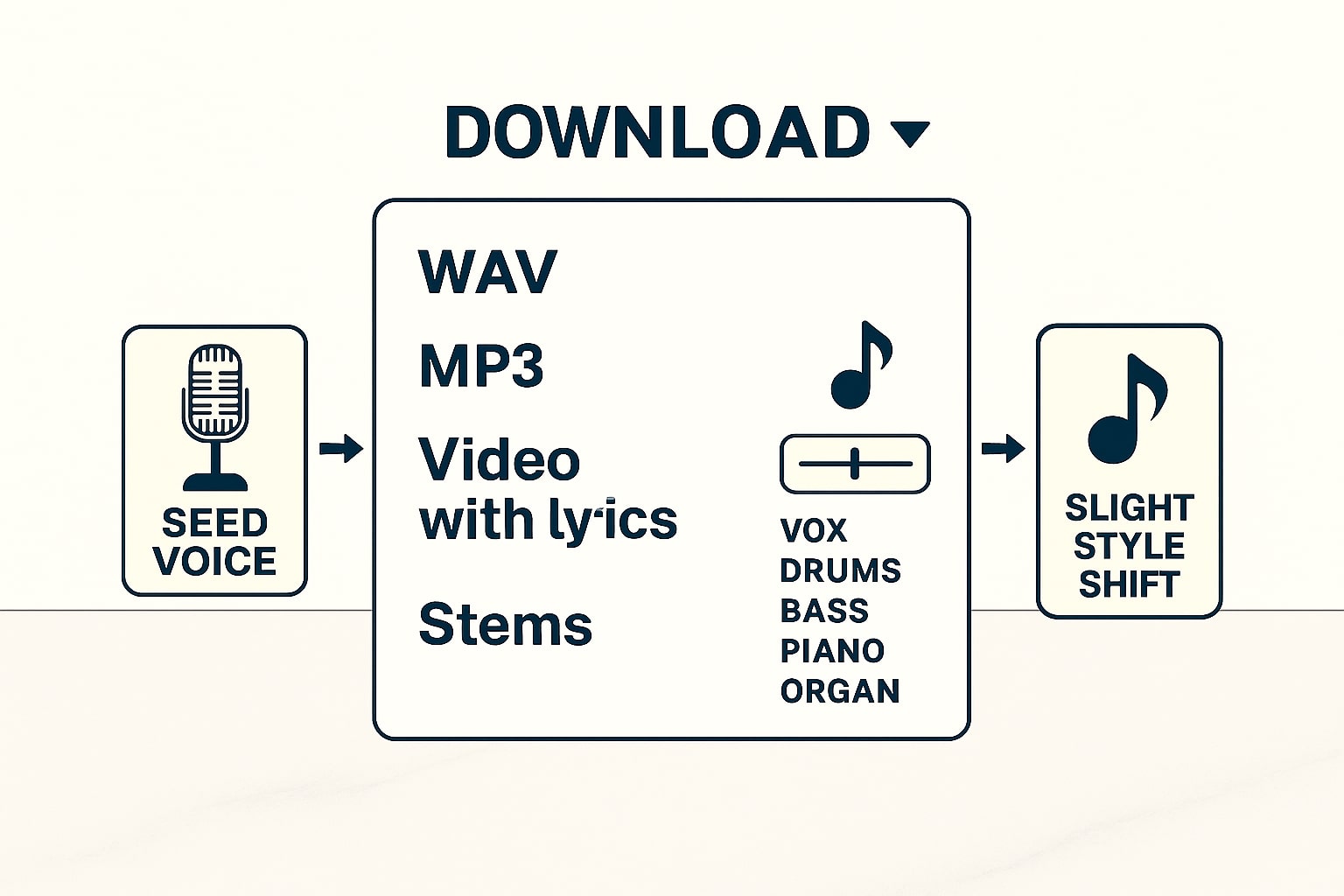
When you complete generation, export your masters. Udio supports MP3 and WAV, with WAV being uncompressed and the right choice when you plan to mix or master in a DAW. You can also export video with lyrics if the song includes them.[7] [9]
Subscribers can download stems labeled Vocals, Bass, Drums, Other, which are delivered as uncompressed WAV files. Use stems to rebalance the mix, tuck vocals under side chain compression, or swap drums while retaining the same singer identity. Users sometimes report variability in stem quality, so evaluate before committing to a workflow that depends on surgical separation.[7]
If you only need a quick master for social, MP3 is sufficient. When you head to distribution or plan heavy processing, always keep the WAV master in your archive, it preserves headroom and detail. As a rule of thumb, an uncompressed three minute song can be thirty megabytes or more, factor this into storage and collaboration. At 44.1 kHz, 16-bit stereo PCM, an uncompressed WAV runs at ~1,411 kbps (≈10.1 MB per minute), so a three-minute song is roughly 30 MB, which you should factor into storage and collaboration.[10]
Rights, attribution, and risk management you should not skip
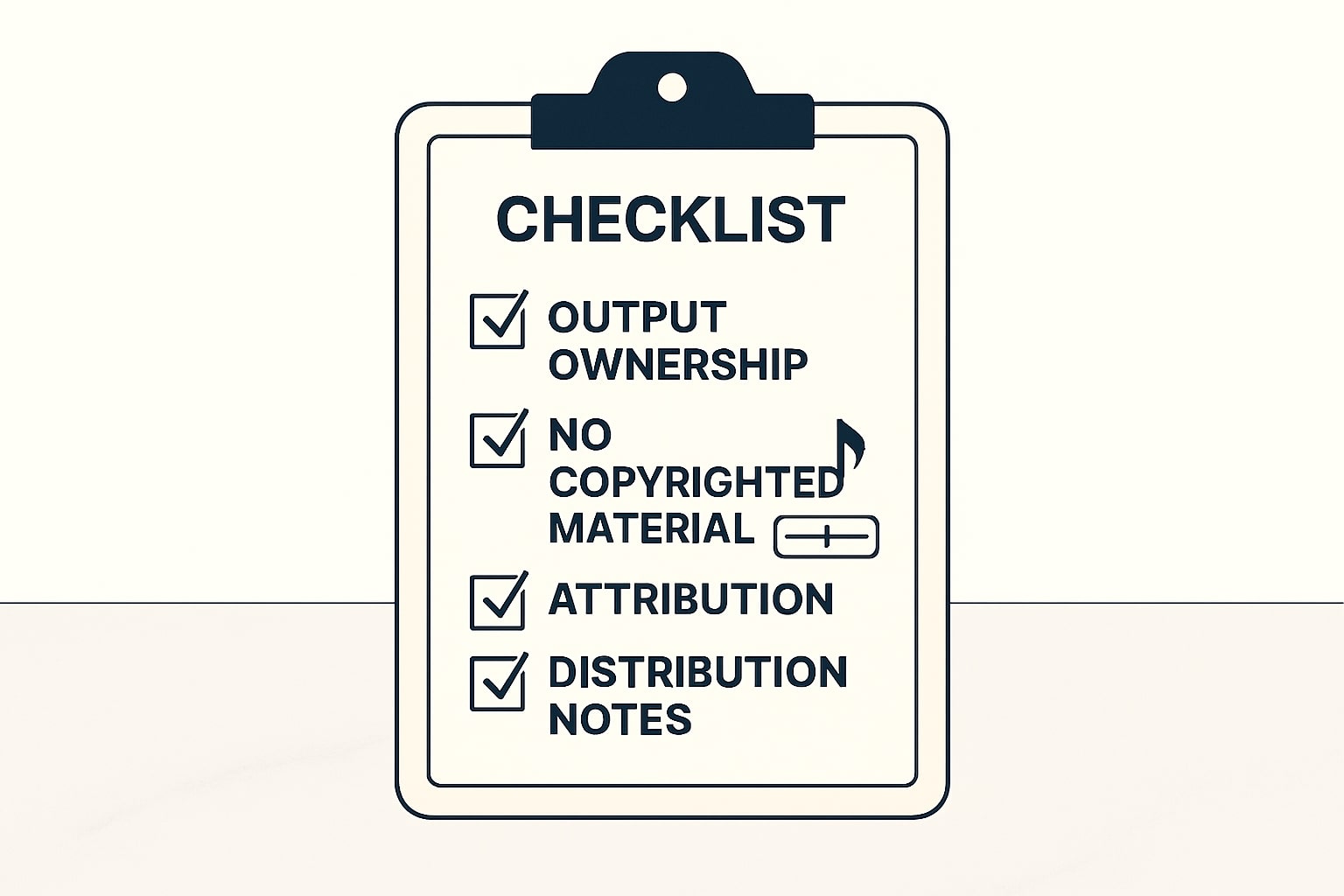
Udio’s help material states you own your output and can use it for personal and commercial purposes, provided the content does not include copyrighted material you do not own or do not have permission to use. If you used a free account at the time of creation, attribution to Udio is required based on help center guidance, use a reasonable credit where practical. Always review the Terms of Service and the Usage Rights section before publishing.[4] [5]
The legal climate is active. In 2024, major labels filed lawsuits against AI music generators, and in 2025 industry reporting described licensing talks between labels and these platforms. I am not offering legal advice here, I want you to be aware of the context so you can capture upside without stepping on a compliance landmine. When in doubt, consult counsel.[6] [8]
Troubleshooting voice consistency and quality
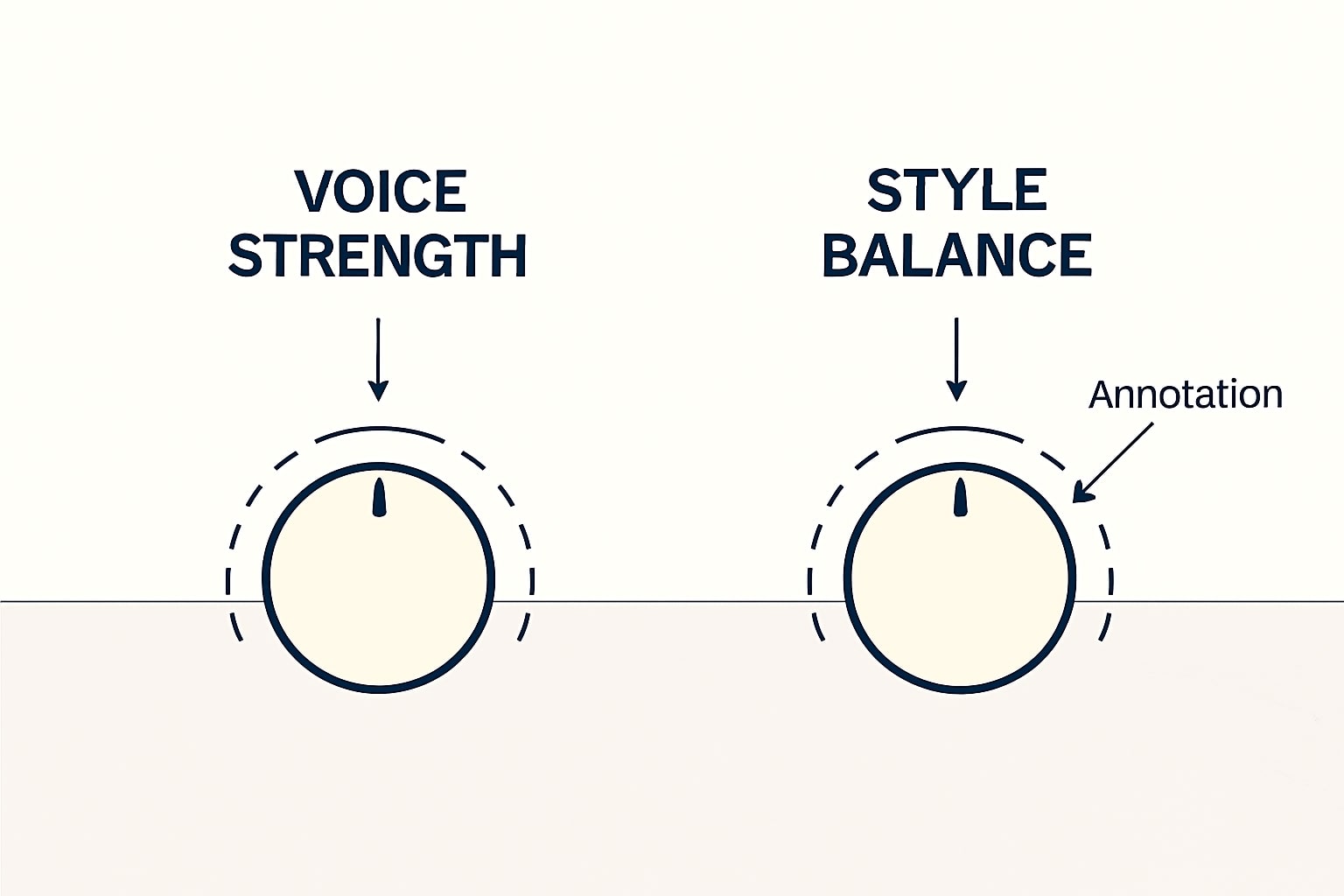
If your vocal identity drifts too far between songs, lower the Voice Strength a little instead of pushing it to maximum, the help text suggests the default often performs best. Reduce extreme changes in your style blend slider, then regenerate a small number of candidates and compare vowels and consonants carefully.[1] [3]
When sibilance or harshness shows up, export stems if you are a subscriber, then handle de essing and tonal shaping in a DAW rather than forcing another generation round. If the stems quality does not meet your bar for surgical edits, fall back to full mix WAV and target broad EQ bands, then bus compress gently.[7]
If you cannot access a song for Voices reuse, verify eligibility. Songs older than June 2024, songs by other creators, and songs linked to uploaded audio are excluded from voice reuse. Create a fresh track with a similar recipe, then try again with the new one.[1]
Check out this fascinating article: Udio vs Suno 2025: Complete AI Music Generator Comparison
Workflow template you can copy for new projects
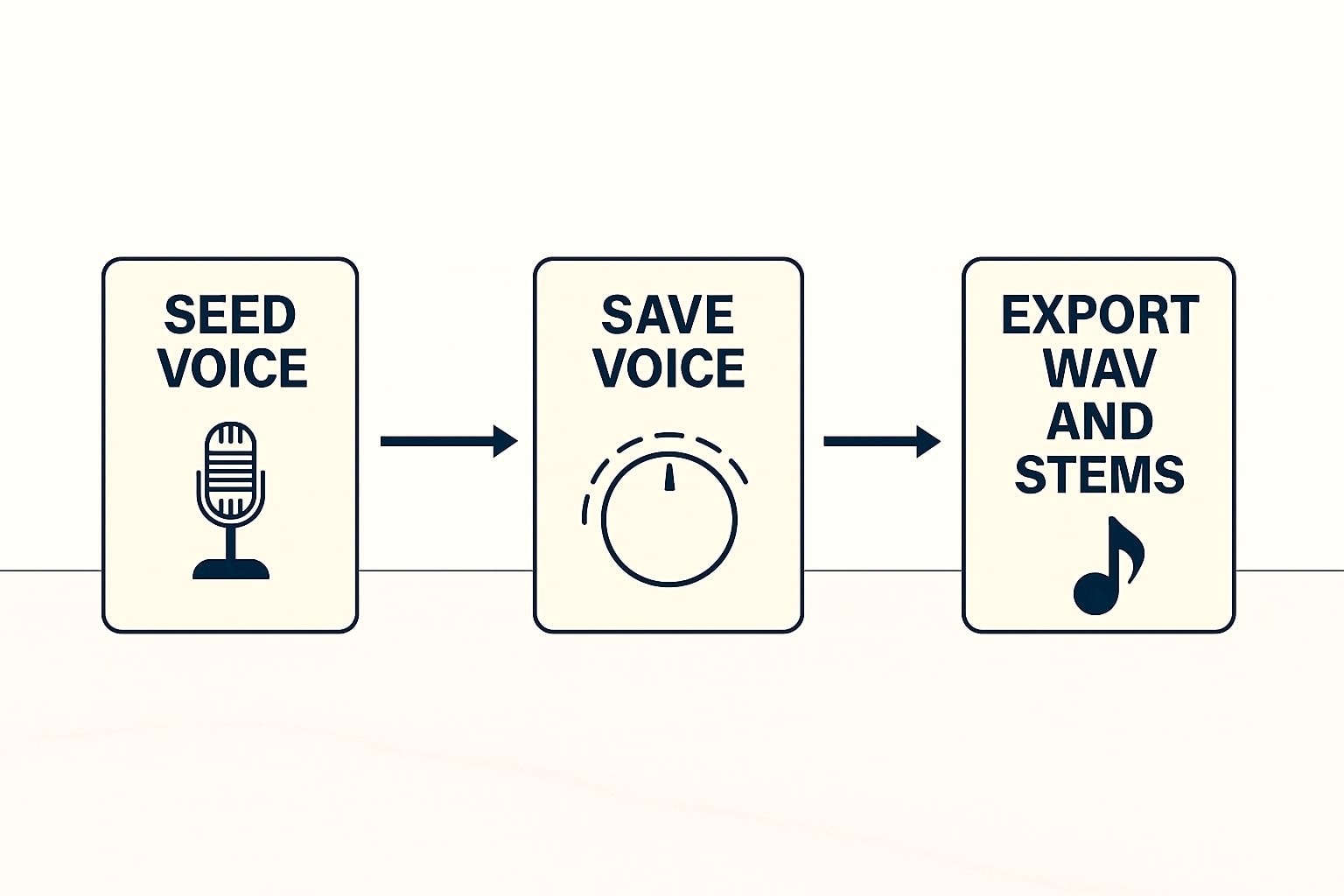
I prefer a two track rehearsal before album work. Start with library voice, style reference from an earlier favorite, and the same key, tempo, and lyric perspective. Use then save the voice, export the WAV, and keep the recipe. On track two, keep the saved voice, adjust style balance a little, export stems only if you plan a deep mix in your DAW. This small warm up often prevents later surprises.[1] [3] [7]
Try it, refine it, then scale your catalog
The small advantage of voice reuse compounds over time. When you can bring back the same singer identity on demand, you can produce sequels, deluxe cuts, and collabs that feel like they belong together. If you are building a library for content marketing or for sync pitches, this consistency reads as professionalism. I invite you to run the three song field test above, share what you hear, and ask questions in the comments so I can help you fine tune the workflow.
References
- Udio Help Center — Voices
- Udio Help Center — Changelog, Voices launch Sept 11, 2025
- Udio Help Center — Styles, blending two references
- Udio Help Center — Usage questions, ownership and commercial use
- Udio — Terms of Service
- Reuters — Music labels sue AI companies Suno, Udio
- The Verge — AI music legal context and licensing
- Music Business Worldwide — Labels in licensing talks with Udio and Suno
- Udio Help Center — Share your song, export formats
- Wikipedia — Compact Disc Digital Audio (44.1 kHz, 16-bit stereo ≈ 1,411 kbps)
Ready to apply this to your business?
Let's Talk Strategy →